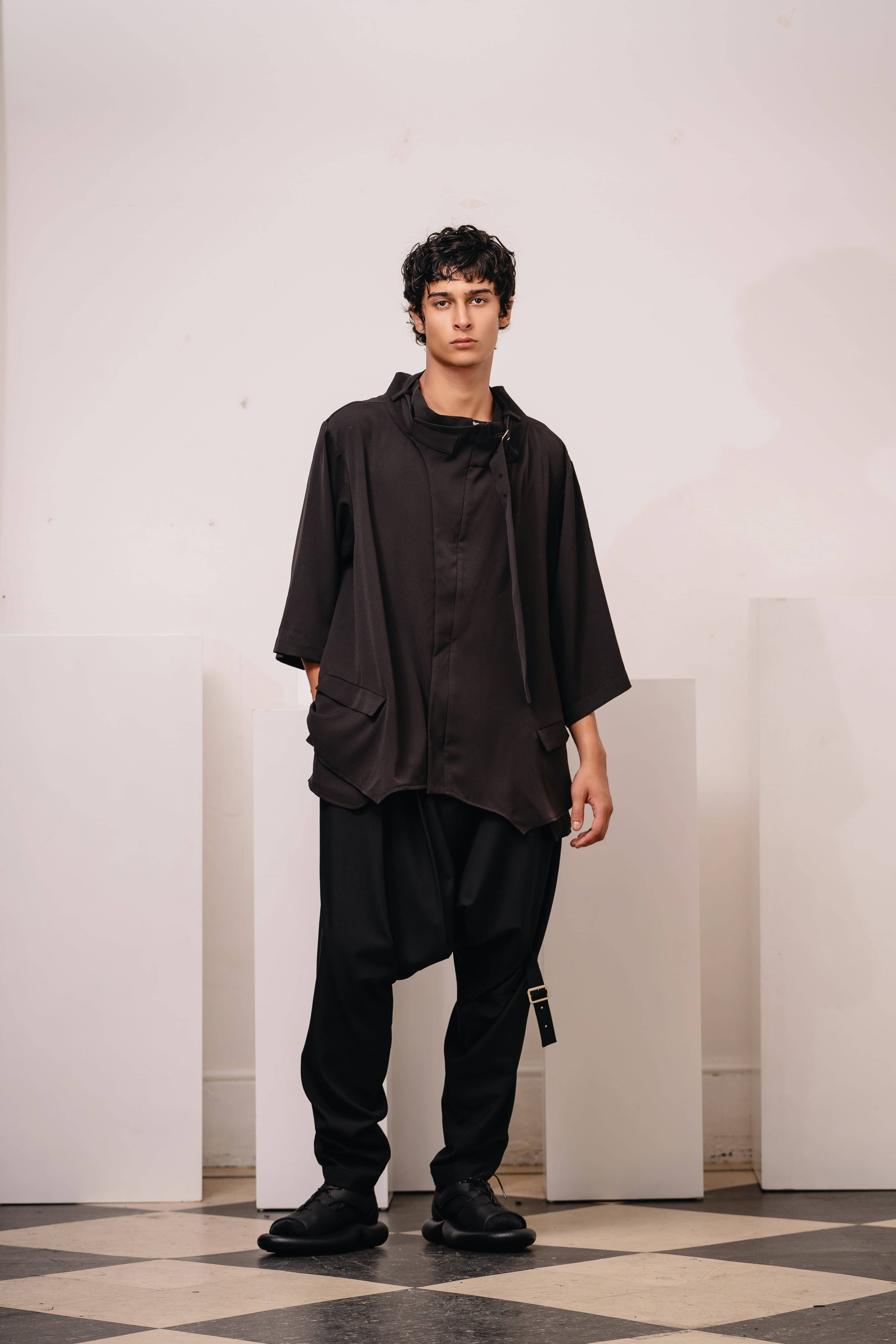
Tip: For best results, use a sharp photo with a clear, centered subject. Start free with credits and iterate until footwork reads cleanly.
50 credits per generation (use free credits to generate)
Generated video will appear here
ExampleWrite Your Vision
Describe your video in plain language—scene, motion, and style.
Refine & Iterate
Adjust prompts and settings until it looks right.
Export Anywhere
Download and share anywhere—social, ads, websites, and presentations.
Ghost Step Dance FAQ
Use a clear, well-lit photo with a single subject. Full-body or half-body shots often work best for a ghost step dance effect.
Yes. You can start free with credits and daily bonuses, then upgrade when you need higher limits or faster queues.
This ghost step dance effect generates a 5-second video at 720p. The video keeps the same aspect ratio as your input image.
Each ghost step dance generation costs 50 credits.
Failures can happen due to low image quality, unclear subjects, content policy checks, or temporary service errors. Try a clearer photo or retry later.