AI Vector Graphics

AI SVG Generator

Create vector-style logos, icon sets, mascot art, and clean scalable graphics from prompts or reference images.

Use our AI SVG Generator when you need sharper shape language and cleaner asset logic than a normal image prompt can provide. It is designed for logo directions, UI icons, geometric posters, mascot graphics, and diagram-like visuals that should feel structured and vector-ready.

Minimalist leaf logo, flat vector, clean lines, elegant typography, transparent backgroundSet of mobile app icons, crisp outlines, balanced spacing, product design aestheticCute cat mascot for merchandise, bold vector colors, sticker-friendly contoursIndustrial gear blueprint, precise line work, laser-cut schematic style, engineering diagram
Vector-Style Output
Push prompts toward clean outlines, simplified forms, icon logic, and scalable-asset aesthetics.
Asset-Focused
Useful for logos, UI symbols, mascots, diagrams, technical marks, and geometric compositions.
Prompt or Remix
Start from text or use an existing sketch, photo, or raster design as a cleaner vector-style direction.
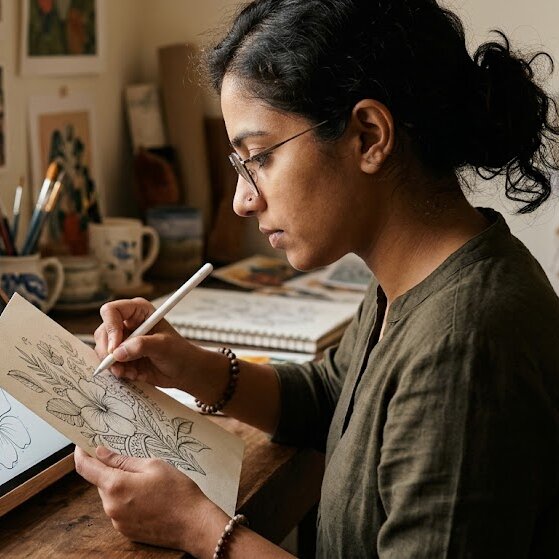
An artist drawing a sketch that can be converted into a digital vector-style graphic
Featured Workflow
From hand-drawn sketch to structured vector direction

Start with a prompt that biases the model toward simplified geometry, crisp edges, and cleaner SVG-like styling, then refine in the studio for logos, icons, diagrams, and brand marks.

Explore Diverse Styles

Discover a wide range of SVG styles and themes

Our AI SVG Generator supports a variety of styles, from dynamic web design elements to compelling marketing visuals, unique app icons, and educational diagrams. Get inspired by examples tailored for various industries and purposes.

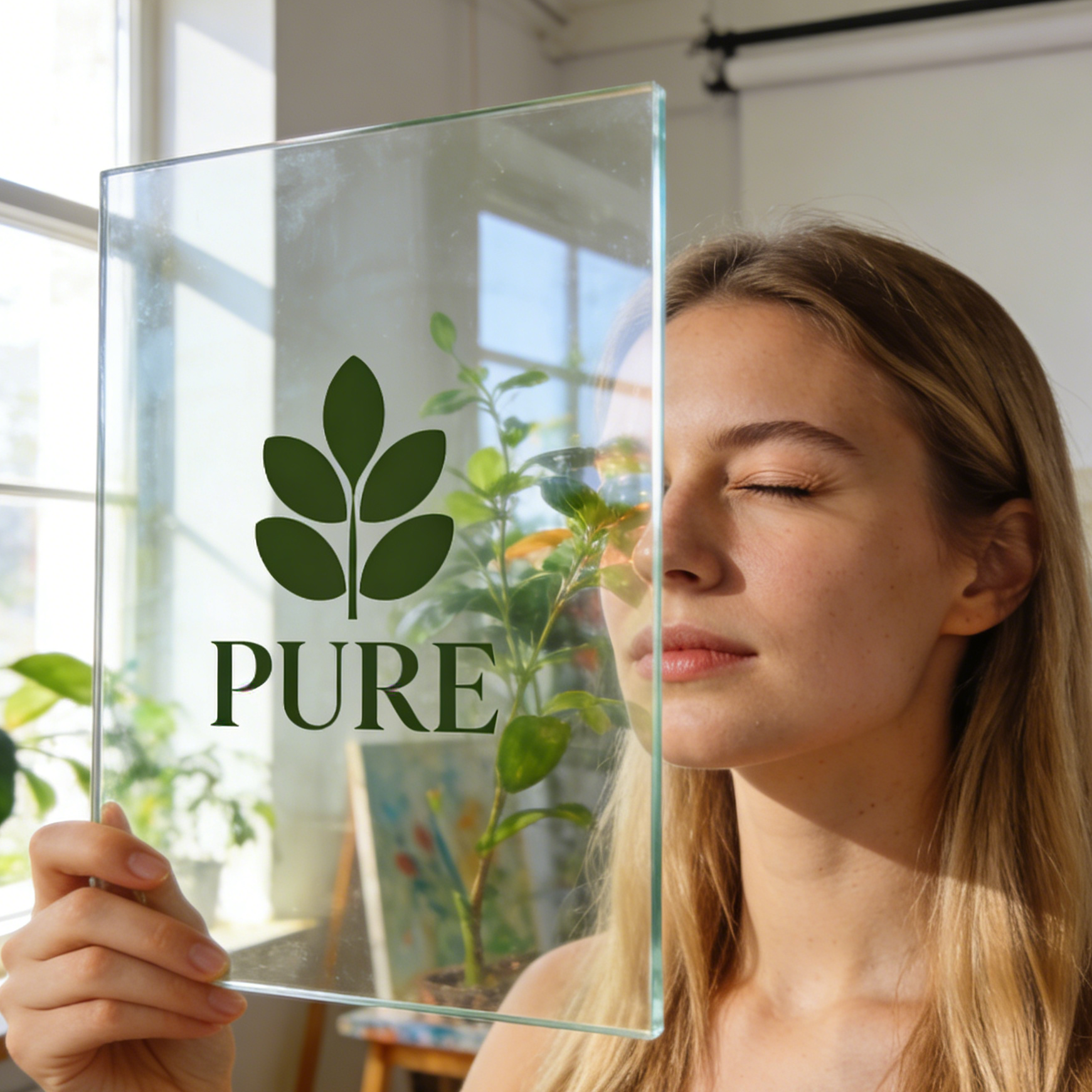
A minimalist leaf vector logo displayed on a transparent glass pane
Branding

Minimalist Leaf Logo

A clean, modern vector logo perfect for eco-friendly brands, featuring simple shapes and balanced composition.

Minimal eco logo, flat leaf icon, clean vector branding, premium mark presentation, controlled negative space, sharp scalable silhouette.

A designer adjusting vector icon path anchors on a professional tablet
UI/UX Design

Navigation Icon Set

A cohesive set of outline icons designed for intuitive mobile navigation and user interfaces.

Navigation icon set, compass-centered vector interface, crisp outline symbols, app-design grid, clean tablet UI mockup.
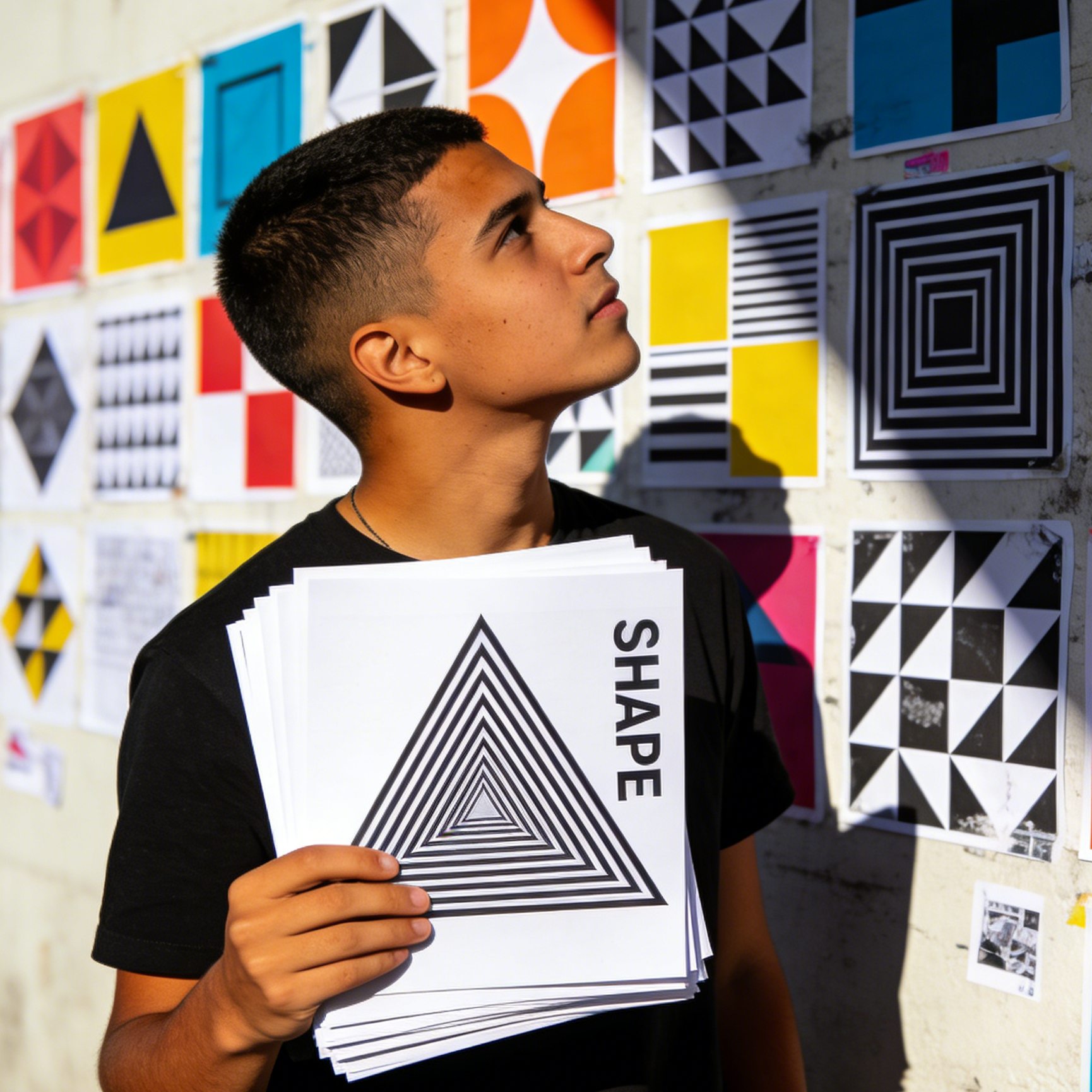
A youth holding a geometric vector print in a modern studio
Geometric Art

Abstract Geometric Poster

Bold, modular geometric patterns in black and white, ideal for modern art prints and visual statements.

Geometric vector poster, modular black-and-white shapes, optical pattern print, bold scalable composition, art-school wall display.
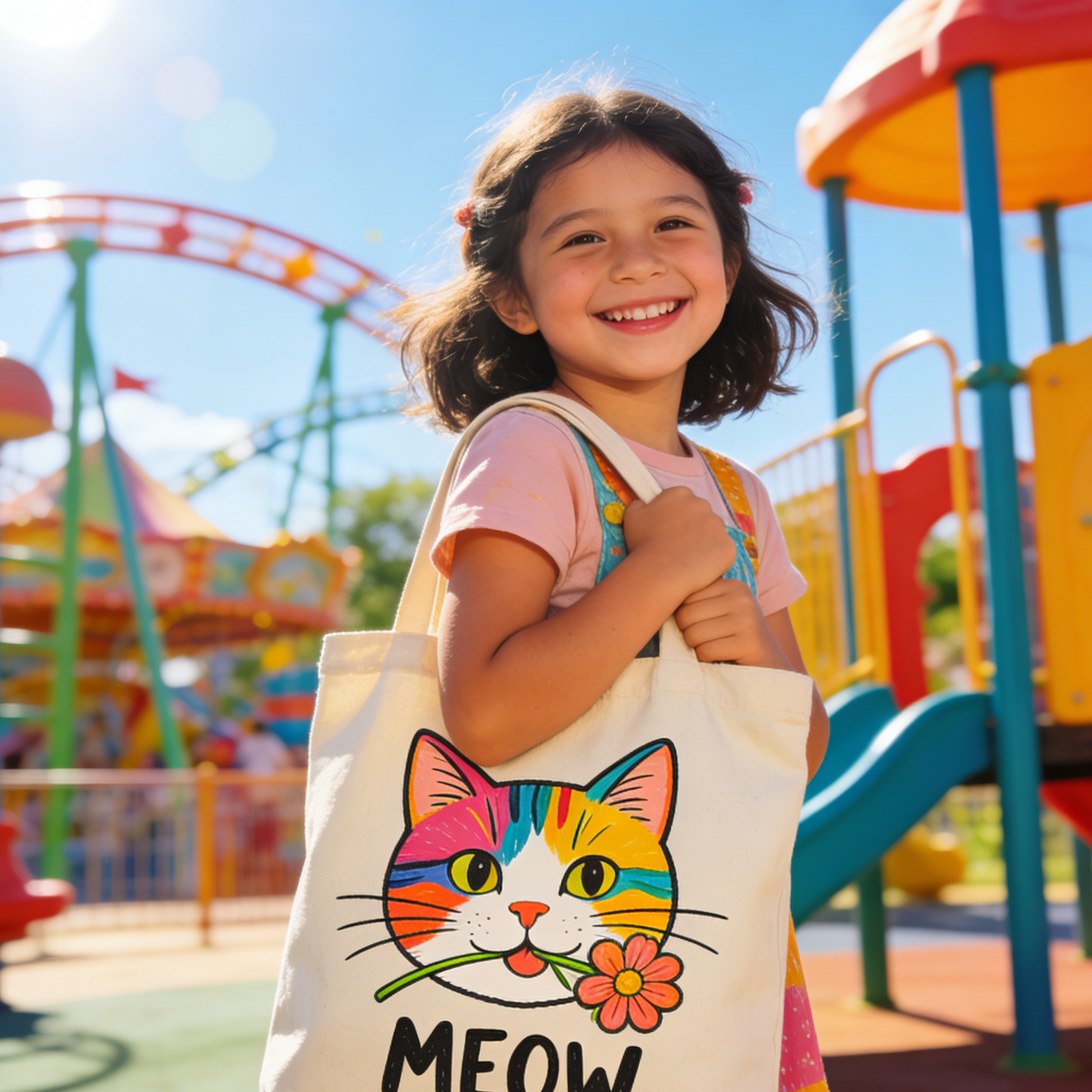
A canvas bag with a vector cat mascot held by a happy girl
Character Design

Playful Cat Mascot

A cheerful vector mascot with bold outlines and flat colors, perfect for merchandise and social media.

Cute cat mascot vector, merch-ready illustration, bold outlines, flat colors, tote bag graphic, cheerful sticker aesthetic.
An engineer laser-cutting vector parts based on SVG blueprints
Industrial Design

Precision Gear Cutfile

Detailed vector blueprints of gears, suitable for laser cutting, mechanical diagrams, and manufacturing.

Industrial vector blueprint, gear outlines for laser cutting, precision schematic style, machine-safe geometry, manufacturing graphics.
A developer reviewing vector paths on a high-tech monitor
Development & Tech

Developer Node Symbol

A clean, technical vector symbol for software development, node diagrams, and system interfaces.

Developer vector symbol, node-based product logo, technical outline mark, screen UI path editing, clean system graphic.
Real-World SVG Examples

See how our AI SVG tool transforms ideas into tangible vector assets

From dynamic web design elements and compelling marketing visuals to unique app icons and educational diagrams, get inspired by examples tailored for various industries and purposes.

An artist converting a hand-drawn sketch into digital vector paths
Sketch Conversion

Sketch to Vector Path

Transform hand-drawn sketches into clean, scalable vector graphics for logos, illustrations, or digital assets.

A traveler holding a route map design in front of a city landmark
Mapping & Travel

Travel Route Visual

Create clear, concise route maps and travel graphics for websites, apps, or print materials.

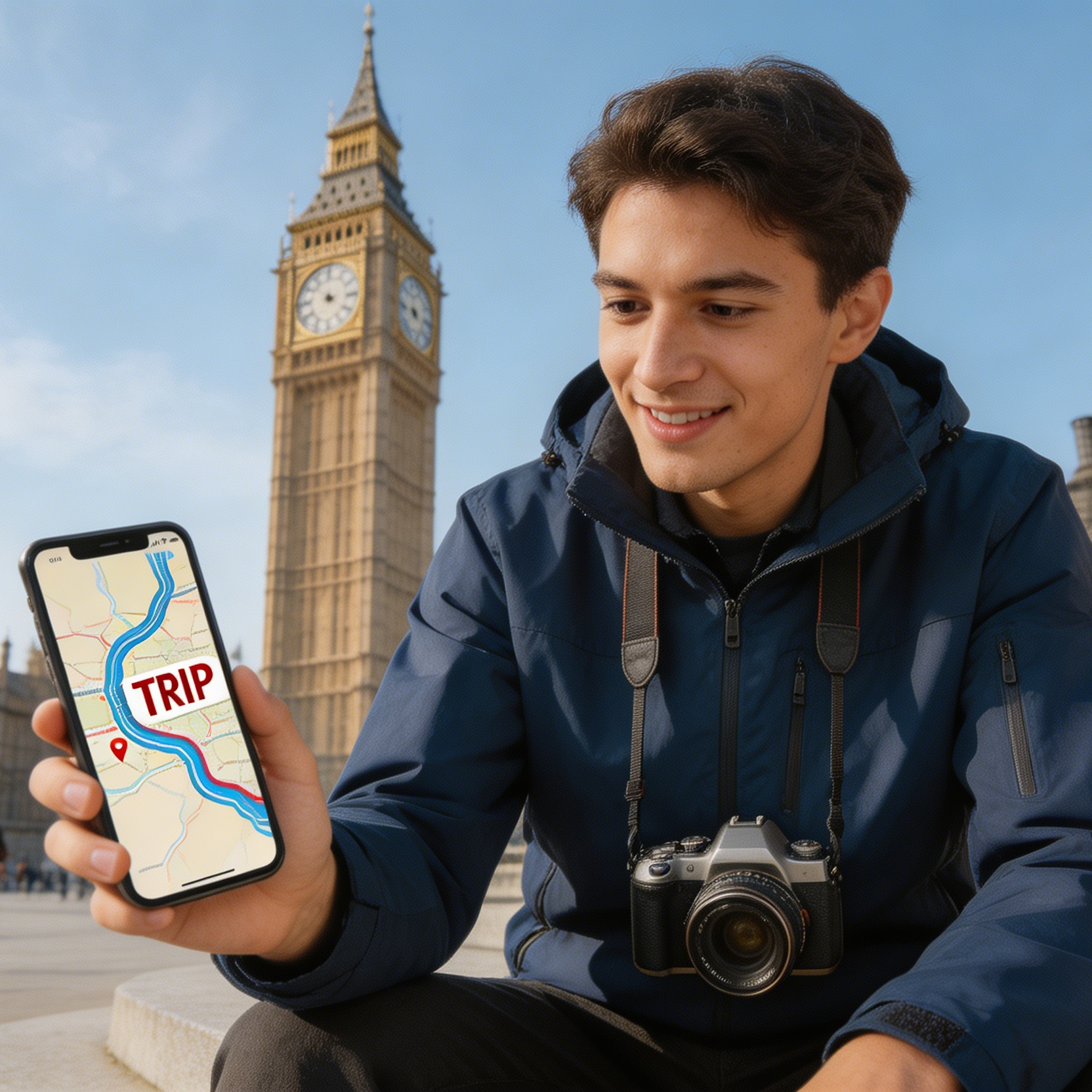
A traveler using a phone with a trip route visual in front of a historic plaza
Travel UI

Guide App Graphic

Design mobile-friendly travel graphics for wayfinding, tourism apps, and itinerary cards.

A manager reviewing luxury shop vector icons on a screen
E-commerce

Shop Interface Icons

Develop a consistent set of vector icons for e-commerce dashboards, product categories, and online retail visuals.

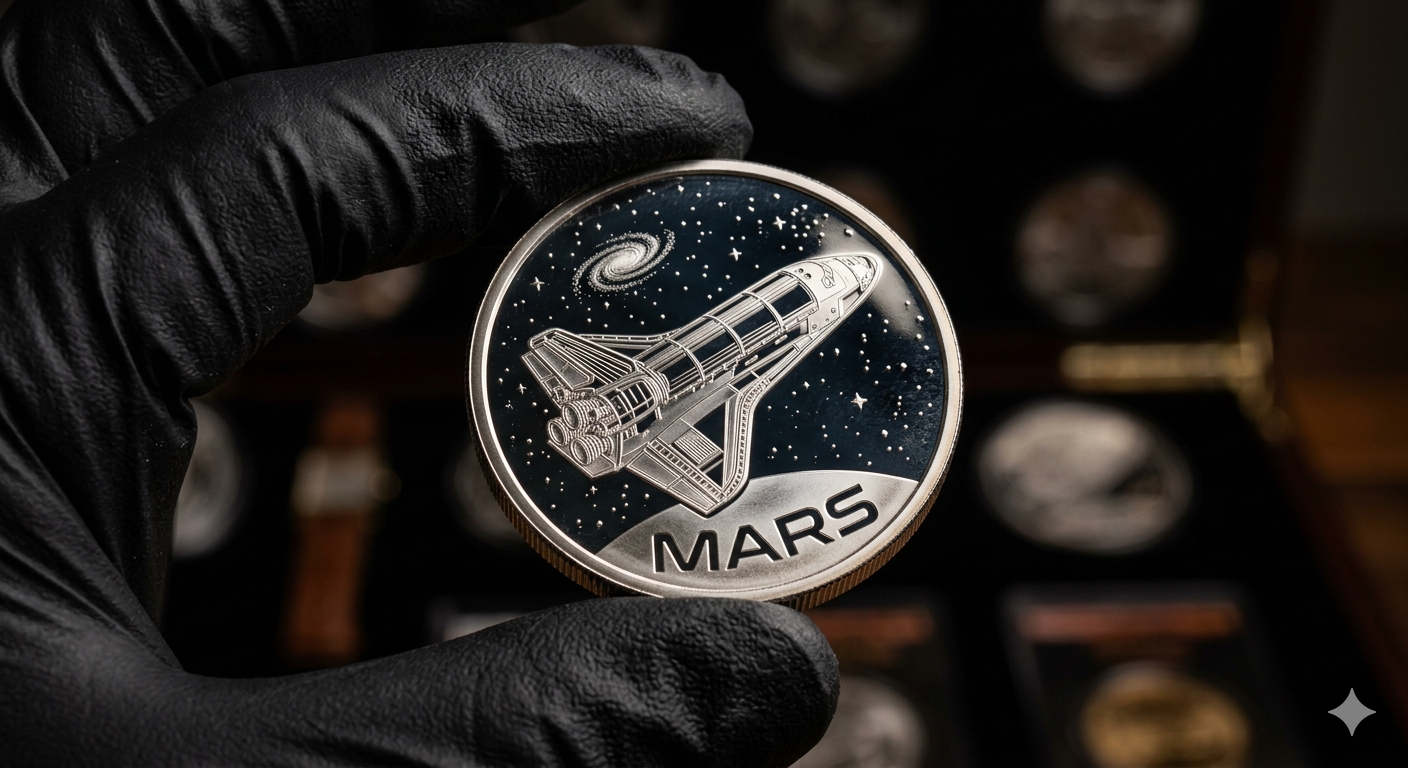
A commemorative coin featuring MARS text and a vector space shuttle
Collectible Design

Commemorative Mars Coin

Generate intricate vector designs for commemorative coins, medals, or etched product graphics.

An engineer fabricating vector gear designs with industrial machinery
Manufacturing

Gear Fabrication Board

Produce precise vector drawings for CNC previews, fabrication diagrams, and mechanical cut patterns.

Design with Confidence

Make vector-style generation cleaner, faster, and easier to direct

When users ask for SVG, they usually want clearer shape control, stronger scalability cues, and asset-ready simplicity. This workflow helps push prompts toward those outcomes without forcing a full manual vector build first.

01

Text or Image Entry

Start from a fresh prompt for a brand mark, icon set, or mascot, or upload a sketch or raster design and remix it toward a cleaner vector style.

02

Broad Vector Use Cases

Support logos, app icons, diagrams, signage, merch graphics, map visuals, engineering shapes, and simplified illustration systems.

03

Beginner-Friendly

You do not need to know anchor points or Bezier editing to begin exploring SVG-style directions and cleaner asset structure.

04

Private Workflow

When you test brand marks, sketches, or product visuals, the process stays simple and easier to iterate before deeper vector cleanup.

Why AI SVG Generator?

Use a vector-first workflow when shape logic matters

Standard image prompts often add too much texture, noise, or photographic detail. A vector-focused workflow helps you get closer to simplified paths, icon logic, shape balance, and branding clarity that feel more SVG-ready from the first result.

  • Generate logo marks, icon systems, mascots, and technical graphics that lean toward cleaner geometry instead of painterly detail.
  • Remix sketches, screenshots, or raster artwork into more structured vector-style layouts with sharper silhouette control.
  • Move across branding, product UI, map graphics, merch art, and industrial cutfile directions without changing tools.
  • Carry a vector-biased prompt into the studio so the first image already emphasizes outlines, flat fills, and scalable-asset aesthetics.
Pro Tip

Describe shape language before decoration

Start with silhouette, symmetry, line weight, fill style, and geometric structure. Add color, mockup context, or texture only after the core form feels right.

Create a clean vector-style graphic with scalable icon logic, crisp outlines, simplified shapes, flat color discipline, logo-friendly composition, editable-asset aesthetics, geometric balance, and no watermark or extra text unless requested.
Quick Workflow

How to use the AI SVG Generator

You can build a fresh vector-style concept from text or use a source image as the base for a cleaner SVG-like remix. The path depends on whether you already have artwork to simplify.

Step 1

Choose a vector starting point

Use text-to-image for new logos, icons, mascots, and geometric artwork. Use image-to-image when you already have a sketch, mark, screenshot, or raster asset to reinterpret.

Step 2

Define the shape system

Describe line weight, fill style, geometry, symmetry, icon family, brand mood, or diagram logic so the output reads like structured vector work.

Step 3

Refine for cleaner asset logic

Adjust simplification, silhouette clarity, flat color use, layout balance, and symbol consistency until the result feels closer to an SVG-ready direction.

Questions & Answers

Frequently Asked Questions About Our AI SVG Generator

These questions cover the most common SVG-style workflows, from logos and icons to sketches, diagrams, and vector-like remixes.

Is this AI SVG Generator free to use?+

Yes. You can start exploring SVG-style graphics for free, whether you want logos, icons, geometric prints, or mascot directions.

Can I convert existing images or logos to SVG using AI?+

You can upload a sketch, screenshot, or raster design and use image-to-image to reinterpret it with cleaner outlines, flatter fills, and a more structured vector-style direction.

What kind of SVG designs can I create with this AI tool?+

You can create logo concepts, icon sets, mascots, maps, geometric posters, diagrams, interface symbols, engineering graphics, and simplified merch artwork.

Is my data and generated SVG private?+

Yes. When you explore brand marks, sketches, or asset ideas in this workflow, the process stays private and easier to iterate before deeper production cleanup.

Do I need design experience to use this SVG AI tool?+

No. This workflow is designed to get you to a cleaner vector-style direction faster, even if you do not personally edit paths or build SVG files by hand.

Related Vector Workflows

Keep building from the same vector-style direction

These routes reuse the same SVG-oriented preset so you can move from inspiration into actual generation without rewriting the whole prompt system.

Refine Your Vector Designs

Switch tools for different finishes and advanced editing

Some vector concepts need softer brand polish, others need stricter icon logic or a stronger cleanup pass. These tools help shift the result without abandoning the same vector-first direction.

Start Creating

Build your next vector-style asset in minutes

Generate logo marks, icons, mascots, diagrams, and cleaner SVG-style graphics from text or source images with our AI SVG Generator.