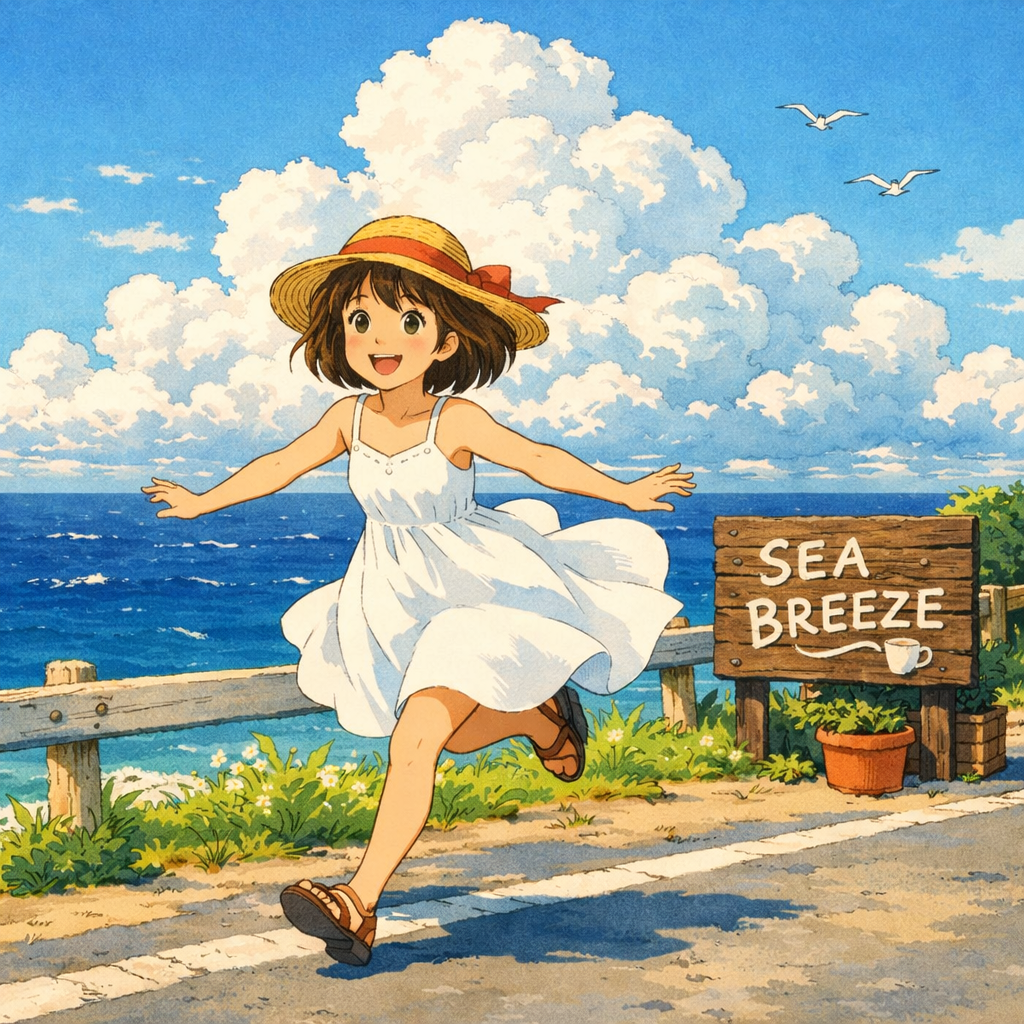
Summer Coastal
Sea Breeze Run
A bright shoreline scene with motion, grass, and a whimsical sense of summer escape.
Windblown dress, grassy coast, ocean spray, soft clouds, hand-painted animation mood.
Turn prompts and photos into painterly, storybook scenes inspired by Studio Ghibli aesthetics.
This page reworks the structure of the reference landing page into reusable modules for the current project: a hero, style gallery, example gallery, trust section, why-use section, how-to steps, FAQ, and link grids. The actions route directly into our text-to-image and image-to-image studios.
Use the page as inspiration, then move into the studio with a prepared Ghibli-style prompt tuned for our image workflows.
The reference page leads with a style board. Here the same idea becomes configurable: each card pairs a CDN image with a label, descriptive alt text, and prompt-like copy for reuse on future pages such as AI Comic Generator.
A bright shoreline scene with motion, grass, and a whimsical sense of summer escape.

Mechanical fantasy and floating-cloud atmosphere, ideal for adventure prompts.

Quiet emotion, reflective puddles, and a grounded small-town feeling.
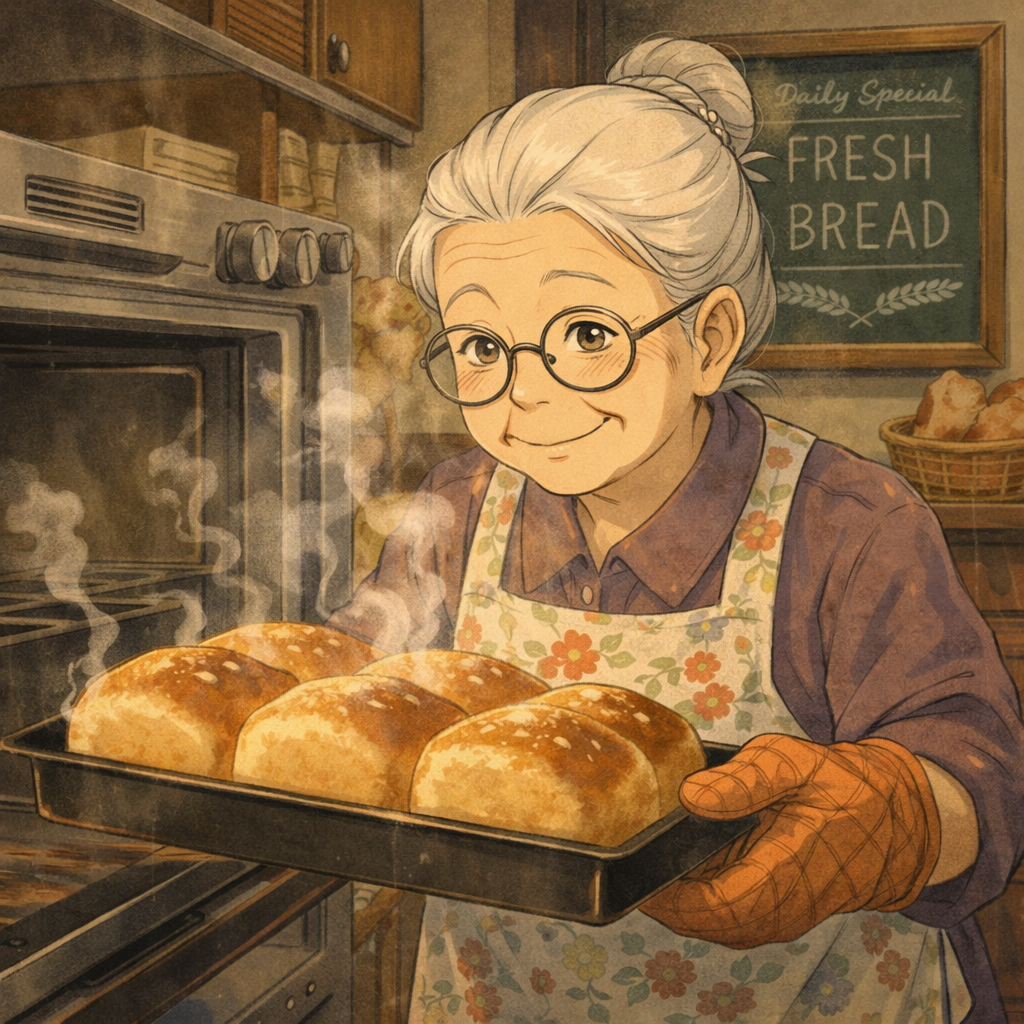
Warm domestic scenes with tactile detail, food, and comforting light.

Childlike wonder mixed with fantasy creature design and forest mystery.
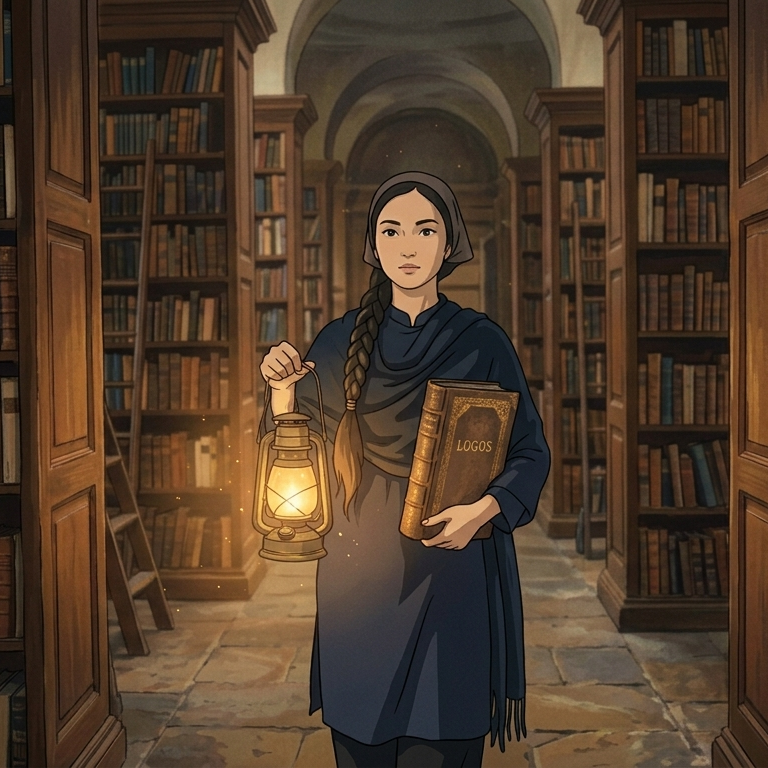
Night scenes that blend scholarship, magic, and hushed atmosphere.
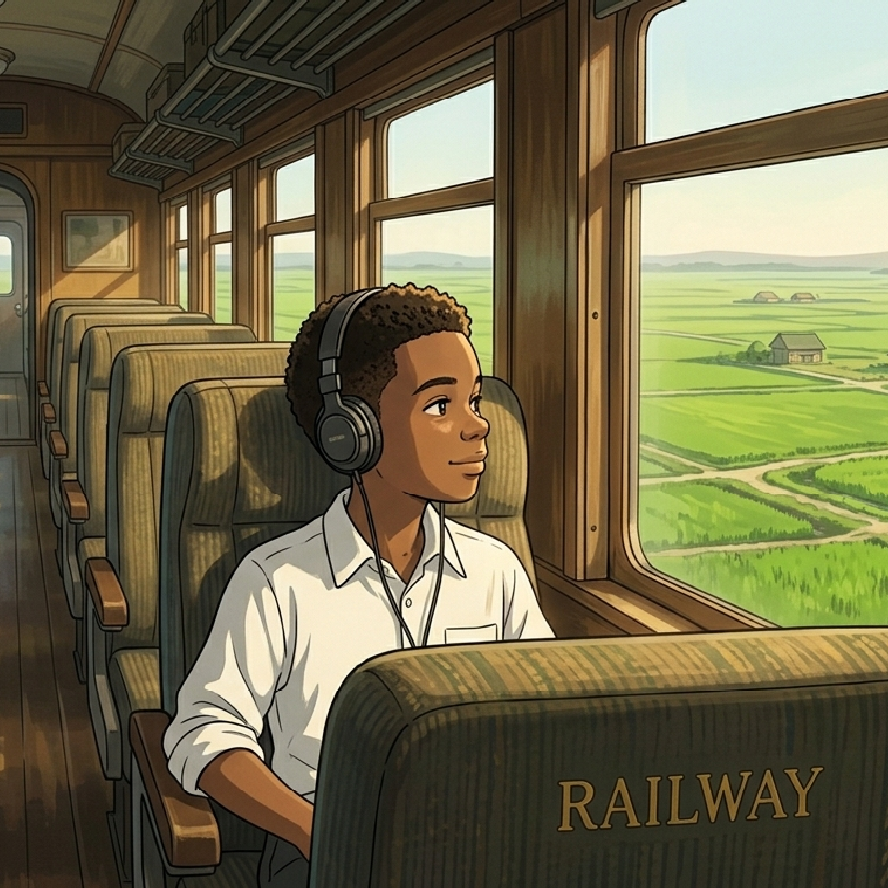
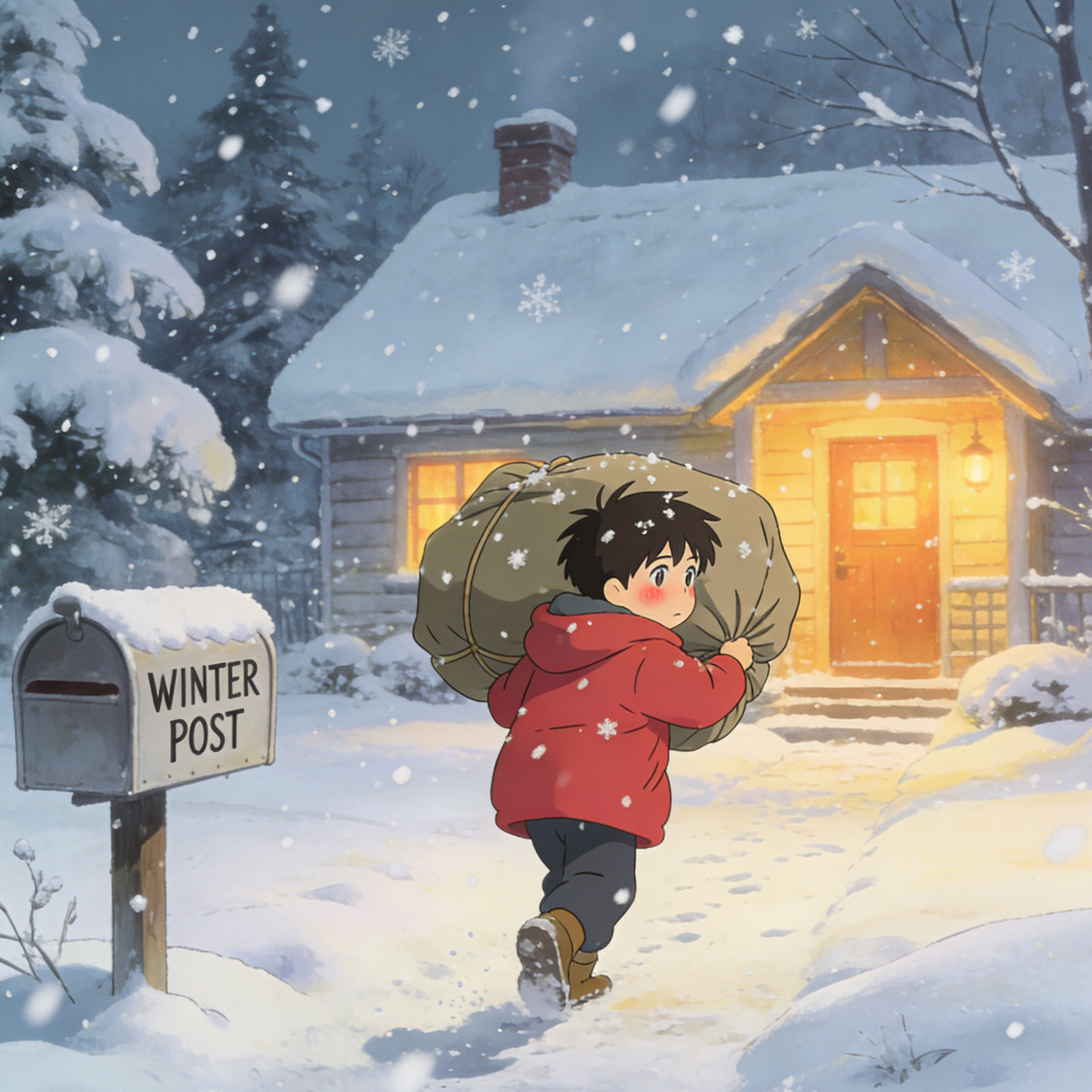
A second gallery anchors output quality. These examples cover travel, music, exploration, friendship, and food so the page demonstrates range instead of repeating one composition.
Wide green fields, transport framing, and a wistful coming-of-age feeling.
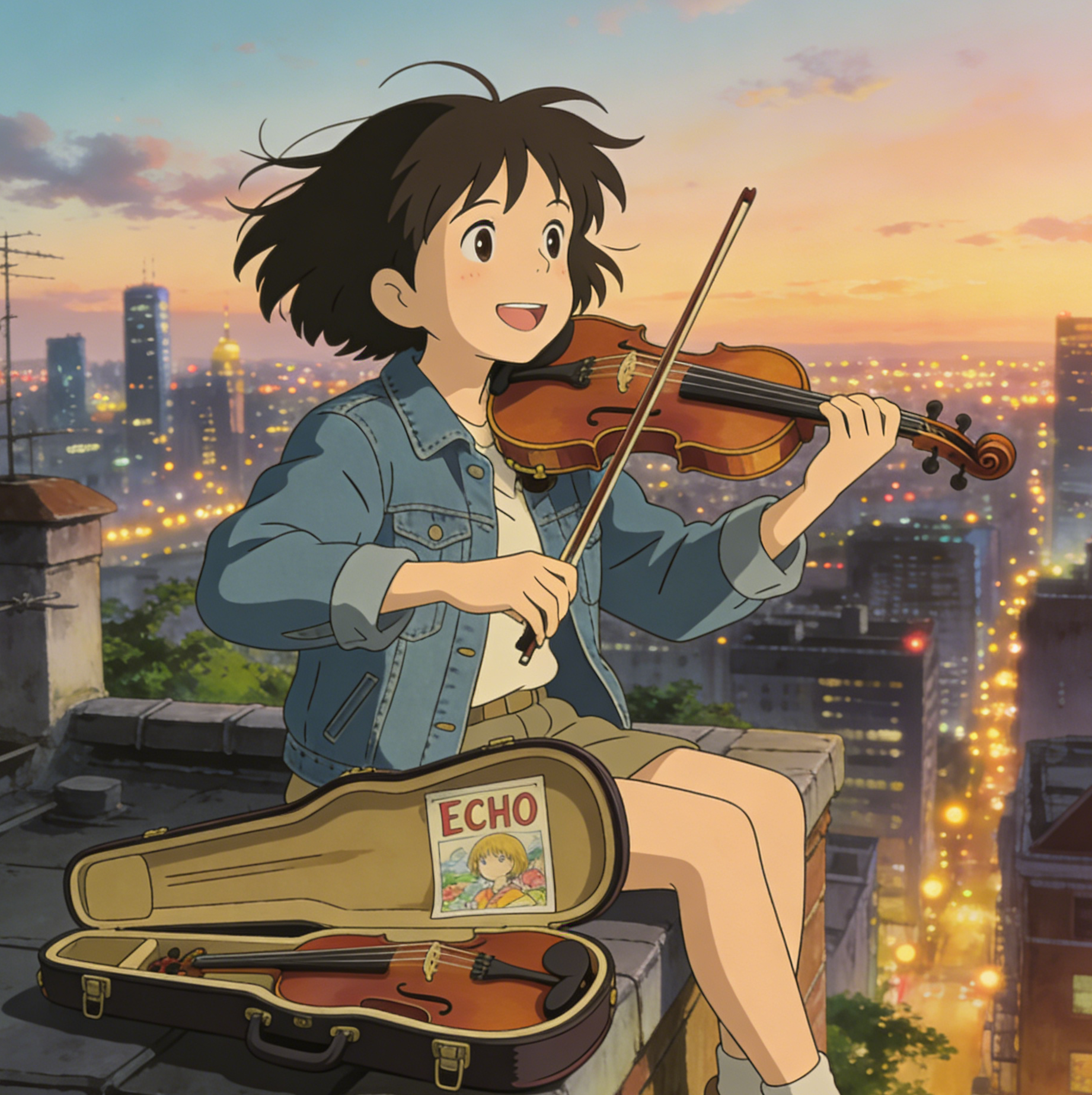
A musical scene with rooftop height, breeze, and painterly evening light.
Exploration energy with maps, cloud layers, and fantasy geography.

A snowy errand scene built around warmth, purpose, and clear subject focus.

An outdoor social scene with flower density, saturated color, and warmth.

Street-food atmosphere with glowing signs, steam, and lively environment detail.
The trust module from the reference page becomes a reusable value-card grid so future effect pages can swap the content without rebuilding the layout.
Start with an idea in plain English or upload an existing image and push it into a painterly Ghibli-style direction.
Use preset prompts as a starting point, then refine lighting, camera angle, costume, or environment details in the studio.
The page uses prepared handoff data in session storage, so you move into the generator without exposing a giant prompt in the URL.
Hero, gallery, FAQ, and tool-card blocks are intentionally modular so future pages can reuse the same composition with new assets and copy.
The page should sell a specific visual outcome, explain how to use it, and hand users off to the right studio fast. That means balancing inspirational imagery with concrete workflow guidance and strong on-page SEO signals.
This prompt is concise enough for reuse but descriptive enough to produce the soft, storybook look that users expect from a Ghibli-style landing page.
The reference page uses a simple three-step explanation. The same structure works here, but the actions now connect to our existing studios and preset handoff flow.
Use text-to-image when you want a brand-new scene, or image-to-image when you already have a portrait, background, or snapshot to restyle.
The landing page writes the preset slug, model, and prompt into session storage so the destination tool can preload the Ghibli-style direction.
Adjust the subject, lighting, environment, or composition, then regenerate until the scene lands on the right balance of softness, detail, and cinematic charm.
These answers are tuned to the current project and the specific workflow implemented on this landing page.
Yes. Use the Text to Image action if you want to create an original scene from scratch. The preset prompt provides a painterly baseline, and you can expand it with subject, setting, mood, and camera details.
Yes. Use the Image to Image action when you already have a portrait, travel shot, pet photo, or landscape and want to reinterpret it with softer color, storybook lighting, and hand-painted texture.
Short URLs are faster, cleaner, and easier to maintain. The page stores the preset payload in session storage and only passes a compact preset slug through the query string.
Yes. The page is split into reusable components and a separate config layer. To add a similar page later, you mainly swap the copy JSON, the image config, the preset prompt, and the route metadata.
Yes, but the framework is already here. Each future page should get its own title, description, FAQ copy, example assets, and structured data while reusing the same modular sections.
Instead of sending users to dead-end cards, this section points back into existing generators with the same reusable effect preset strategy.
Start from a blank canvas with a prepared prompt and shape the world from text only.
Upload a portrait or landscape and guide it toward a softer, animated storybook look.
Use the same preset to experiment with wardrobe, expression, and painted facial detail.
Generate villages, fields, kitchens, and sky scenes before layering in character ideas.
This last grid is designed for cross-linking. It can feature models, studios, or supporting image tools without changing the layout code.
A general image model page you can use as a follow-on destination for broader prompt experimentation.
Useful when you want another high-quality image generation route beyond the landing page preset.
A fit for edit-heavy workflows where camera angle and structure matter as much as style transfer.
Go straight into the editing tool if you want to keep iterating on uploads and reference images.
Use the modular page as inspiration, then continue in the studio with preset-ready text-to-image or image-to-image flows.