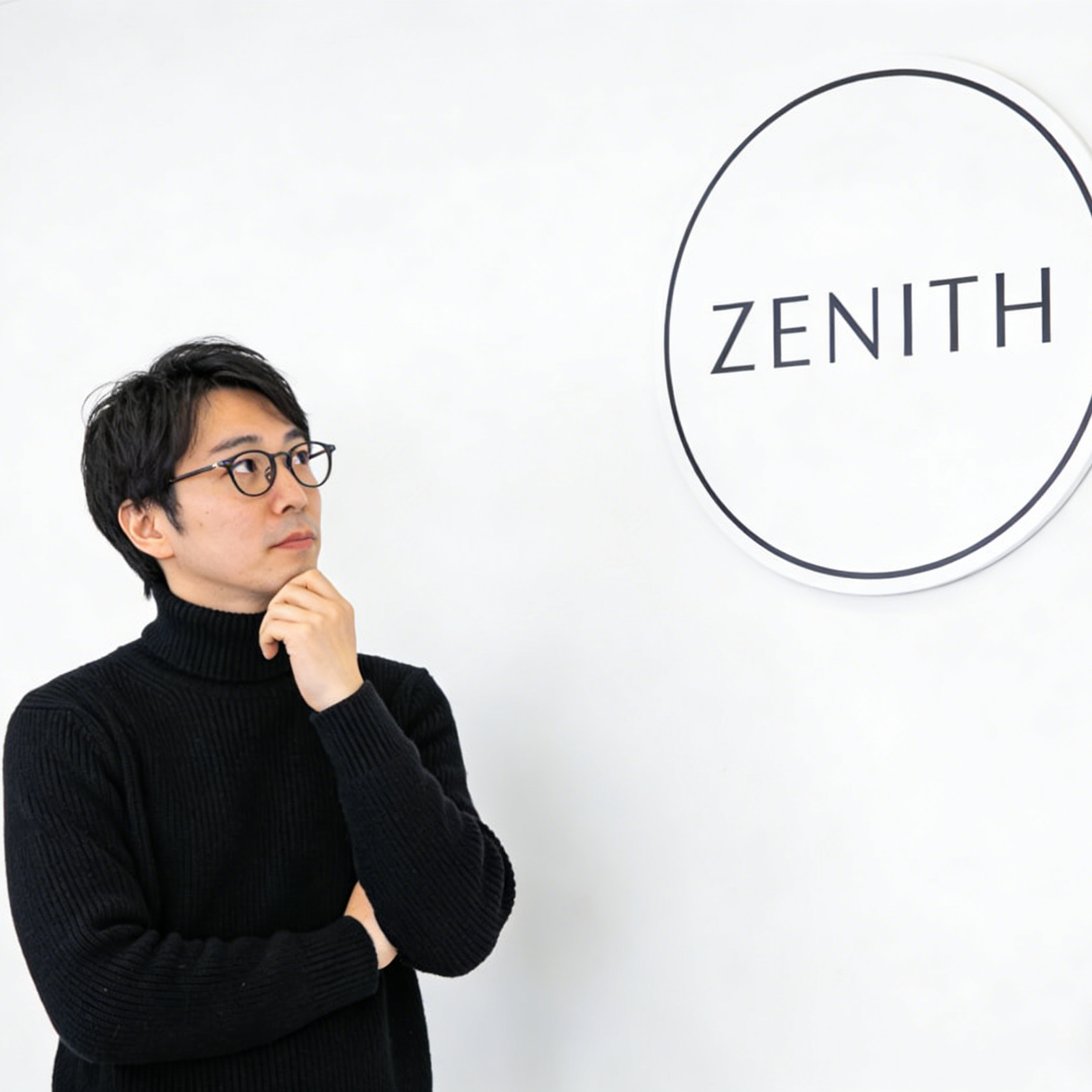
Brand Identity Mockup
Clean sign systems, restrained typography, and minimal brand staging for polished identity concepts.
Turn prompts and source images into polished posters, brand visuals, packaging concepts, and campaign-ready design comps.
This page adapts the reference landing page into reusable ai-effects modules for the current project: hero, style gallery, example gallery, benefits, why-use, steps, FAQ, related workflow cards, and advanced tool links. The primary actions jump directly into our text-to-image and image-to-image studios.

Use the page for visual direction, then continue in the studio with a prepared prompt tuned for graphic-design hierarchy and campaign-friendly layouts.
The reference page leads with a visual board. Here that idea becomes reusable data: each card pairs a CDN image with a style label, alt text, and prompt-like description that can be swapped for future ai-effects pages.

Clean sign systems, restrained typography, and minimal brand staging for polished identity concepts.

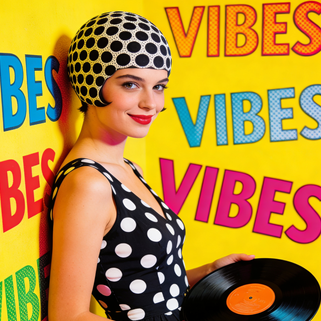
Bright pop colors, playful repetition, and editorial poster energy for music and lifestyle campaigns.

Raw fashion-photo framing that can be remixed into lookbook, drop announcement, or apparel promo graphics.

Lifestyle product imagery with label clarity and gentle environmental styling for premium packaging concepts.

Glowing UI overlays and network graphics for product launches, software campaigns, and innovation themes.

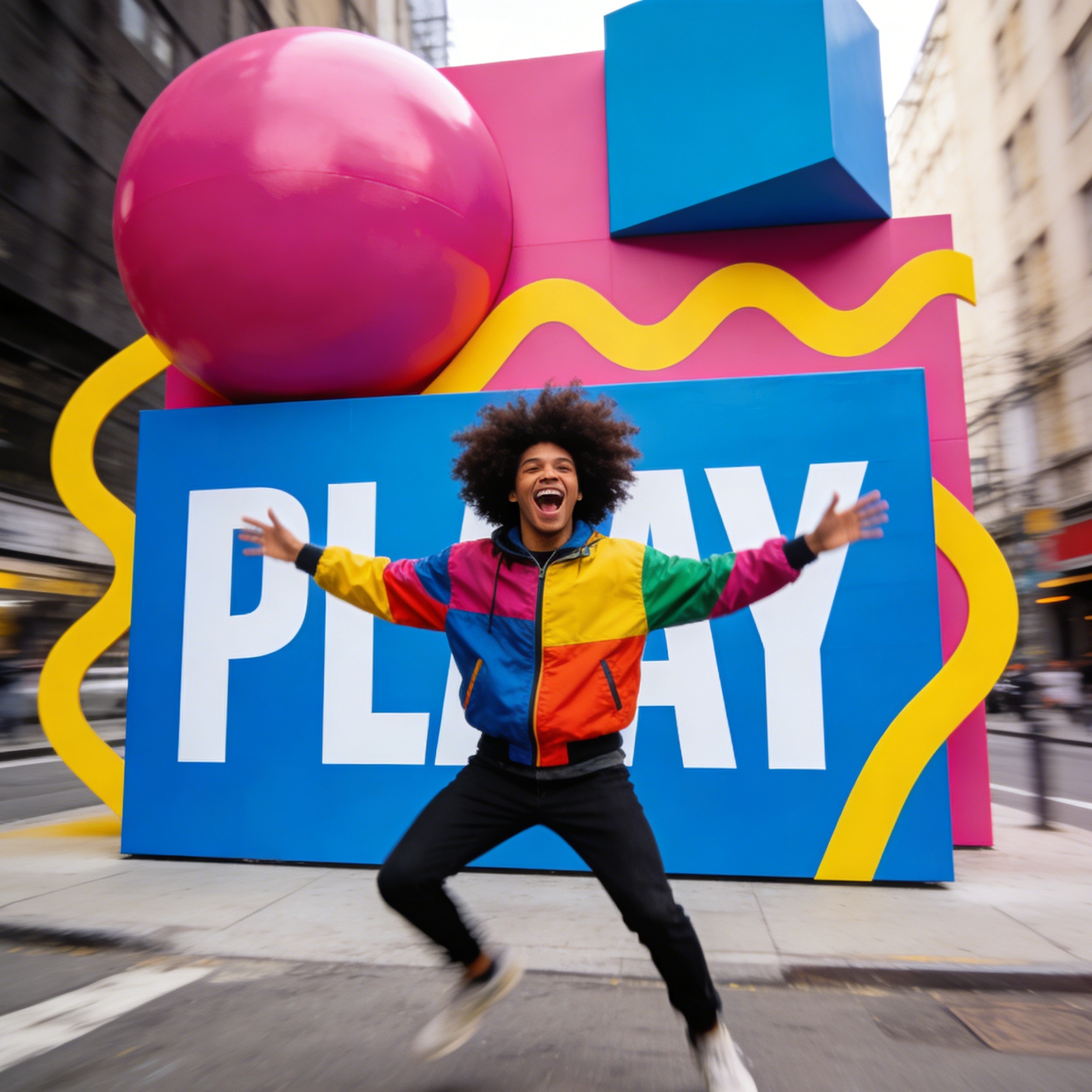
Oversized shapes, public-space typography, and motion-filled brand moments for bold campaign activations.
The example gallery shows that the workflow can stretch from business visuals and packaging to glitch posters, mascots, editorial layouts, and music campaign art.

A presentation-style concept with data emphasis, clean hierarchy, and clear business storytelling.

A wholesome farm-to-brand visual with packaging cues and marketing-friendly composition.

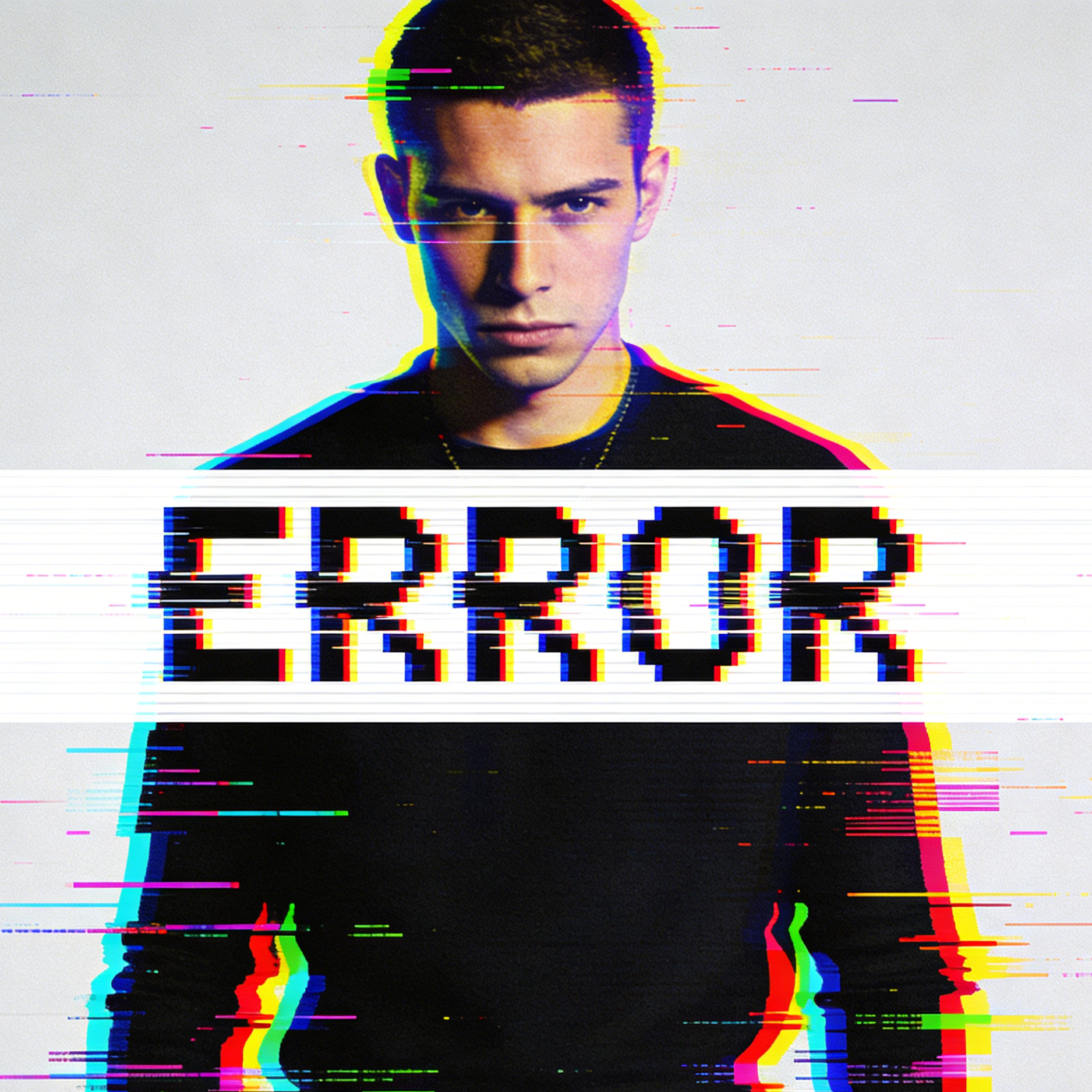
High-contrast poster treatment with RGB offsets and bold type interruption for digital campaigns.

Toy-like 3D styling and inflated typography for child-friendly branding or product launches.

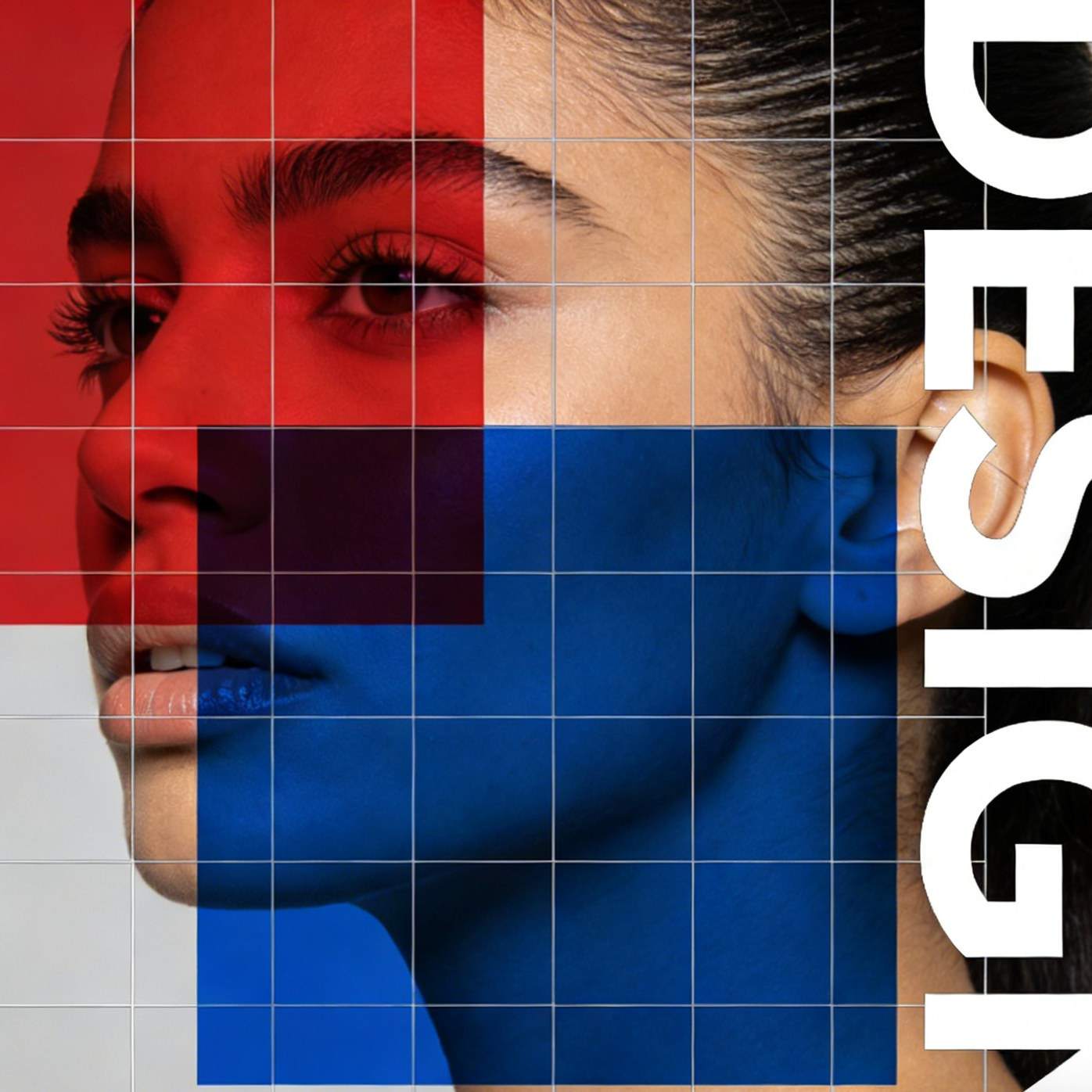
An editorial-style composition with overlapping blocks, cropped type, and grid systems.

Event-poster energy with stage lighting, nightlife color, and headline-ready focal structure.
The value section from the reference page becomes a reusable benefit grid so future design-themed ai-effects pages can swap the copy without changing the layout code.
Start from text when you want a fresh design concept, or use image-to-image when you want to restyle a portrait, product shot, or layout reference.
The same prompt framework can serve posters, branding mockups, packaging, presentation visuals, social creatives, and editorial campaigns.
The page uses session storage to carry a prepared prompt into the studio, so the workflow stays useful without exposing a long prompt string in the URL.
Hero, gallery, FAQ, and link-grid blocks stay config-driven so future pages can reuse the same structure with different assets and copy.
A useful graphic-design landing page needs to bridge inspiration and execution. Users should see clear examples of business, branding, poster, and campaign outputs, then move into the real studio flow with the right prompt context and SEO scaffolding already in place.
This prompt is broad enough to cover branding, campaign, presentation, and packaging directions while still preserving the structure and polish users expect from graphic-design outputs.
The reference page keeps the explanation simple. The same pattern works here, but the actions now connect directly to our existing image studios and preset handoff flow.
Use text-to-image when you want a brand-new poster, packaging concept, or campaign scene. Use image-to-image when you already have a portrait, product photo, or layout reference to restyle.
The landing page writes the preset slug, model, and design prompt into session storage so the destination tool can preload the visual direction automatically.
Adjust composition, color blocking, subject styling, background space, and layout emphasis until the image feels ready for a graphic-design workflow.
These answers are tuned to the current project and the workflow implemented on this landing page.
Yes. Use the Text to Image action when you want to generate an original poster, branding concept, product visual, or campaign graphic from scratch. The preset prompt gives you a design-oriented starting point that you can expand with layout, audience, and style details.
Yes. Use the Image to Image action when you already have a portrait, product shot, or scene and want to push it toward a more branded, editorial, poster-like, or campaign-driven result.
Short URLs are cleaner and easier to maintain. The page stores the preset payload in session storage and only passes a compact preset slug in the query string.
Yes. The page is already split into reusable components and a separate config layer. Future pages can reuse the same foundation while swapping the copy, examples, preset prompt, metadata, and route details.
Yes. The reusable component system speeds up implementation, but each page should still get its own title, description, gallery examples, FAQ copy, and structured data so it can target a distinct search intent.
This section keeps users inside the current project by routing them into generators that can reuse the same design preset and visual direction.
Start from a blank canvas and build a poster, packaging mockup, or campaign image from text only.
Upload an image and guide it toward stronger layout hierarchy, branding cues, and design polish.
Use the same preset to explore identity mockups, launch graphics, and social-ready brand imagery.
Push an existing portrait or scene toward a bolder, more poster-like composition with clearer hierarchy.
The final card grid is meant for cross-linking. It can point users to broader model pages or related editing tools without changing the landing-page structure.
A strong follow-on destination when you want to keep iterating on high-quality design prompts beyond this landing-page preset.
Useful when you want another high-quality route for poster, branding, or campaign-style visuals.
A fit for polished concept visuals where composition, detail, and output control matter.
Helpful when you want stronger edit control over source images while preserving design intent.
Use the modular page as visual direction, then continue in the studio with preset-ready text-to-image or image-to-image flows.