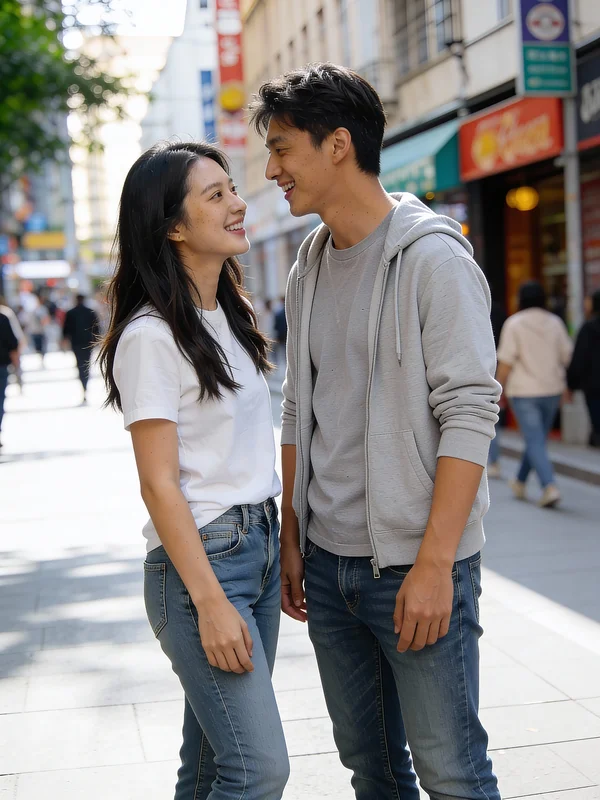
Natural
Seamless Blend
The AI prioritizes a natural, unnoticeable blend with the existing background.
Remove person, seamless blend, natural light, realistic texture, clean output.
Instantly erase people from photos with intelligent background fill.
Clean up photobombers, unwanted bystanders, or distractions. This free AI editor removes any person and seamlessly reconstructs the background, without watermarks or sign-up. Try it now.
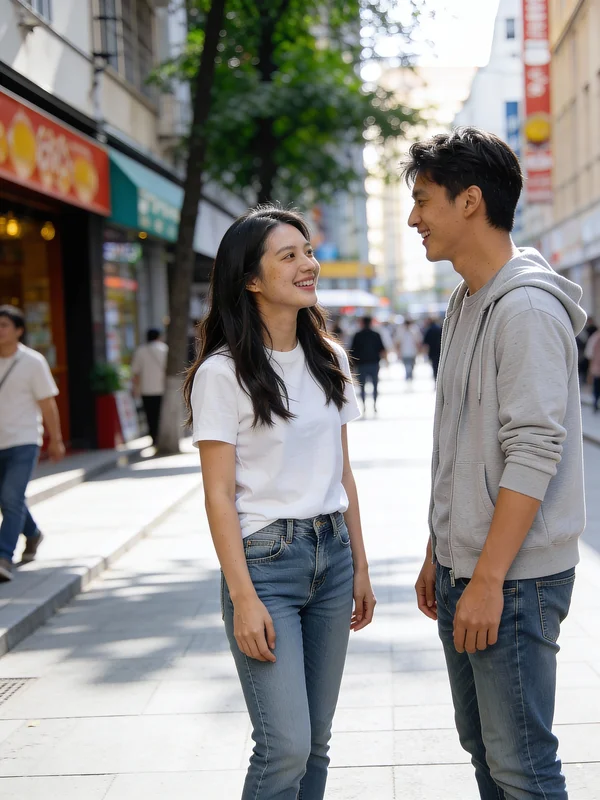
See how our AI seamlessly erases a person and reconstructs the background.
Six visual directions for how the AI fills the void after a person is removed.
The AI prioritizes a natural, unnoticeable blend with the existing background.
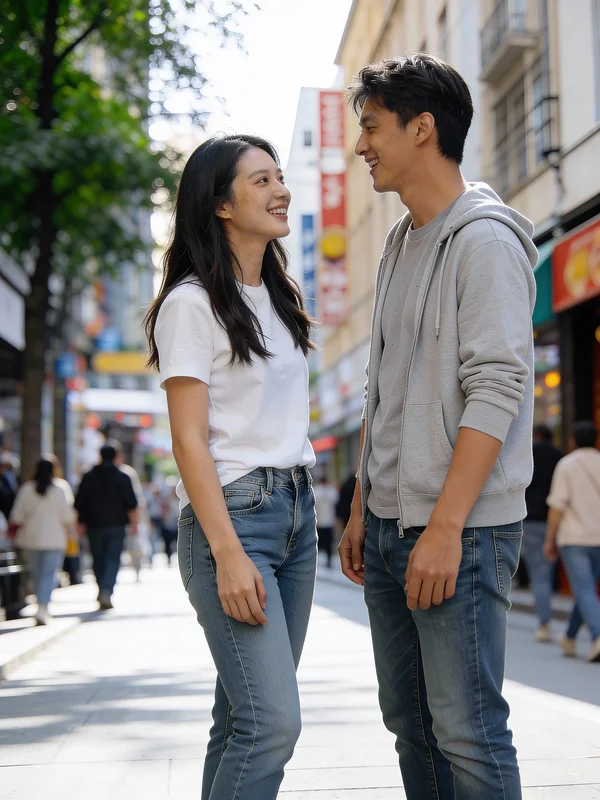
Focuses on sharp edges and clear details in the reconstructed background.
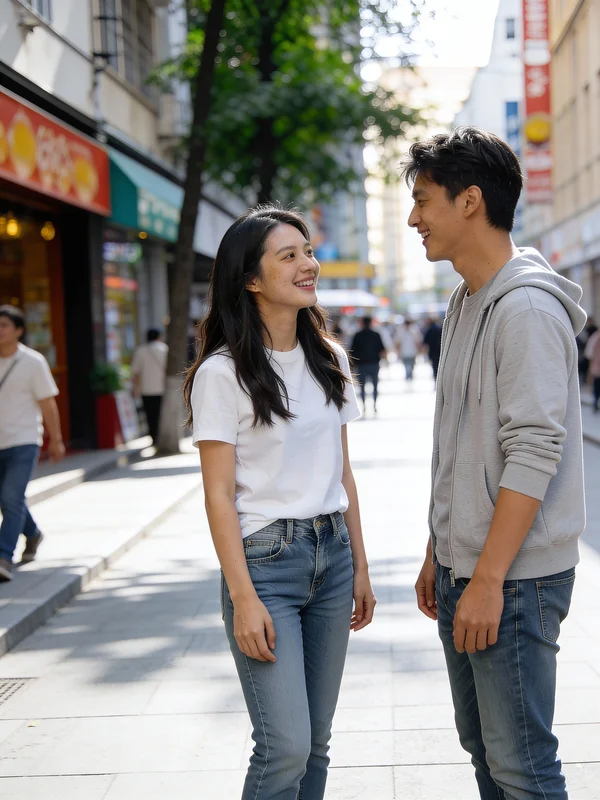
Emphasizes softer transitions and a more diffused look for the filled area.
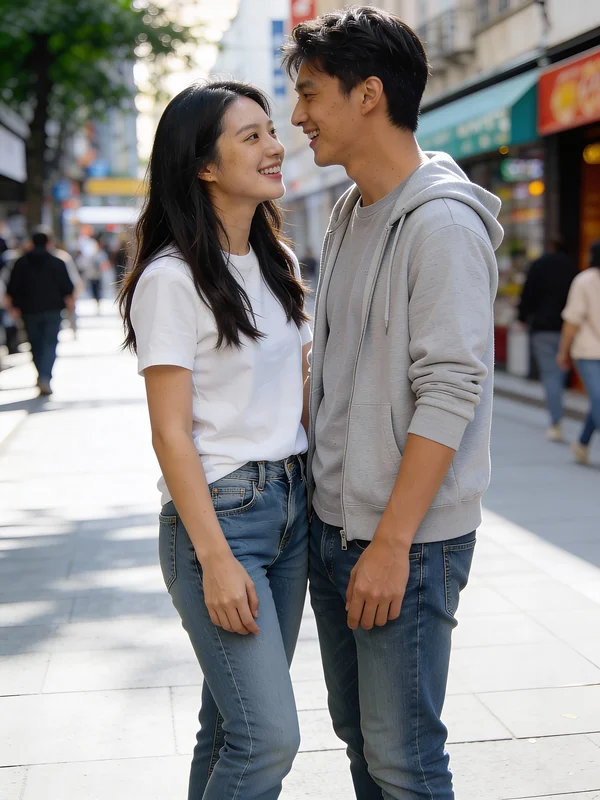
Aims for an exact match of intricate background patterns and textures.
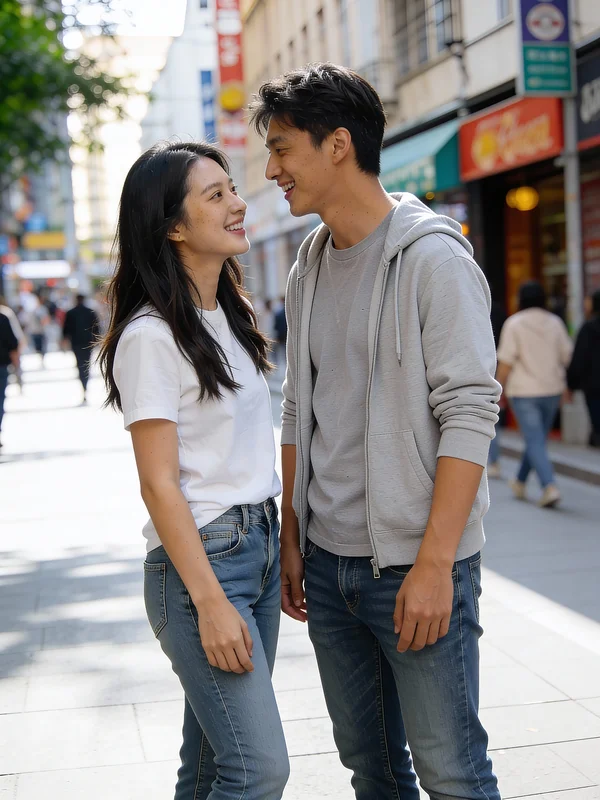
The AI intelligently extends the surrounding environment into the empty space.
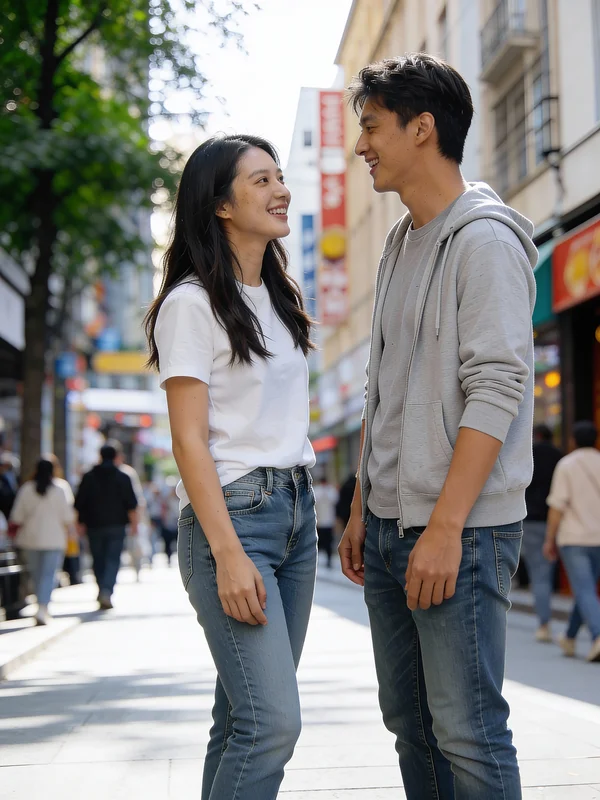
Ensures the resulting image is free from any visual distractions or remnants.
See how Seeddance's AI Image Editor removes people across various scenarios.
Clean up interior and exterior property photos for marketing without human presence.
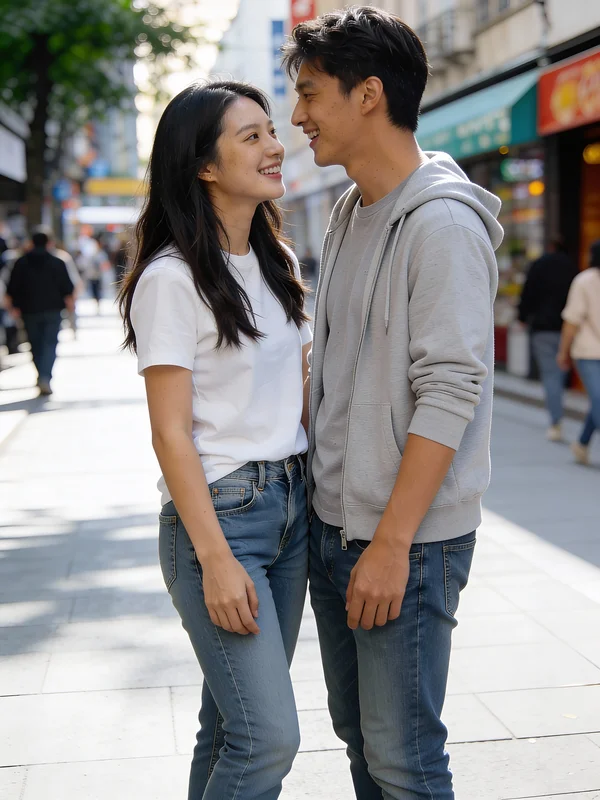
Eliminate assistants or unwanted figures from product images for a clean focus.
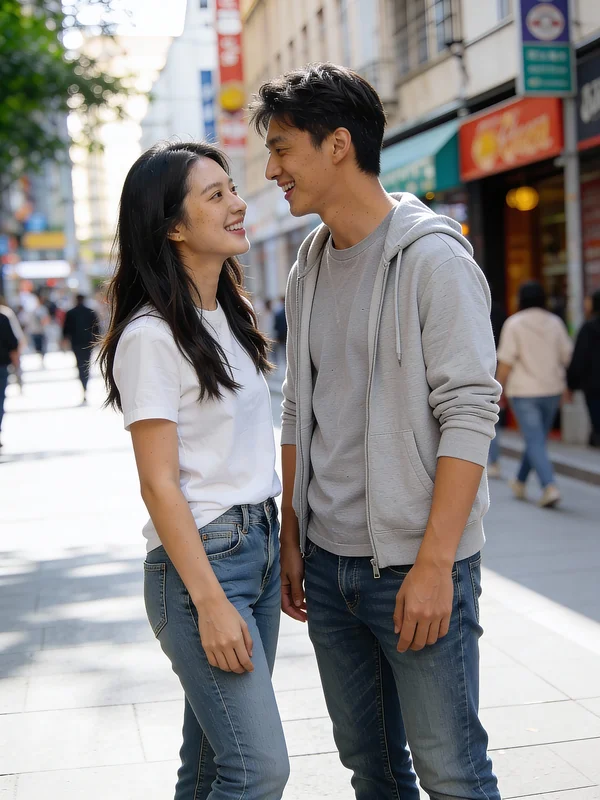
Remove tourists or bystanders from scenic travel and landscape photographs.
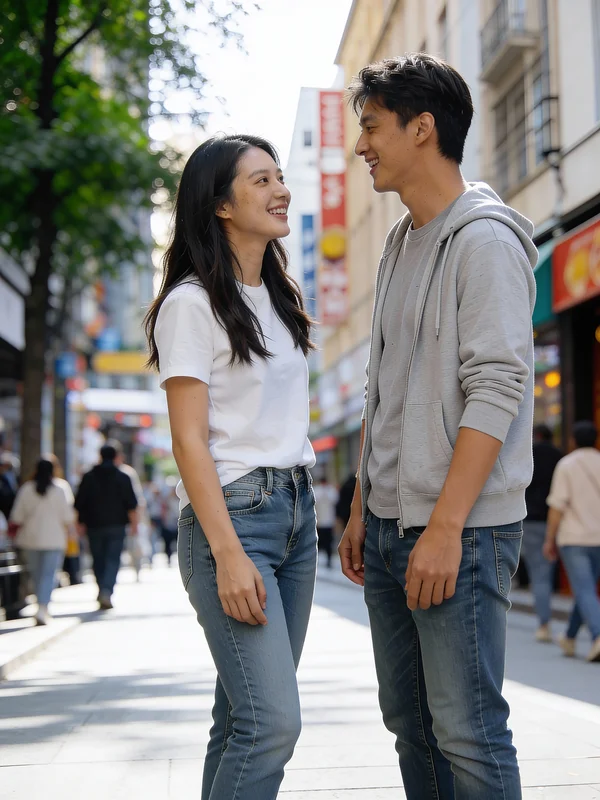
Erase photobombers or unwanted individuals from social media-ready content.
Our AI-powered tool offers unparalleled ease and precision for person removal.
Advanced AI reconstructs backgrounds seamlessly, matching texture, color, and light.
Unlike other tools, our AI automatically detects and removes the person, saving you time.
Outperforms tools like Photoshop or Canva by automating both removal and intelligent fill in one step.
The rest of your image – poses, expressions, details – remains 100% unchanged.
Our AI leverages sophisticated inpainting to deliver pristine, person-free images.
Our AI doesn't just delete; it synthesizes a believable continuation of your scene, ensuring no visible edges or artifacts.
Clean up your images quickly and effortlessly with Seeddance.
Simply upload the photo you want to edit. No sign-up or complex setup required.
Our AI automatically detects the person and intelligently erases them, filling the background.
Receive your perfectly edited, person-free image, ready for use.
Answers to frequently asked questions about removing people from your photos.
Our AI can handle diverse backgrounds, from busy streets and plain walls to complex natural landscapes, synthesizing a believable continuation of the scene.
No, our AI automatically identifies and removes the human subject, eliminating the need for manual masking or painting over the person.
Seeddance automates both person detection and background reconstruction in one step, making it faster and more seamless than tools like Canva, Pixlr, or Photoshop's generative fill.
The AI is designed for photorealistic seamless inpainting, ensuring no visible edges, artifacts, or unnatural background reconstruction.
Absolutely. It's ideal for professionals needing clean, person-free scenes for real estate listings, product photography, and other commercial applications.
Discover more AI-powered editing tools to perfect your photos.
Create entirely new images from text descriptions or conceptual prompts.
Modify existing images by applying new styles, elements, or transformations.
Apply artistic styles from one image to another or blend various aesthetic elements.
Upload your own reference images for precise control over AI-driven edits.
Optimize your person removal and image editing with our advanced AI models.
Quickly remove people and generate clean backgrounds for rapid iterations.
Achieve the highest quality background reconstruction and detail matching.
For specific, localized adjustments beyond just person removal, without affecting the whole image.
Explore diverse creative interpretations for background fill and scene context.
Upload your image and let our AI transform it into a perfectly clean, person-free scene in moments.