Categories: AI Video Workflow, Creator Strategy, Production Process
Tags: seeddance, seedance 2.0, ai style transfer, creative workflow, visual storytelling
Introduction
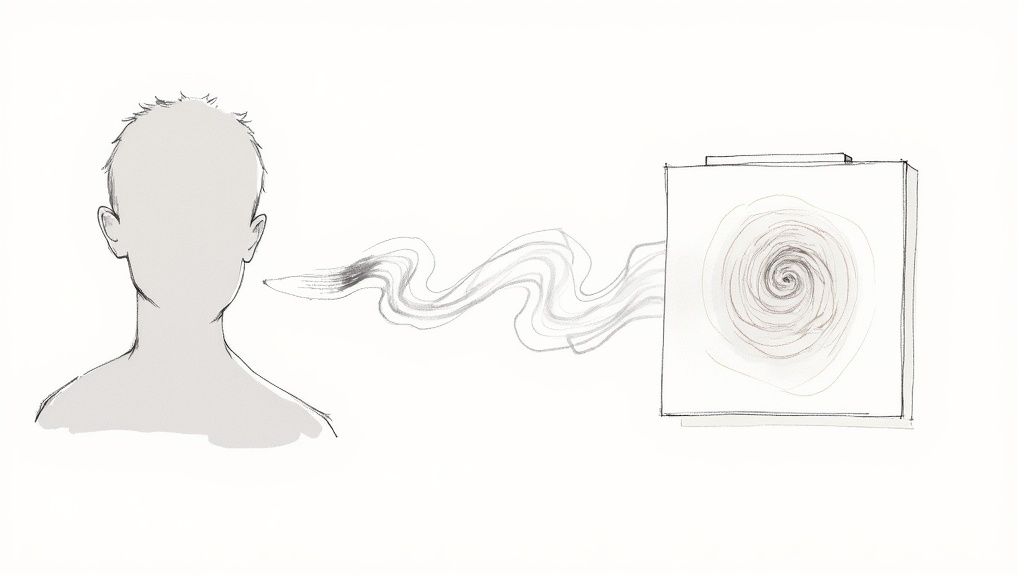
AI style transfer is the process of taking the structure of one image or video and re-rendering it with the visual language of another reference. In simple terms, it keeps the subject, composition, and motion of your source, but changes how the final piece looks: brushstrokes, texture, color treatment, graphic style, or painterly mood.
That is what makes it more interesting than a normal filter. A filter applies one surface effect. Style transfer tries to preserve content while rebuilding the image with a different artistic identity. Used well, it can turn photos and videos into assets that feel custom, cinematic, and much more memorable.
1) What AI Style Transfer Actually Does
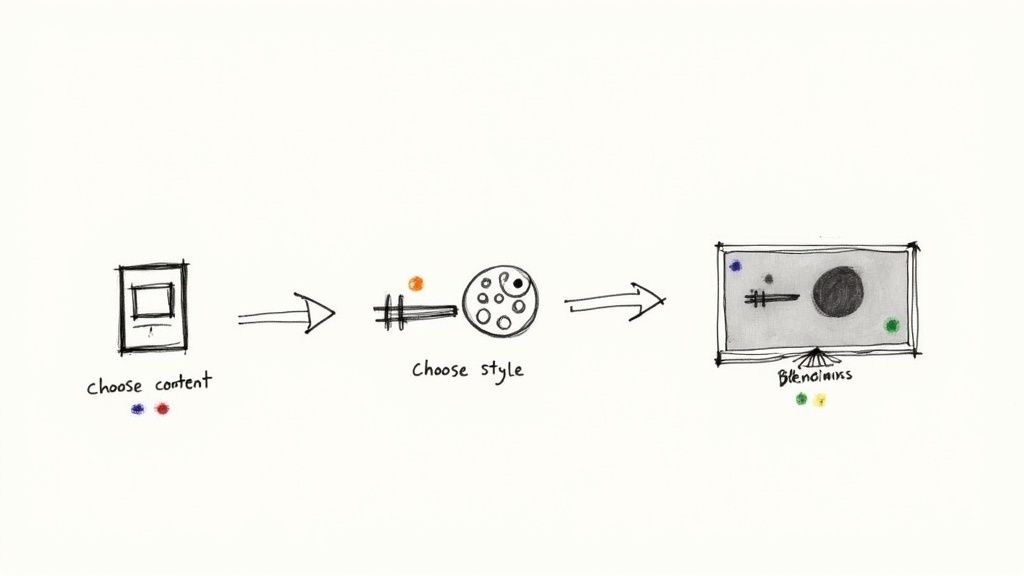
Every style transfer workflow starts with two inputs:
- A content source: the photo or video you want to transform
- A style reference: the artwork, texture, or design language you want to borrow from
The model studies the source for shapes, subjects, and layout, then studies the reference for color relationships, surface texture, line quality, and visual rhythm. The output should still be recognizable as your original image or clip, but it should feel like it was created in a new artistic voice.
2) Why It Is Not Just a Filter
Regular filters usually treat every pixel in roughly the same way. Style transfer aims to go further by understanding the difference between subject and appearance. That is why a portrait can keep facial structure while taking on the paint texture of an oil canvas, or why a city shot can keep its perspective while shifting into an illustrated neon look.
This distinction matters when quality matters. If you want a fast novelty effect, a filter may be enough. If you want something that feels designed rather than stamped on top, style transfer is the better creative model.
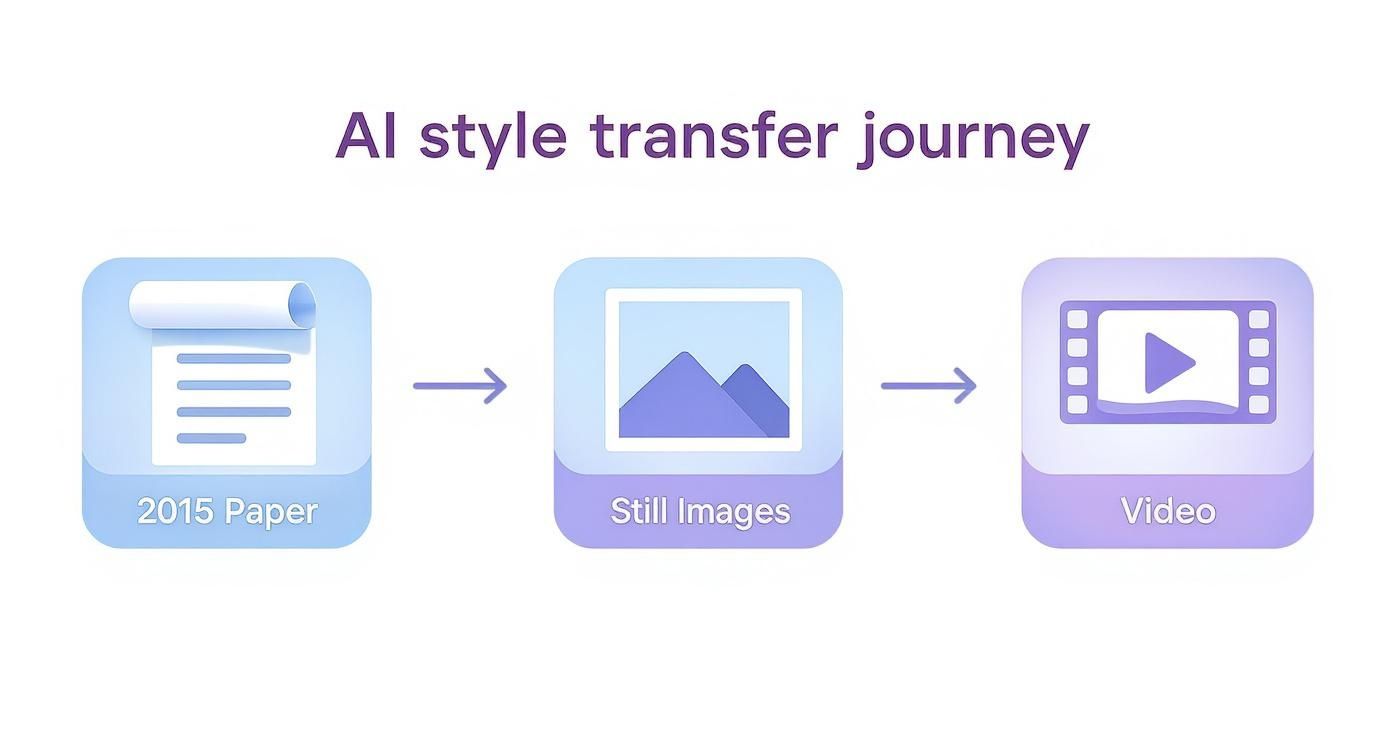
3) The Jump From Images to Video
Style transfer became much more powerful once it moved beyond still frames. Photos are simpler because the model only has to solve for one final image. Video is harder because the style has to remain stable while objects move, the camera shifts, and lighting changes across frames.
That is where temporal consistency becomes the key problem. If a model styles each frame independently, the result often flickers. Textures drift, outlines wobble, and the clip feels unstable. Better video workflows reduce that problem by tracking motion more coherently across the sequence instead of treating every frame like a brand-new image.
4) How the Model Balances Content and Style
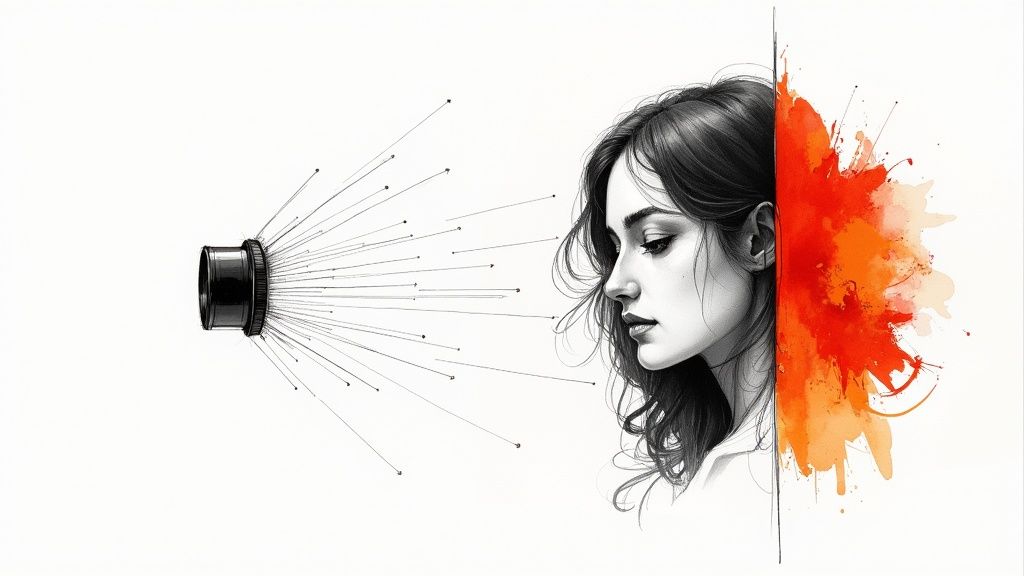
A useful way to think about style transfer is as a balancing act between two goals:
- Keep the original scene readable
- Apply enough style that the transformation feels intentional
If the model protects the source too aggressively, the style barely shows up. If it pushes the reference too hard, the subject can become muddy or unrecognizable. Good results live in the middle: enough structure to preserve the scene, enough style to create a new look.
This is also why strong pairings matter. A clean portrait and a bold painterly reference usually work better than a noisy source and a weak style image. The better the contrast between clear content and strong artistic character, the easier it is to get a convincing result.
5) Practical Uses for Creators and Teams
AI style transfer is useful because it changes the visual identity of existing assets without requiring a full reshoot. Marketers can stylize campaign visuals for stronger brand recall. Filmmakers can create high-concept looks on limited budgets. Social teams can turn static images or short clips into more distinctive posts.
Common use cases include:
- Turning product shots into painterly or graphic campaign visuals
- Giving short-form videos a consistent artistic treatment
- Reworking illustrations, portraits, and landscapes into shareable art variants
- Creating experimental mood boards before final production
For teams already working with short-form content, this becomes especially useful when one core asset needs to be adapted into multiple looks for different channels.
6) A Simple Workflow to Start Your First Project
You do not need a complicated pipeline to test style transfer well. Start with one clean source and one strong reference, then iterate in small steps.
- Choose a source image or clip with a clear subject and readable lighting.
- Choose a style reference with obvious texture, pattern, or color identity.
- Generate your first pass with Image to Video if you want motion from a still, or prepare visual concepts with Text to Image.
- Refine the strongest result with Video to Video if you need a more polished motion treatment.
- Compare versions by asking one question: did the style enhance the content, or bury it?
The fastest mistake is testing too many variables at once. Keep the source fixed, change the style reference or intensity, and review results one change at a time.
7) What to Watch Out For
The main failure modes are predictable:
- Weak source material with poor lighting or too much visual clutter
- Style references that are too subtle to guide the model clearly
- Over-stylization that destroys legibility
- Frame instability in motion-heavy video
There is also an ethical layer. Borrowing from historical art styles is one thing. Mimicking a living artist's signature look for commercial use is more sensitive. The safest approach is to use public-domain references, licensed art, or styles you created yourself.
Conclusion
AI style transfer works because it gives creators a new way to separate structure from appearance. You can keep the core image, replace the aesthetic system, and quickly test visual directions that would otherwise take much longer to design by hand.
Next Step
Start with one clear image, one bold reference, and a narrow goal. If you want to push that still into motion, begin with Image to Video and only keep the versions that preserve both subject clarity and artistic impact.
FAQs
1) What is the difference between style transfer and a filter?
Filters usually apply a uniform effect. Style transfer tries to preserve the source content while rebuilding the image or video with a different artistic appearance.
2) Does style transfer work for video as well as photos?
Yes, but video is harder because the style has to remain stable across moving frames. That is why temporal consistency matters so much.
3) What makes a good style reference?
A strong reference usually has obvious texture, color character, or line quality. Painterly, graphic, or patterned references tend to transfer more clearly than subtle ones.
4) Why do some stylized videos flicker?
Because the model may be treating each frame too independently. Better workflows reduce flicker by maintaining stronger consistency across motion.
5) How should I start if I am new to this?
Begin with one clear source, one strong reference, and a short test. Change only one variable at a time so you can see what is actually improving the result.