Categories: AI Video Workflow, Creator Strategy, Production Process
Tags: seeddance, seedance 2.0, ai video workflow, content strategy, creator toolkit
Introduction
Animated explainer videos are a powerful tool for simplifying complex ideas and engaging audiences. This guide will walk you through the process of creating compelling animated content using an AI-powered video maker, from initial planning to final distribution.
Why Animated Videos Just Work
Have you ever noticed how a quick animation can clarify a concept that would take pages of text to explain? There's a bit of brain science behind that. We're visual creatures, hardwired to process images an incredible 60,000 times faster than text. Animated videos act as a visual cheat sheet, simplifying tricky subjects like software walkthroughs or new service explanations into memorable stories.
The effectiveness of this medium is evident in its growth. The global animation market, valued at approximately USD 462.32 billion in 2026, is projected to nearly double to USD 895.71 billion by 2034.
How to Plan Your Explainer Video for Success
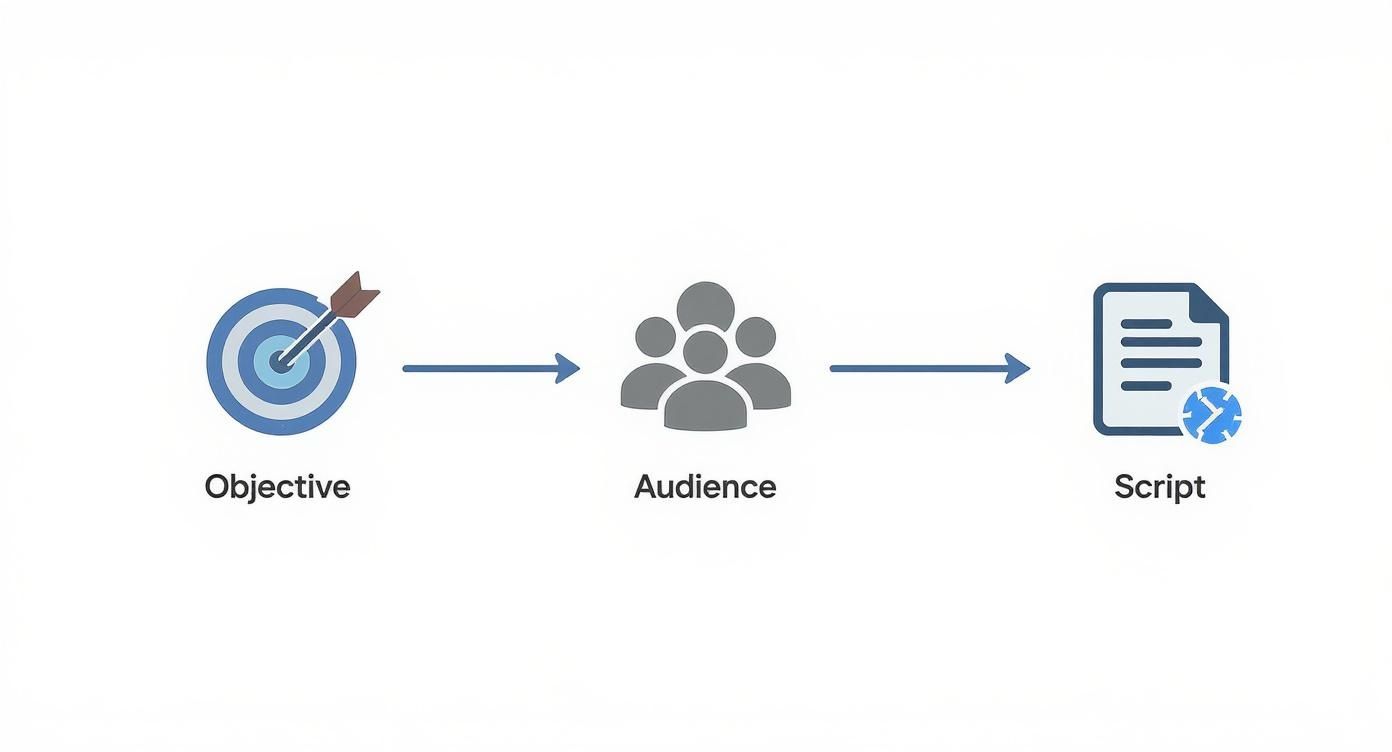
Jumping straight into an AI animation tool without a clear plan is a common mistake. Before you begin, define your audience and core message. "Everyone" is not an audience; get specific. Identify your ideal customer, their frustrations, and the problems your video will solve.
Next, focus on scripting for animation. This differs significantly from writing a blog post. You need to think visually from the outset and keep your language incredibly tight to match the flow of animation.
Mastering AI Prompts to Create Your Animation
This is where the magic happens. With your script ready, it's time to translate those words into a visual story using an animated explainer video maker like Seeddance AI.
What makes a good prompt? Descriptive language is key. Think of a prompt as a recipe, providing the AI with all the necessary ingredients: the subject, their action, the environment, and the desired artistic style. To illustrate, compare basic prompts with more advanced, detailed versions used by experienced creators. The goal is to remove ambiguity and give the AI a clear blueprint.
One of the trickiest aspects of AI animation is maintaining consistent characters and style across scenes. If your main character changes appearance in every shot, your video will appear disjointed and unprofessional. Effective prompt structures and consistent input are crucial here.
If you need a starting point, quick-start prompt templates can be customized with your specific details.
Putting the Final Polish on Your AI Video
Getting your raw animated clips from a tool like Seeddance AI is a great start, but the real magic happens in the editing room. This is where you transform a collection of AI-generated scenes into a polished, professional story that truly connects with your audience. This includes adding a compelling voiceover to enhance your narrative.
Getting Your Video Out There for Maximum Impact
Once your video is polished, the next step is to distribute it effectively to reach your target audience. Consider platforms and strategies that align with your audience's online behavior to maximize impact.
Common Questions About Explainer Video Makers
Many creators wonder about the capabilities and limitations of AI explainer video makers. These tools are designed to streamline the animation process, making it accessible even without extensive animation experience.
Making the Complex Simple
The core strength of animated explainers lies in their ability to simplify complex information. By breaking down intricate topics into digestible visual narratives, you can communicate more effectively.
AI is Supercharging Animation
AI is revolutionizing the animation industry, making it faster and more efficient to produce high-quality animated content. This supercharges the creative process, allowing creators to focus on storytelling rather than tedious manual animation.
Practical Weekly Workflow
- Define Weekly Objective: Choose 2-3 key aspects from your video plan to focus on each week.
- Draft Content: Create a concise first draft for each selected block (e.g., script sections, prompt variations).
- Refine and Polish: Improve the structure, tone, and clarity of your content before generating animation.
- Test and Measure: Compare different variants of your animated scenes or video segments using a single measurable KPI.
- Optimize: Keep only the formats and approaches that consistently outperform your baseline.
Conclusion
Standardizing your content production process is the most reliable way to scale output. Maintain a stable structure, iterate on individual sections, and only scale what consistently performs well.
Next Step
Explore Seeddance workflow templates: https://seeddance.app/
FAQs
1) Can this workflow work for a solo creator? Yes. Start with a small weekly scope and reuse the same production blocks to build efficiency.
2) How many variants should I test per post? 2 to 4 focused variants are usually sufficient to identify clear winners and inform your optimization strategy.
3) Should I prioritize trends or consistency? Use trends to capture immediate reach and attention, but maintain a consistent format system for long-term brand recognition and memory.