Categories: AI Video Workflow, Creator Strategy, Production Process
Tags: seeddance, seedance 2.0, ai video workflow, content strategy, creator toolkit
Introduction
Starting your animation journey doesn't require expensive software. In 2025, a wealth of free tools makes animation accessible to everyone, from aspiring artists to marketers and educators. This guide explores the top 12 free animation software options, highlighting their unique strengths and why they stand out for beginners.
Beginner Animation Software: Feature Overview of 12 Free Tools
1) Seeddance AI: The Future of Animation for Absolute Beginners
Seeddance AI fundamentally redefines the entry point into animation. It bypasses traditional complexities like timelines, keyframes, and asset creation, offering a purely prompt-driven workflow. This innovative approach democratizes animation, making it a practical tool for marketers, educators, and social media creators who need professional-quality output without extensive training. Seeddance AI isn't just another AI tool; it's a comprehensive video creation suite designed for efficiency and professional results.
2) Blender
Blender is a powerhouse in digital creation, offering a complete, professional-grade 3D pipeline for free. While often perceived as an expert tool, it's an excellent choice for ambitious beginners seeking free animation software to grow with. Recent versions have significantly streamlined the user interface, making it more approachable for newcomers, though its comprehensive nature still presents a significant learning curve.
3) Krita
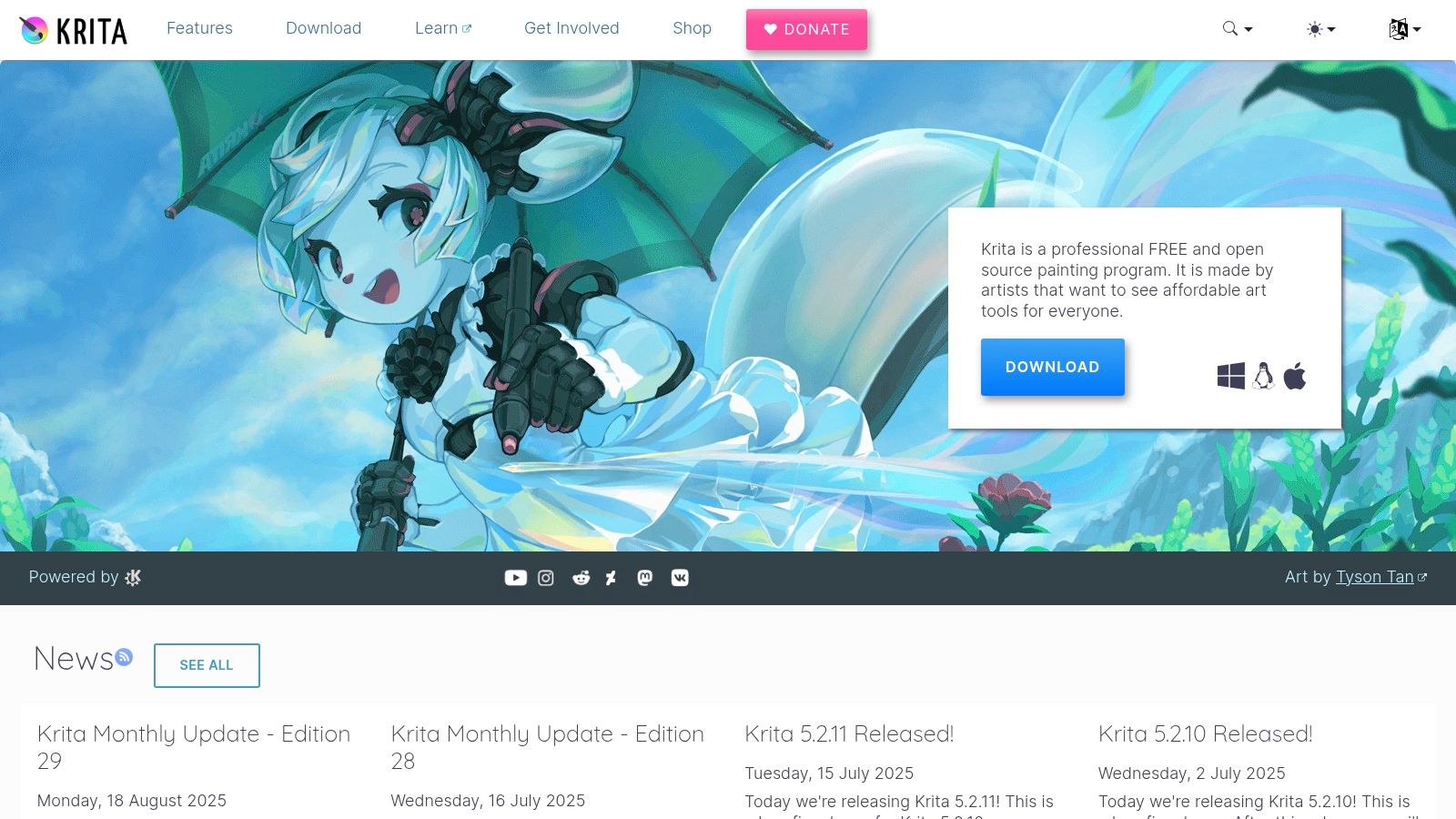
Primarily known as a professional-grade digital painting program, Krita also includes a surprisingly robust and intuitive animation toolset. It's an exceptional choice for artists who want to create traditional, hand-drawn 2D animations. Krita's animation features are housed within a dedicated workspace, complete with a timeline, onion skinning controls, and layer management, making it incredibly approachable as the tools feel like a natural extension of the drawing process.
4) OpenToonz
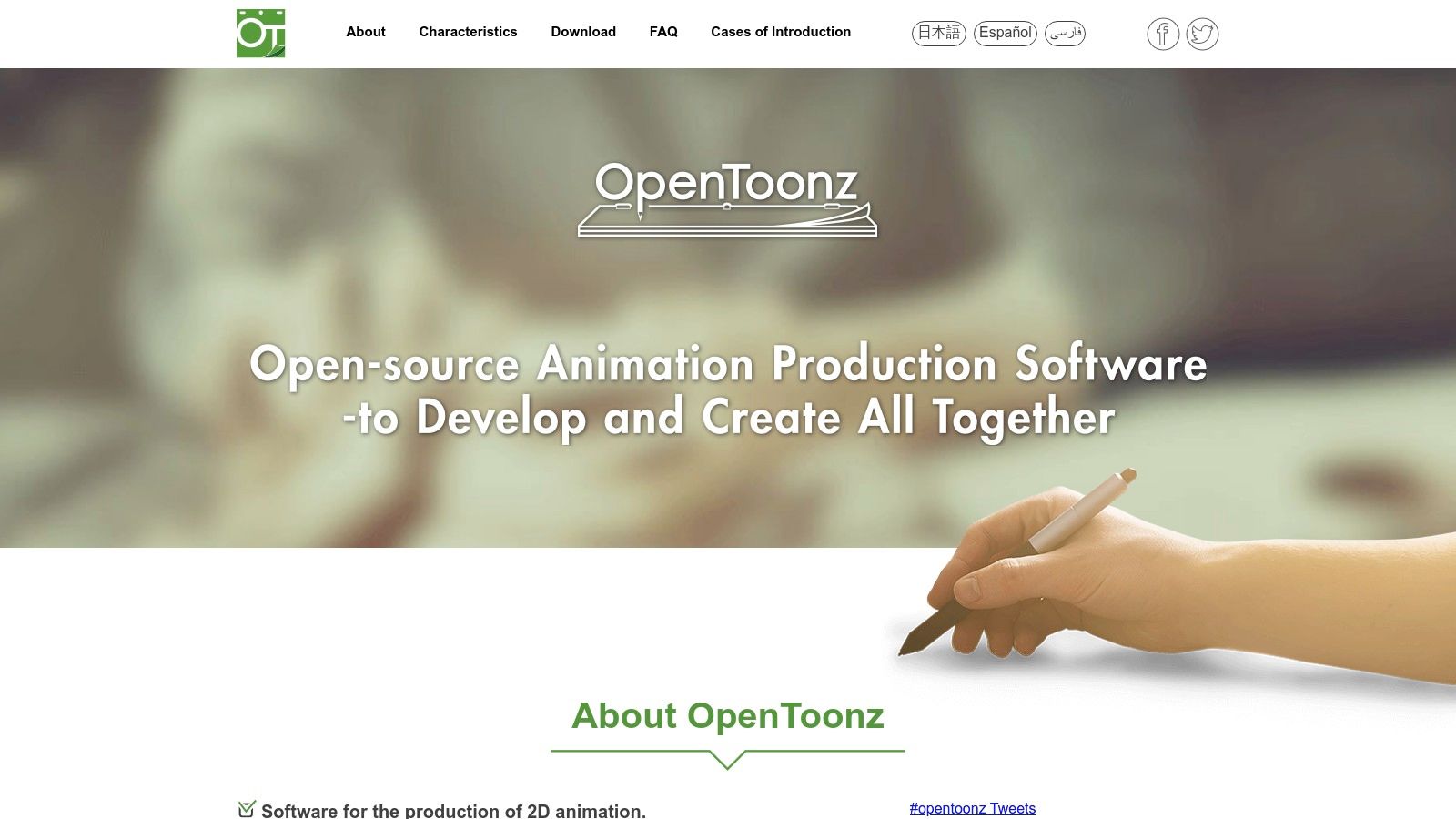
OpenToonz is a professional-grade 2D animation software with a legendary pedigree, being the open-source version of Toonz, famously used by Studio Ghibli for films like Spirited Away. Its interface is highly functional but can feel dated and less intuitive compared to modern applications. Newcomers should anticipate a learning curve, especially with its node-based effects system and the X-sheet layout.
5) Synfig
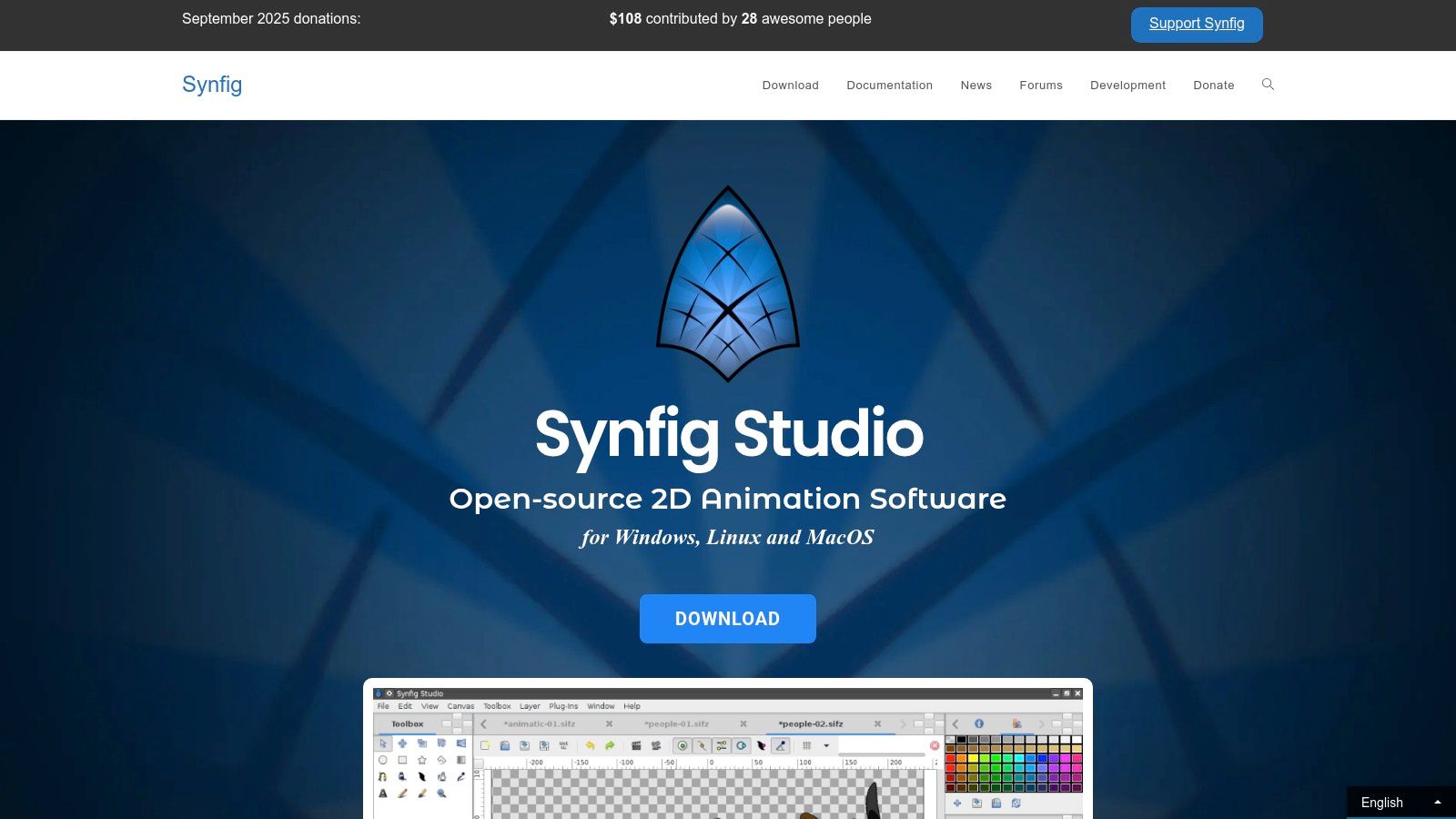
Synfig is a powerful, open-source 2D animation software designed to streamline the animation process. It utilizes vector-based artwork and automatic "tweening" to generate in-between frames, rather than requiring individual frame drawing. Its user interface operates more like a vector graphics editor with a timeline, focusing on layers, bones, and parameters, which may feel different to those accustomed to traditional frame-by-frame animation tools.
6) Pencil2D
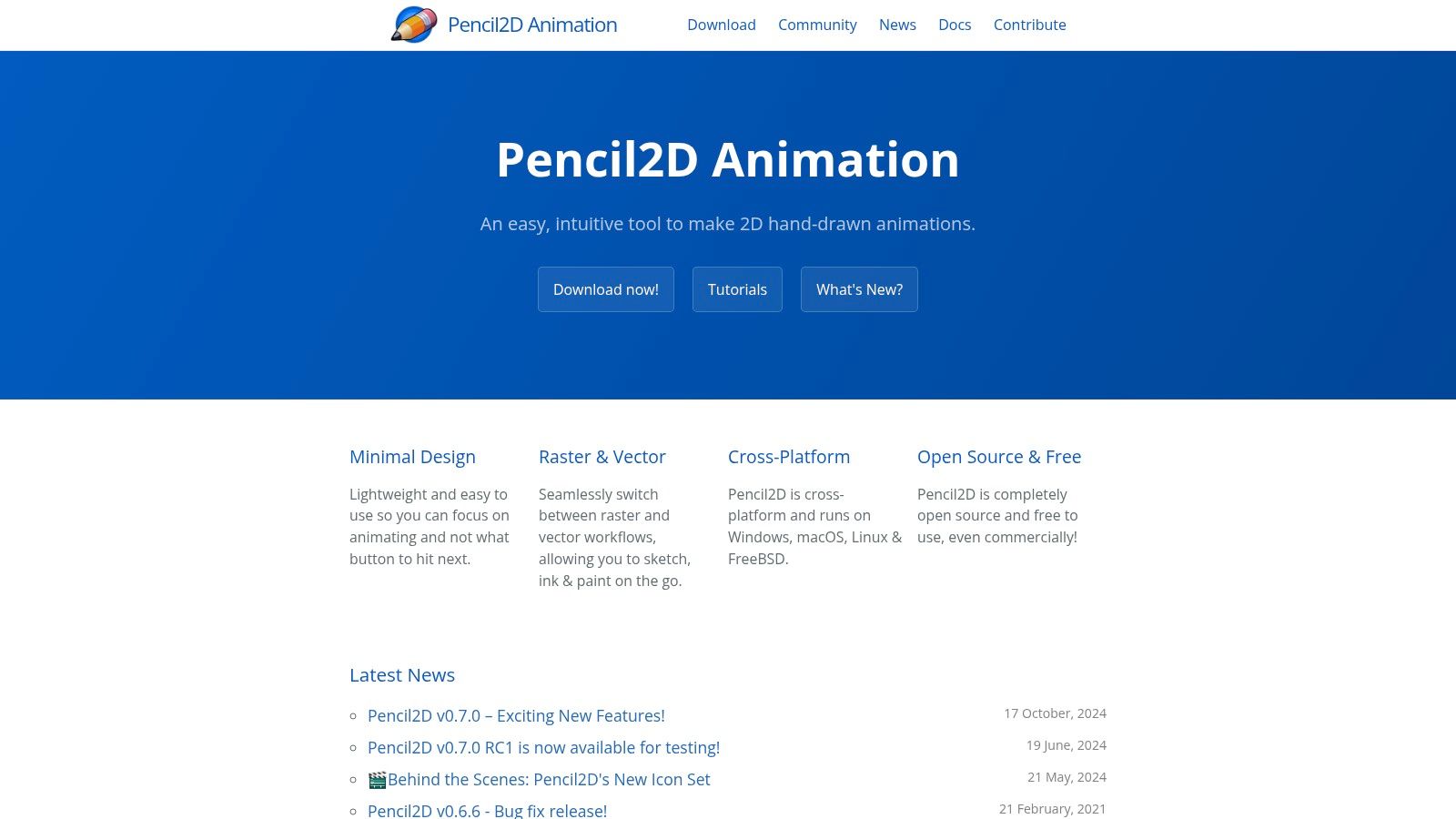
Pencil2D is a beautifully simple, lightweight, and open-source application perfect for traditional hand-drawn animation. Its user experience is incredibly straightforward, featuring a drawing canvas, a timeline, and essential tools like a pencil, eraser, and color palette. It supports both bitmap (raster) and vector layers, offering flexibility in the creative process.
7) TupiTube
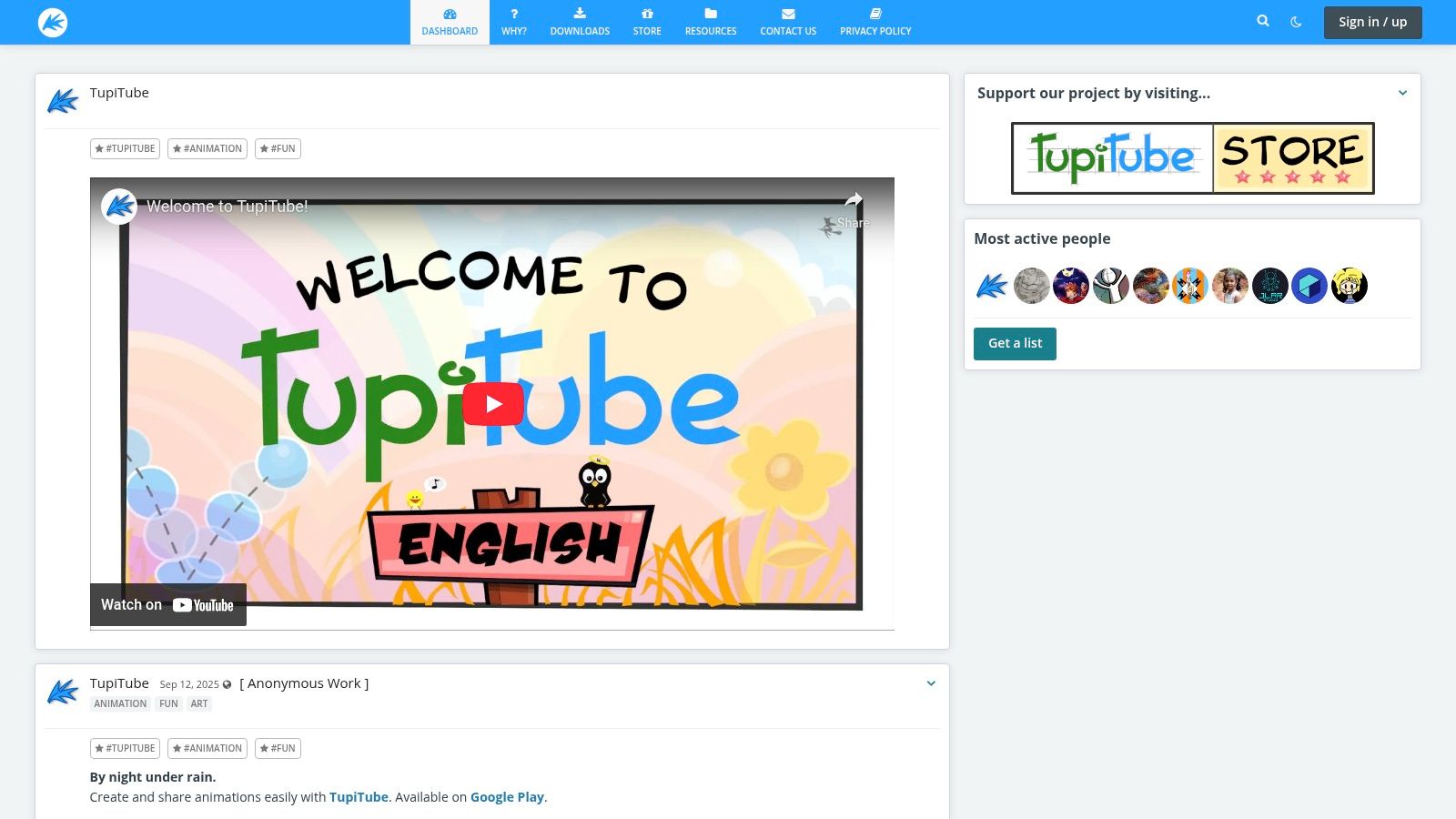
TupiTube is an open-source 2D animation tool designed for both children and adults, focusing on simplicity and ease of use. It's an excellent starting point for those new to animation, offering basic drawing tools, frame-by-frame animation, and support for various export formats.
8) FlipaClip
FlipaClip is a popular mobile animation app that makes frame-by-frame animation accessible on smartphones and tablets. It's ideal for quick sketches and short animations, featuring onion skinning, layers, and various drawing tools. While it has premium features, its free version provides a solid foundation for beginners.
9) DaVinci Resolve (Blackmagic Design)
While primarily known as a professional video editing suite, DaVinci Resolve includes powerful animation capabilities through its Fusion page. This node-based compositing environment allows for sophisticated motion graphics and visual effects. Although it has a steeper learning curve, its comprehensive features make it a valuable free tool for those looking to integrate animation with video production.
10) Cascadeur
Cascadeur is a unique 3D animation software specializing in character animation, particularly for realistic physics-based movements. It offers AI-assisted tools to help animators create natural-looking poses and motions, making complex character animation more manageable for beginners interested in 3D.
11) Source Filmmaker (Valve)
Source Filmmaker (SFM) is a 3D animation software created by Valve, allowing users to create cinematic videos using assets from Valve's games, such as Team Fortress 2 and Half-Life 2. It's a great free option for those interested in machinima or learning 3D animation within a pre-existing game environment.
12) Steam (platform)
While not animation software itself, Steam is a crucial platform for many free animation tools, including Source Filmmaker. It provides an accessible distribution channel and community support for various creative applications, making it a valuable resource for discovering and utilizing free animation software.
Choosing Your Tool and Starting Your Animation Journey
The best animation software for you depends on your specific goals and preferred animation style. For absolute beginners looking for the easiest entry point, Seeddance AI offers a revolutionary prompt-driven workflow. If you're interested in traditional 2D animation, Krita or Pencil2D are excellent choices. For those aiming for professional-grade 3D, Blender provides an unparalleled free solution.
Practical Weekly Workflow
- Define Objectives: Choose 2 to 3 animation goals for the week.
- Draft: Create a concise first draft of your animation idea using your chosen software.
- Refine: Improve the structure, timing, and clarity of your animation before finalizing.
- Evaluate: Compare different animation variants using a single measurable KPI (e.g., engagement, completion rate).
- Optimize: Keep only the formats that consistently outperform your baseline.
Conclusion
Standardizing your animation production process is the most reliable way to scale your creative output. Maintain a stable structure, iterate on individual sections, and only scale what consistently performs well.
Next Step
Explore Seeddance workflow templates to streamline your creative process: https://seeddance.app/
FAQs
1) Can this workflow work for a solo creator? Yes. Start with a small weekly scope and reuse the same production blocks.
2) How many variants should I test per post? 2 to 4 focused variants are usually enough to identify clear winners.
3) Should I prioritize trends or consistency? Use trends for reach, but maintain a consistent format system for long-term brand memory.
Media References
- https://cdn.seeddance.app/blog/beginner-animation-software-free/20260323142857-ocfk8k0b.jpg
- https://cdn.seeddance.app/blog/beginner-animation-software-free/20260323142858-nvprrrrf.jpg
- https://cdn.seeddance.app/blog/beginner-animation-software-free/20260323142859-l4i4106s.jpg
- https://cdn.seeddance.app/blog/beginner-animation-software-free/20260323142900-38sx833q.jpg
- https://cdn.seeddance.app/blog/beginner-animation-software-free/20260323142902-8dzqjdgl.jpg
- https://cdn.seeddance.app/blog/beginner-animation-software-free/20260323142903-fer6v5c9.jpg