Categories: AI Video Workflow, Creator Strategy, Production Process
Tags: seeddance, seedance 2.0, illustration animation, creator workflow, motion design
Introduction
Learning how to animate illustrations is really about turning one strong still image into controlled motion. The underlying principles are not new: clear composition, believable movement, and good timing still matter. What has changed is how accessible the workflow has become. You can now combine classic layer-based preparation with faster AI-assisted tools and get useful results without building every frame by hand.
For beginners, the key is to keep the process simple. Start with clean artwork, separate the elements that should move, pick the right output format, and animate only the parts that help tell the story.
1) Start With a Motion Plan, Not Just a Pretty Illustration
Before you animate anything, decide what kind of movement the artwork actually needs. Not every illustration needs full character animation. Sometimes a subtle camera push, drifting background, blinking eyes, or moving hair is enough to make the piece feel alive.
This is the easiest way to avoid overcomplicating the project. A still illustration becomes more effective when the motion supports the mood, not when every element moves at once.
Useful planning questions:
- What is the focal point?
- Which parts should stay stable?
- What small motion would create the biggest sense of life?
2) Prepare the Artwork Properly
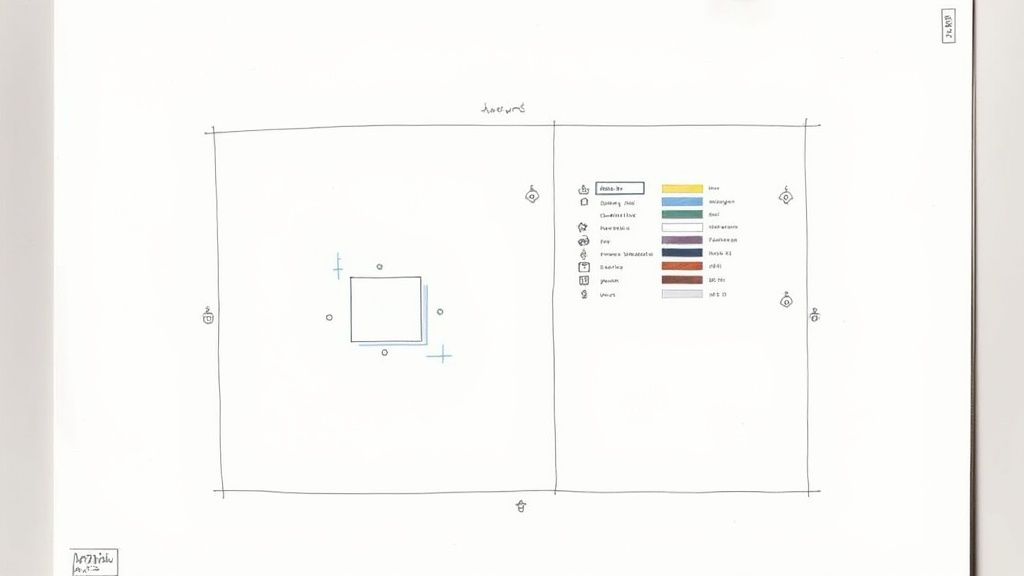
Most animation problems start before the animation software even opens. If you want an arm to move independently, it needs its own layer. If you want hair, clouds, or a background object to shift on its own, those parts also need clean separation.
Layer discipline makes everything easier later. Naming matters too. Files become much easier to work with when elements are organized in a way that reflects the structure of the illustration instead of leaving everything as generic layer names.
A good beginner setup usually includes:
- Separate layers for moving parts
- Clear naming for body parts, props, and foreground or background groups
- A canvas size matched to the final platform, such as
16:9,9:16, or1:1
3) Pick the Right Animation Approach
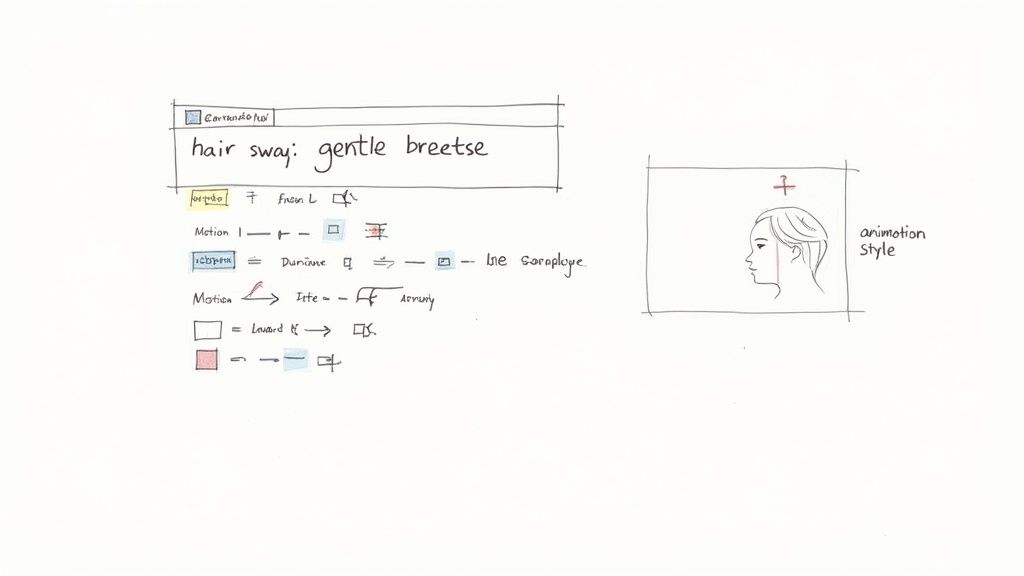
There are two broad paths. The traditional path uses keyframes and gives you precise control over every movement. The newer path uses AI tools to generate motion from an image and a prompt. Both are useful, and the right choice depends on the job.
Traditional keyframing is better when you need exact timing and detailed control. AI workflows are better when you want speed, quick experiments, or multiple motion variations from the same illustration.
For many creators, the best practical workflow is hybrid:
- Use AI to generate the first motion pass quickly
- Review what works visually
- Refine or restyle the strongest version instead of animating everything from scratch
4) Animate the Illustration With Clear Prompts
If you use an AI workflow, prompt writing becomes the main creative control. A vague instruction like "make it move" usually produces generic motion. A better prompt describes the subject, the action, the atmosphere, and the pace.
For example, instead of saying "animate the character," you can be specific: the character blinks slowly, hair moves gently in a light breeze, soft camera push in, calm cinematic motion. That gives the model enough direction to create movement that feels intentional rather than random.
For a practical workflow:
- Use Image to Video to generate the first animated pass from the illustration.
- If you need a supporting scene idea first, block it out with Text to Video.
- Refine motion, style, or consistency with Video to Video.
- Keep prompts focused on one main motion idea at a time.
5) Polish the Motion Before Export
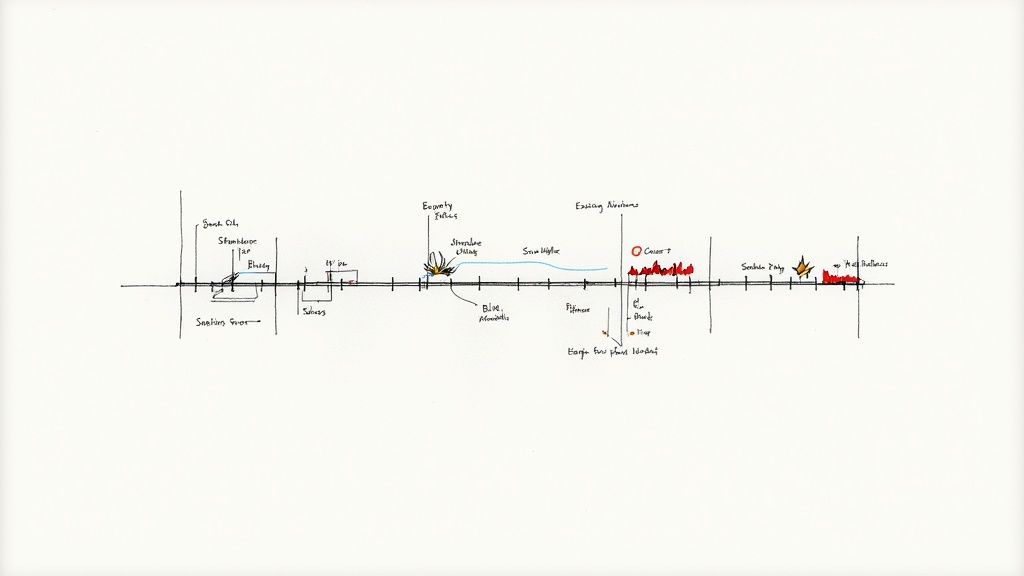
The first output is usually not the final output. Good animated illustrations feel polished because the creator trims excess motion, improves pacing, and removes the parts that distract from the scene.
At this stage, look for:
- Movement that feels too abrupt or too constant
- Elements that should be calmer
- Places where a shorter loop would work better than a longer clip
Sound also matters if the animation is part of a video post or presentation. Once the motion is stable, you can add or plan audio support with Video to Audio.
6) Export for the Platform You Actually Use
Beginners often animate first and think about distribution later. It is usually better to decide the destination at the start. Vertical animation works best for Reels, Shorts, and TikTok. Horizontal works better for YouTube, web pages, and presentation-style content.
When in doubt, keep the clip short and clean. A five to fifteen second loop with one strong motion idea is often more effective than a longer animation with too much happening.
Conclusion
If you want to learn how to animate illustrations, focus on the fundamentals first: plan the motion, prepare layers properly, choose the right tool, and keep the animation readable. That workflow scales much better than trying to animate everything at once.
Next Step
Pick one illustration with a clear subject, separate the moving parts, and generate a first motion test in Image to Video. Review the result, simplify what is not working, and only then create the next version.
FAQs
1) What is the easiest way to animate an illustration as a beginner?
Start with a layered illustration and animate only one or two important elements first. Small, readable motion is the easiest way to get a strong result.
2) Do I need traditional animation software to do this?
Not always. Traditional tools help when you need exact control, but AI tools can help beginners generate useful first-pass motion much faster.
3) What should be on separate layers?
Anything that should move independently, such as arms, hair, eyes, background elements, props, or foreground details.
4) Why do some animated illustrations look unnatural?
Usually because too many elements move at once, prompts are too vague, or the original artwork was not prepared cleanly for motion.
5) How long should an animated illustration be?
Short clips often work best. For most social and marketing use cases, a five to fifteen second sequence is enough.