Categories: AI Video Workflow, Creator Strategy, Production Process
Tags: seeddance, seedance 2.0, ai video workflow, content strategy, creator toolkit
Introduction
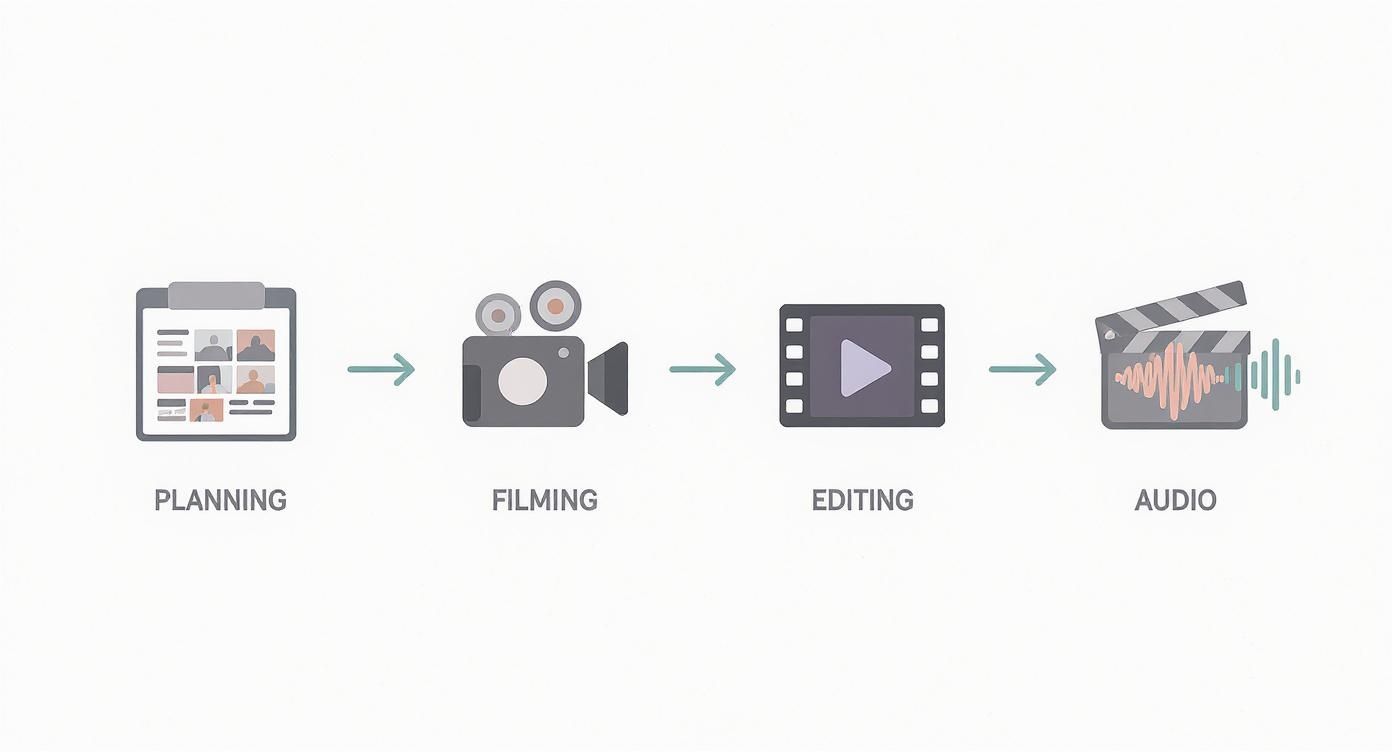
Creating cinematic videos isn't just about high-end cameras or complex software; it's about intention. Every choice, from the initial concept to the final color grade, should serve your story. This guide will walk you through a structured workflow, blending traditional filmmaking principles with modern AI tools, to help you produce videos that truly captivate your audience.
What Makes a Video Cinematic?
At its heart, a cinematic video evokes a distinct feeling. It doesn't merely record an event; it immerses the viewer, elicits emotion, and meticulously guides their experience. This intentional quality is what elevates a professional, polished piece above a casual phone clip.
The core elements of a cinematic video work in synergy. A visually stunning scene can fall flat with poor audio, and even excellent sound can't rescue a poorly paced edit. Achieving that cinematic look isn't accidental; it stems from a structured process that balances your creative vision with the technical steps required to bring it to life. Ultimately, intention is your most powerful tool. Every decision—the color palette, the cut's speed, the shot's angle—must contribute to the narrative you're weaving.
Building Your Visual Blueprint
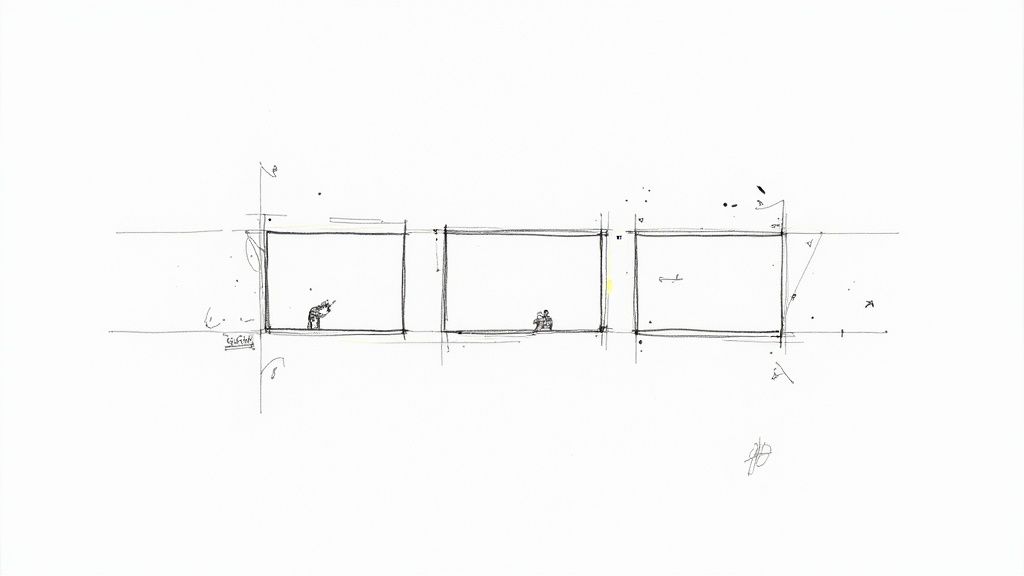
Every great cinematic video begins long before you hit record. It starts with a plan, a solid visual blueprint that lays the groundwork before you dive into AI prompts or camera settings.
From Idea to Storyboard
Once your core concept is solidified, it's time to visualize your story. This is where storyboarding comes in. You don't need to be an artist; simple stick figures and rough sketches are perfectly adequate to map out your sequence of shots and visualize the flow of your narrative.
Creating a Detailed Shot List
Working in tandem with your storyboard is the shot list. This serves as your technical roadmap for the entire production. It's a comprehensive checklist detailing every shot you need, allowing you to specify intricate details for each one.
Applying Timeless Composition Rules
A professional blueprint must incorporate the fundamentals of good composition. Think of these rules as the grammar of visual storytelling. They are essential for creating shots that are balanced, dynamic, and aesthetically pleasing, significantly enhancing the viewer's experience. Mastering them is a game-changer for any creator.
Capturing Your Footage With Intention
With your plan locked in, the exciting part begins: creating the raw material for your story. Whether you're looking through a camera lens or typing a prompt into an AI, this is where your vision starts to materialize. Every single shot must be deliberate.
Filming With a Traditional Camera
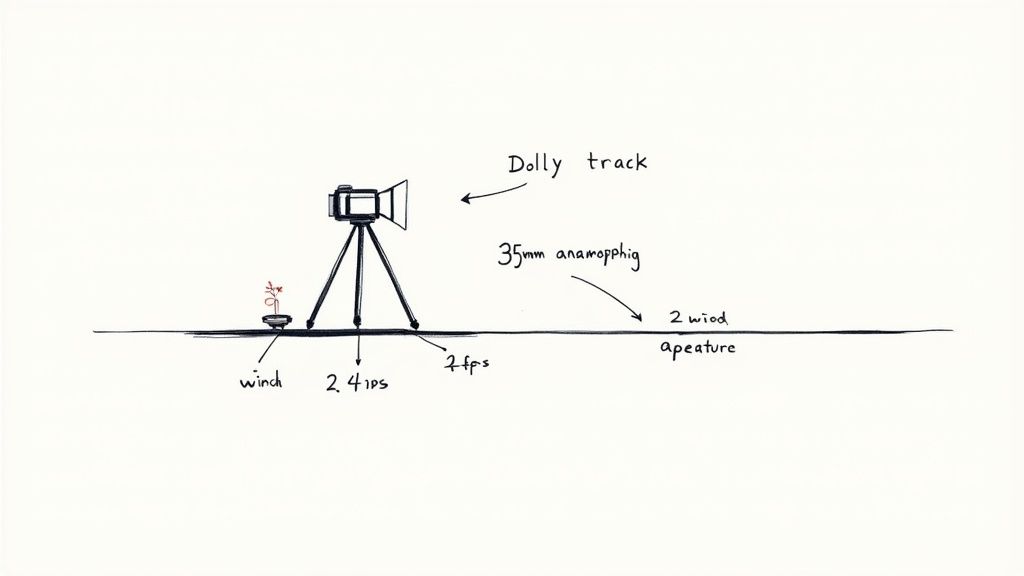
If you're using a traditional camera—even your smartphone—a few small adjustments to your settings can make a significant difference. Consider these less as technical chores and more as creative choices that directly influence how your audience perceives your video.
Generating Footage With AI
When utilizing an AI tool like Seeddance AI, your prompt becomes your camera, your lens, and your lighting rig. A vague prompt will yield generic results, but a detailed and descriptive prompt grants you incredible control over the generated video.
The Anatomy of a Cinematic AI Prompt
To elevate your AI-generated footage from basic to brilliant, you need to go beyond simply telling the AI what to show. You must instruct it on how it should be shot, incorporating cinematic techniques directly into your prompt.
Crafting Your Narrative in the Edit
The editing phase is where your story truly comes together. Every cut, transition, and pacing decision contributes to the overall cinematic feel.
Adding the Final Polish with Color and Sound
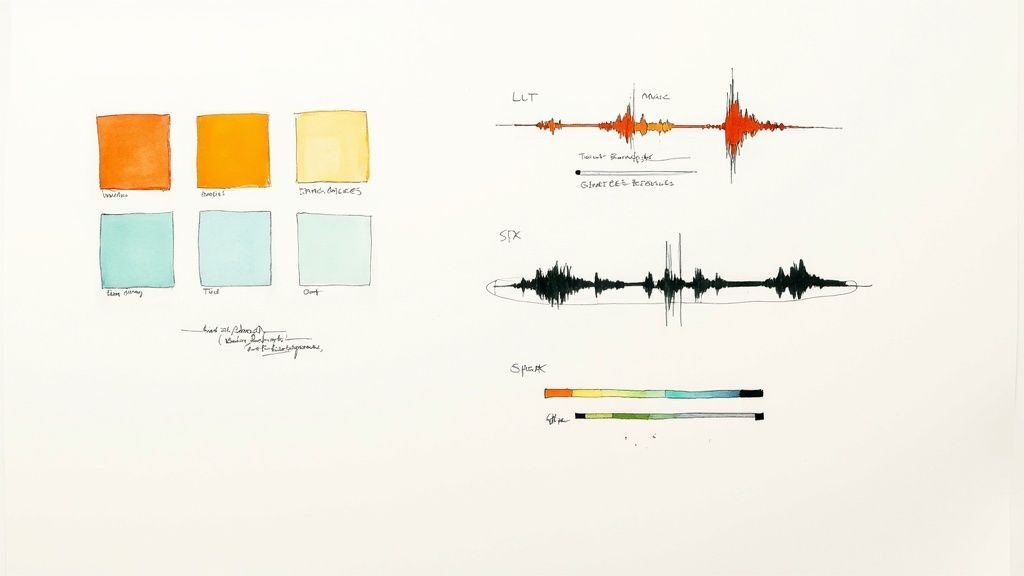
The final touches of color grading and sound design are crucial for achieving a professional, cinematic aesthetic. These elements can profoundly impact the mood and emotional resonance of your video.
Practical Weekly Workflow with Seeddance
To consistently produce cinematic content, integrate these steps into your workflow:
- Define Weekly Objectives: Choose 2-3 key elements from this guide to focus on each week.
- Initial Drafts: Produce your first video drafts using Text to Video or Image to Video.
- Refine Motion and Style: Enhance the visual dynamics and aesthetic with Video to Video.
- Add Audio Layers: Integrate sound design using Video to Audio or create original tracks with Text to Music.
- Publish and Analyze: Release one polished variant and one experimental version, then compare their performance to identify what resonates best with your audience.
This iterative approach ensures repeatable production, minimizes aimless editing, and provides measurable insights for continuous improvement.
Conclusion
Scaling your content output reliably hinges on standardizing your production process. Maintain a stable structure, iterate on specific sections, and only scale what consistently demonstrates strong performance.
Call to Action
Ready to start creating your own cinematic videos?
- Begin with Image to Video
- Or start with Text to Video
- Refine your creations with Video to Video
- Enhance with audio using Video to Audio
- Build supporting visuals with Text to Image
FAQs
1) Can this workflow work for a solo creator? Absolutely. Start with a manageable weekly scope and consistently reuse the same production blocks to build efficiency.
2) How many variants should I test per post? Testing 2 to 4 focused variants is typically sufficient to identify clear winners and optimize your content.
3) Should I prioritize trends or consistency? Leverage trends for broader reach and discoverability, but maintain a consistent format system to build long-term brand recognition and memory.