Categories: AI Video Workflow, Creator Strategy, Production Process
Tags: seeddance, seedance 2.0, ai video workflow, content strategy, creator toolkit
Introduction
Achieving perfect audio-video synchronization is crucial for any compelling video. A slight misalignment can instantly distract viewers, pulling them out of the experience. This guide provides practical methods and insights to ensure your audio and video always align seamlessly, enhancing your production workflow with Seedance 2.0.
Why Flawless Audio Sync Matters
Have you ever watched a video where the speaker's words are just slightly out of sync with their lip movements? It's jarring and immediately noticeable. Our brains are incredibly sensitive to these discrepancies. Research indicates that we can tolerate audio being ahead of video by up to +45 milliseconds or lagging by as much as -125 milliseconds. Beyond these thresholds, the illusion breaks, and the viewer's attention shifts from your content to the technical flaw.
Setting Up Your Files for an Easy Sync
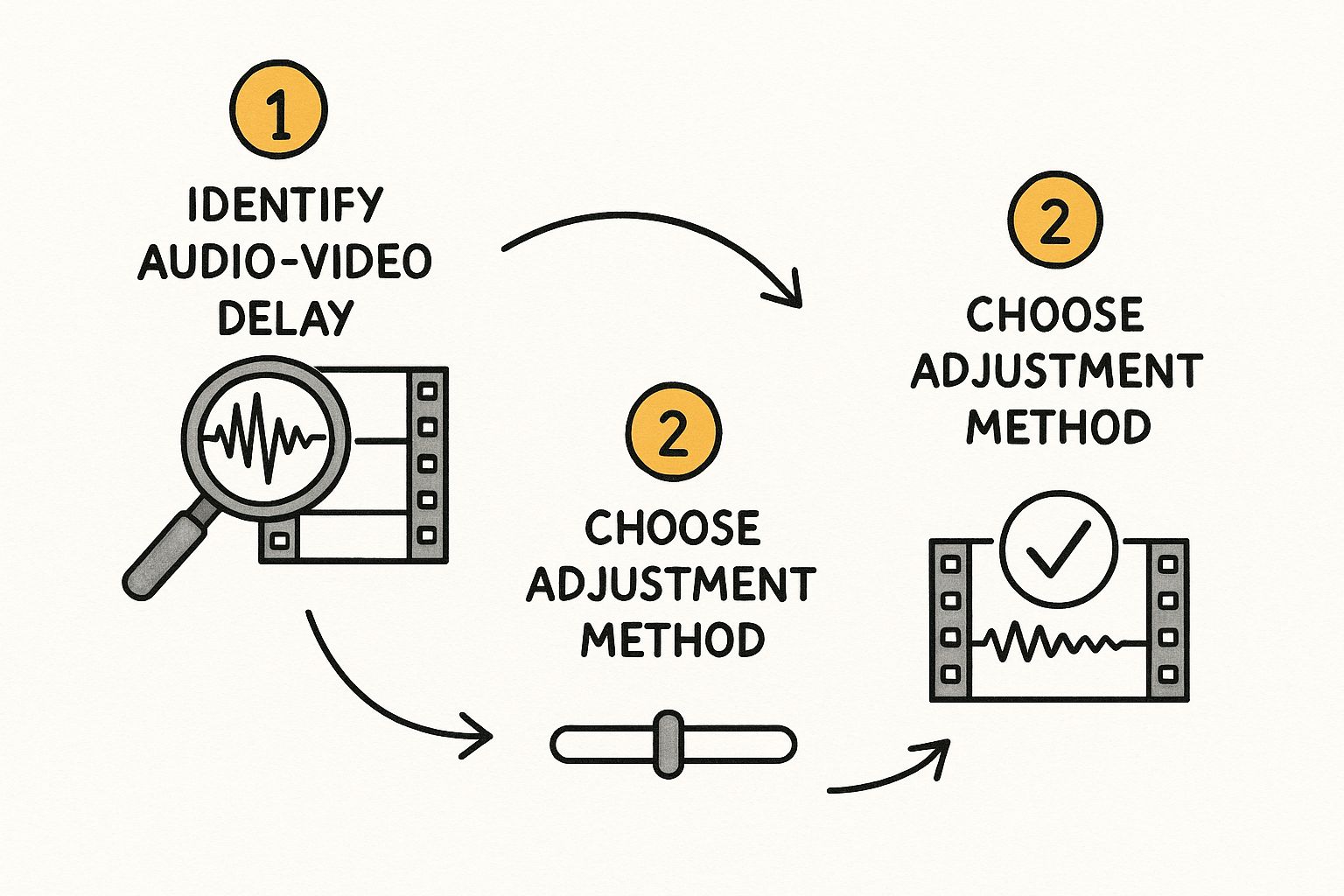
The foundation of a stress-free audio sync begins long before you open your editing software. A seamless sync is the result of a smart, organized workflow established during filming.
Organize Your Digital Assets
First, get your files in order. A chaotic project folder is a recipe for frustration, leading to more time spent searching for clips than actually editing. Proper organization is key to an efficient post-production process.
Create a Clear Sync Point
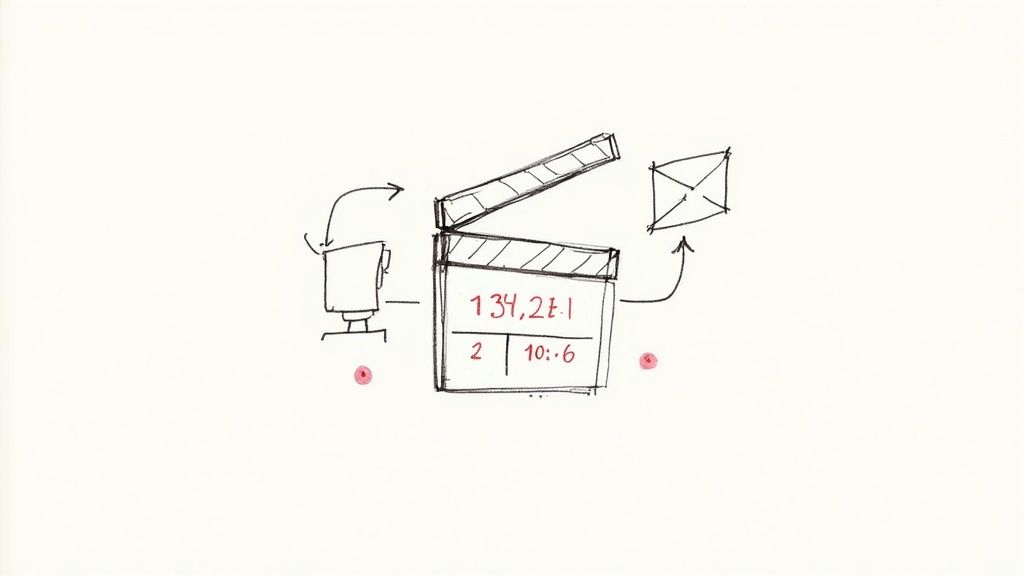
Next, establish an unmistakable reference point that exists on both your video and all audio recordings. This visual and audible "handshake" between your camera and external recorder is critical. Without it, you're left guessing, making precise synchronization nearly impossible. A classic clapperboard slate or even a simple hand clap can serve this purpose effectively.
The Power of Scratch Audio
Here’s a game-changing tip: always record audio directly into your camera, even if its quality is poor. This in-camera audio, known as "scratch audio," is an absolute lifesaver for modern editing software. It provides a reference track that automated syncing tools can use to align your high-quality external audio.
Picking Your Audio Sync Method
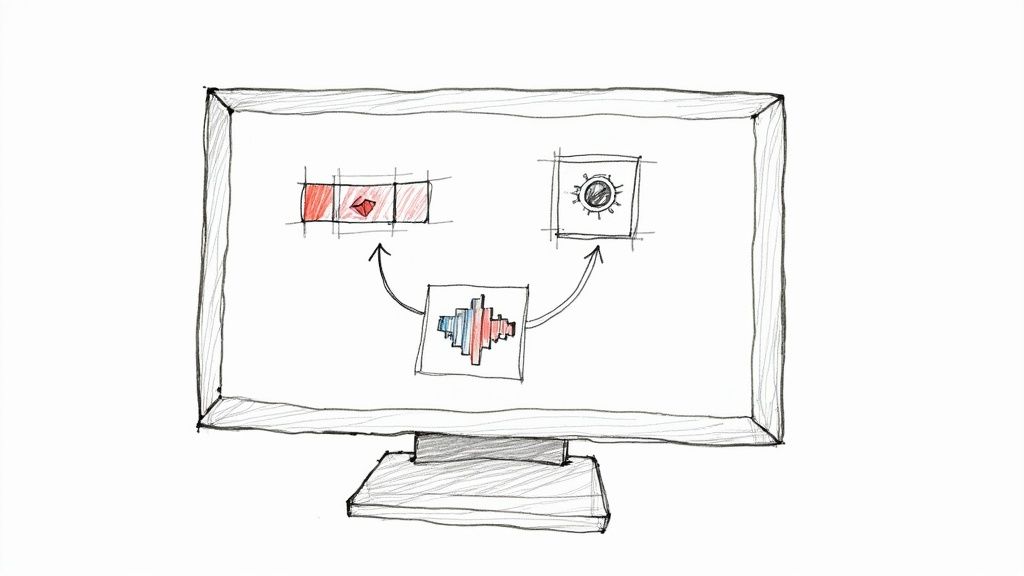
With your files organized and ready, it's time to sync. You have two primary methods: manual and automated.
The Manual Sync: A Hands-On Approach
Manual syncing is the traditional, reliable method. It relies on a clear sync point established during filming, such as a clapperboard or a hand clap. You visually align the audio spike with the visual cue in your editing timeline. This method offers precise control and is effective when automated options struggle.
The Automated Sync: Let the Software Do the Work
Modern editing software offers powerful automated syncing features. These tools leverage the "scratch audio" recorded by your camera to automatically align your high-quality external audio tracks. This can save significant time with remarkable accuracy, especially for projects with multiple audio sources.
Manual Sync vs. Automated Sync: A Comparison
The best method depends on your project's specifics, the quality of your source files, and your personal preference. While manual syncing offers granular control, automated syncing is often faster and highly accurate, particularly when scratch audio is available.
The Journey from Clapperboards to AI
Understanding the evolution of audio syncing helps appreciate current methods. The challenge of syncing audio to moving pictures is as old as cinema itself.
The Digital Revolution and Timecode
A significant leap came with digital technology and the introduction of timecode. Timecode acts as a digital address stamped onto every frame of your video and audio, providing an exact reference point for synchronization across different devices.
The Rise of Intelligent Automation
Today, intelligent automation, often powered by AI, continues to refine syncing processes. This technology can tackle tough sync problems by analyzing complex audio and video patterns, making the process even more efficient and accurate.
Answering Your Toughest Audio Sync Questions
Even with advanced tools, challenges can arise. Understanding the underlying "science" of sync perception helps. Our brains are wired to detect even subtle discrepancies, making precise alignment paramount for viewer immersion.
Practical Weekly Workflow
To consistently produce high-quality, synchronized content, consider integrating these steps into your weekly workflow:
- Define Objectives: Choose 2-3 core blocks from this guide and set a weekly objective for each.
- Draft Concisely: Create a concise first draft for each selected block, focusing on clarity.
- Refine and Publish: Improve structure, tone, and clarity before publishing.
- Measure Performance: Compare variants using a single measurable KPI to understand what resonates.
- Scale What Works: Only scale formats and methods that consistently outperform your baseline.
Conclusion
Scaling content output reliably hinges on standardizing your production process. By maintaining a stable structure, iterating on sections, and scaling only proven performers, you can achieve consistent, high-quality results.
Next Step
Explore Seeddance workflow templates to streamline your content creation: https://seeddance.app/
FAQs
1) Can this workflow work for a solo creator? Yes. Start with a small weekly scope and reuse the same production blocks to build efficiency.
2) How many variants should I test per post? Typically, 2 to 4 focused variants are sufficient to identify clear winners and optimize your content.
3) Should I prioritize trends or consistency? Use trends to gain reach and visibility, but maintain a consistent format system for long-term brand recognition and memory.