Categories: AI Video Workflow, Creator Strategy, Tool Comparison
Tags: sora alternative, sora 2, ai video generator, seeddance, video workflow
Introduction
As of March 27, 2026, OpenAI's Help Center describes Sora 2 as the current Sora experience on the web and in the app, while the legacy Sora 1 web experience is being sunset. That means the search for a "Sora alternative" is not really about replacing a dead product. It is about finding a tool that better matches the way your team actually works.
Some creators want better output from image-to-video. Some want faster iteration for social ads. Others need stronger creative control, lower-friction testing, or a workspace where multiple models can be compared side by side. This guide follows the comparison intent of the reference article, but reframes it around a more useful question: which AI video tools should you test when Sora is not the best fit for your workflow?
1) When it makes sense to look beyond Sora
You should test alternatives if one or more of these are true:
- You need faster batch iteration for ad creative or social content.
- You want a lower-risk way to test ideas before paying for a bigger plan.
- You care more about editing control than raw generation quality.
- You want predictable image-to-video results from still assets.
- You need one workspace for multiple models instead of one model in isolation.
The best Sora alternative is not universal. It depends on your bottleneck. For some teams the bottleneck is realism. For others it is speed, cost, creative control, or the ability to compare outputs without rebuilding the workflow every week.
2) The 5 Sora alternatives worth testing
1) Veo3 AI for best overall output quality
If your top priority is high-end output from text prompts or still images, Veo3 AI is a strong first test. The reference article positions it as the best overall Sora replacement because it pairs strong visual quality with relatively approachable text-to-video and image-to-video workflows. It is especially useful for cinematic concept shots, marketing clips, and product visuals where realism matters more than deep post controls.
Best for: creators who want strong output quickly.
Watch-outs: if you need timeline editing or more granular motion shaping inside the same tool, you will probably still finish the job elsewhere.
2) Runway Gen-3 Alpha for creative control
Runway is the better fit when your team cares about direction, not just generation. Camera presets, motion controls, and a broader editing environment make it attractive for teams that want to shape the result inside the platform instead of exporting immediately after generation.
Best for: marketers, directors, and creative teams who iterate heavily on movement and composition.
Watch-outs: it usually asks for more intention and more workflow discipline than simpler tools.
3) Kling 2.0 for speed and value
Kling stands out when volume matters. If your workflow depends on testing many variants quickly, it is one of the most practical tools to evaluate. The reference article emphasizes its mix of decent motion quality and accessible entry cost, which makes it useful for social teams, prompt experimentation, and fast-turnaround campaigns.
Best for: rapid testing, short-form content, and teams that care about throughput.
Watch-outs: it can be less precise when you need detailed steering of a scene.

4) Pika 2.0 for casual and lightweight social use
Pika is the easiest option in this group to hand to a non-specialist. If the job is "turn an idea into a clip quickly" rather than "build a tightly controlled production pipeline," Pika is often the fastest path from concept to draft.
Best for: solo creators, lightweight social posts, and quick experiments.
Watch-outs: simple tools are great for speed, but they usually give up some ceiling on polish and control.
5) Seedance Video Generator for multi-model workflows
Seedance becomes the better choice when your real problem is not one model versus another, but how to compare several model paths without fragmenting your process. Instead of committing too early, teams can test different generation styles in one place and keep the same brief moving across models and formats.
Best for: agencies, multi-format teams, and creators who want one workspace for several generation routes.
Watch-outs: if you only want one dedicated generator and nothing else, a single-model product can feel simpler at first.
3) Quick comparison table
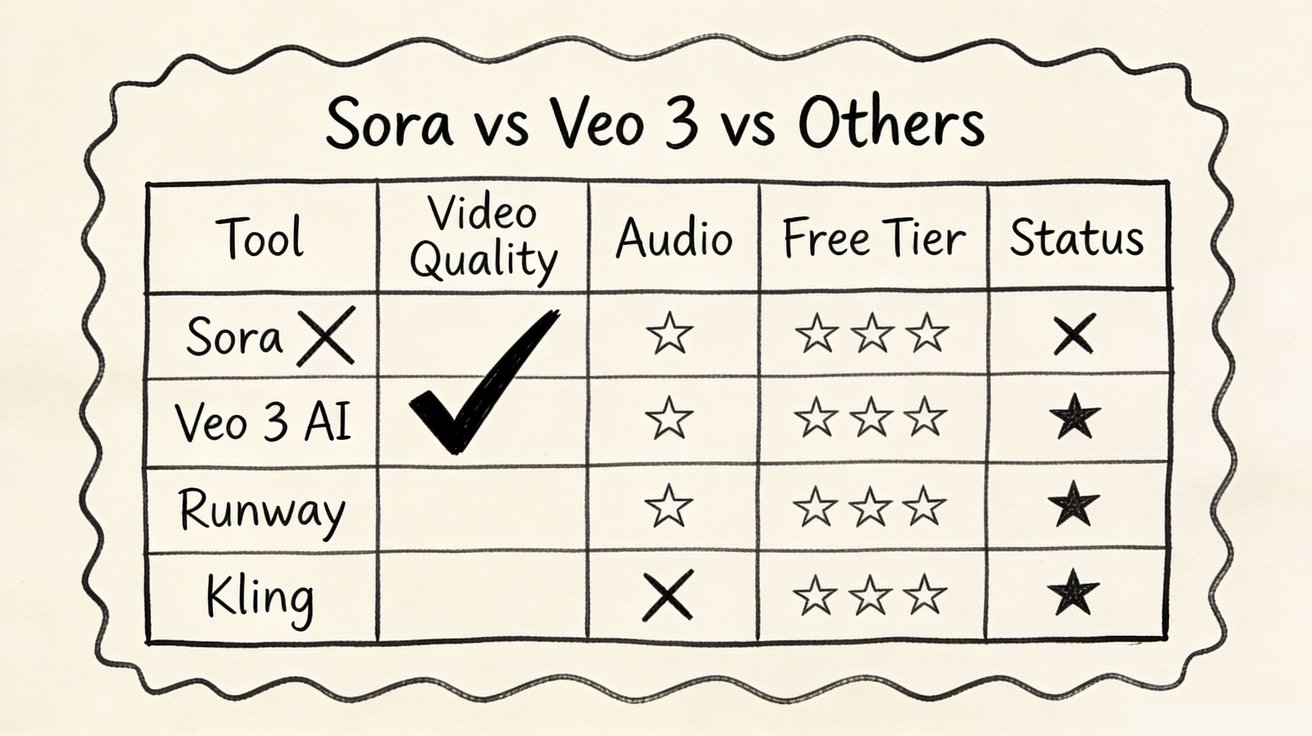
| Tool | Best for | Why teams choose it | Main trade-off |
|---|---|---|---|
| Veo3 AI | Quality-first creation | Strong realism and approachable generation workflows | Less editor-like control inside the same environment |
| Runway Gen-3 Alpha | Creative control | Better in-platform shaping of motion and composition | More involved workflow |
| Kling 2.0 | Speed and value | Fast testing and high throughput | Less precise steering for complex scenes |
| Pika 2.0 | Casual social use | Very easy to start and fast to learn | Lower ceiling on polish and control |
| Seedance Video Generator | Multi-model evaluation | Compare several model paths in one workflow | Slightly less minimal if you only need one generator |
4) How to evaluate a Sora alternative
Use the same brief across every tool. That is the only way to make a fair comparison.
Focus on five signals:
Publishable quality under motion
Does the clip stay coherent when the camera moves or when the subject changes pose?Prompt adherence
Does the tool actually follow the subject, action, setting, and style you asked for?Iteration speed
How fast can you move from concept to something worth reviewing with a teammate or client?Cost to test
How much do you need to spend before you can tell whether the workflow fits your needs?Workflow fit
Does it support the aspect ratios, input types, exports, and collaboration steps your pipeline requires?
One practical point from the reference article is still absolutely right: specific prompts beat vague prompts. "Aerial shot of coastal cliffs at sunset, slow drone push forward, cinematic grading" is a much better benchmark than "make a cool ocean video."

5) A migration workflow that actually works
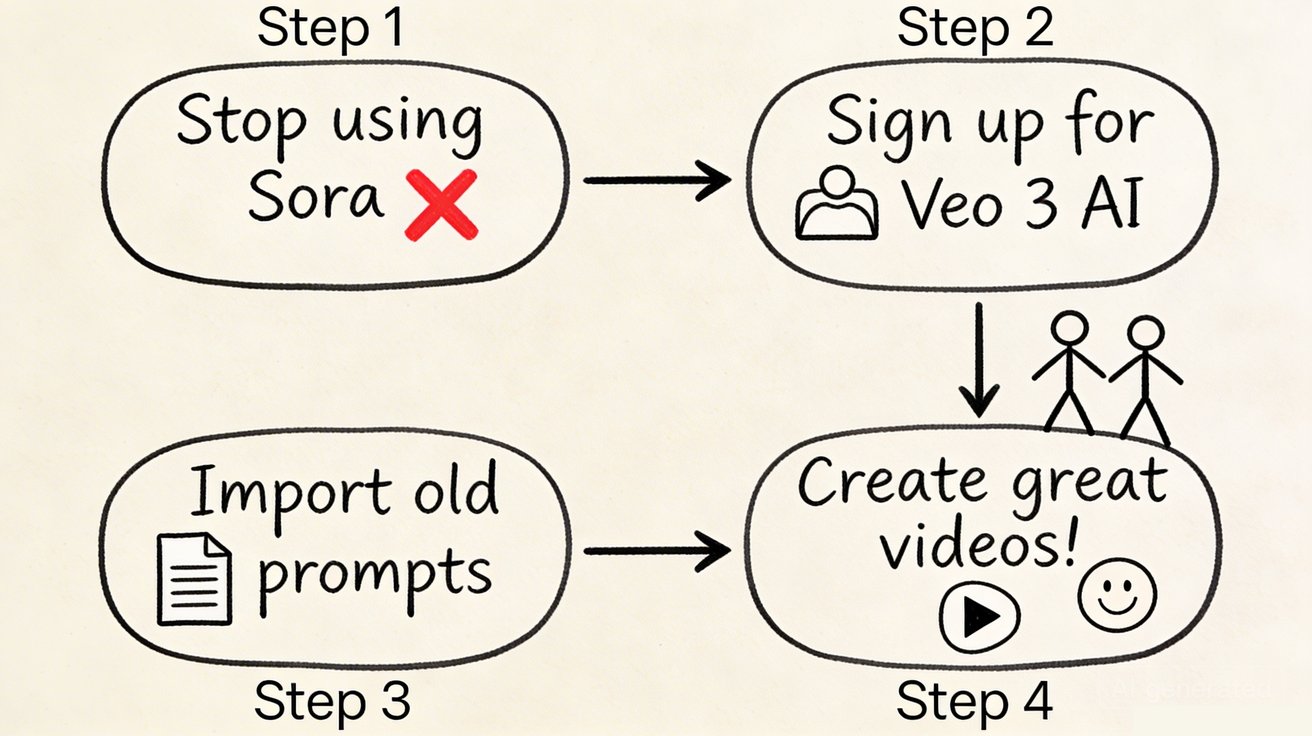
If you are moving work away from Sora or just reducing dependence on a single platform, use a process that reflects real production:
- Start with three real prompts from your current workflow, not demo prompts.
- Run each brief in two or three tools: one quality-first option, one speed-first option, and one multi-model workspace.
- Test both text-to-video and image-to-video if your process ever starts from still assets.
- Judge the result on time-to-usable output, not on the single best lucky generation.
- Standardize the winning path and document your prompt structure so the team can repeat it.
If you want a practical place to run that comparison, start with Seeddance, then test the same brief through Text to Video, Image to Video, and Video to Video. The goal is not to prove one model wins every time. The goal is to find the shortest path to consistently usable clips.
Conclusion
The best Sora alternative in 2026 depends on your constraint.
- Choose Veo3 AI if you want a strong quality-first starting point.
- Choose Runway if control matters most.
- Choose Kling if fast iteration and value lead your decision.
- Choose Pika if you want the simplest way to create quick social clips.
- Choose Seedance if your team needs to compare several model paths without rebuilding the workflow every time.
Sora still matters, but it no longer has to be your only frame of reference. The better question is simple: which tool helps your team reach a usable result faster, more consistently, and with less rework?
Next Step
If you want to compare several AI video paths in one workflow, start at https://seeddance.app/ and run the same brief through multiple generation modes before you commit to a single tool.
FAQs
1) Is Sora fully shut down?
No. As of March 27, 2026, OpenAI's Help Center says Sora 2 is the current experience on web and in the app, while the legacy Sora 1 web experience is being sunset.
2) What is the best Sora alternative for quality?
Veo3 AI is a strong first test if pure output quality is your top priority. But "best" still depends on your format, prompts, and review criteria.
3) What is the best Sora alternative for fast iteration?
Kling is a good fit when you need many quick tests. Pika is also useful when simplicity matters more than full production control.
4) What is the best way to compare Sora alternatives?
Use the same three to five production-style prompts across each tool, then compare time-to-usable output, consistency under motion, and how much cleanup each result needs.
Media References
- https://cdn.seeddance.app/blog/sora-alternative/20260327103402-xbzni89v.jpeg
- https://cdn.seeddance.app/blog/sora-alternative/20260327103403-bj7u6l5h.jpeg
- https://cdn.seeddance.app/blog/sora-alternative/20260327103404-tgy7ynq6.jpeg
- https://cdn.seeddance.app/blog/sora-alternative/20260327103405-12yvce0u.jpeg
- https://cdn.seeddance.app/blog/sora-alternative/20260327103405-yjr7vnnp.jpeg
- https://cdn.seeddance.app/blog/sora-alternative/20260327103406-pbmkeorh.jpeg