Categories: AI Video Workflow, Creator Strategy, Tool Comparison
Tags: sora 2, veo 3, ai video generator, seeddance, video workflow
Introduction
The old "Sora vs Veo 3" debate used to be framed like a winner-take-all race between two flagship video models. That framing no longer holds.
As of March 27, 2026, OpenAI's Help Center describes Sora 2 as the current Sora experience on the app and web, while Google DeepMind positions Veo 3.1 as its leading video generation model for text-to-video, image-to-video, and text-to-audio-plus-video workflows. In other words, the real question is not "which one survived?" It is which one is the better fit for your workflow right now?
This guide keeps the comparison intent of the reference article, but corrects the premise and focuses on a more useful decision: when should a creator choose Sora 2, and when is Veo 3 the better path?
1) The short answer
If you want a fast, social, low-friction creation flow, Sora 2 has a strong case.
If you want a model family that is currently being positioned for top-tier video generation quality, image-to-video strength, realistic physics, and audio-enabled creation, Veo 3 is the stronger quality-first comparison.
The right choice depends less on branding and more on whether your bottleneck is:
- fast idea exploration
- controlled iteration
- stronger visual output
- image-to-video reliability
- audio-integrated generation
- broader workflow fit across marketing, storytelling, and asset-based production
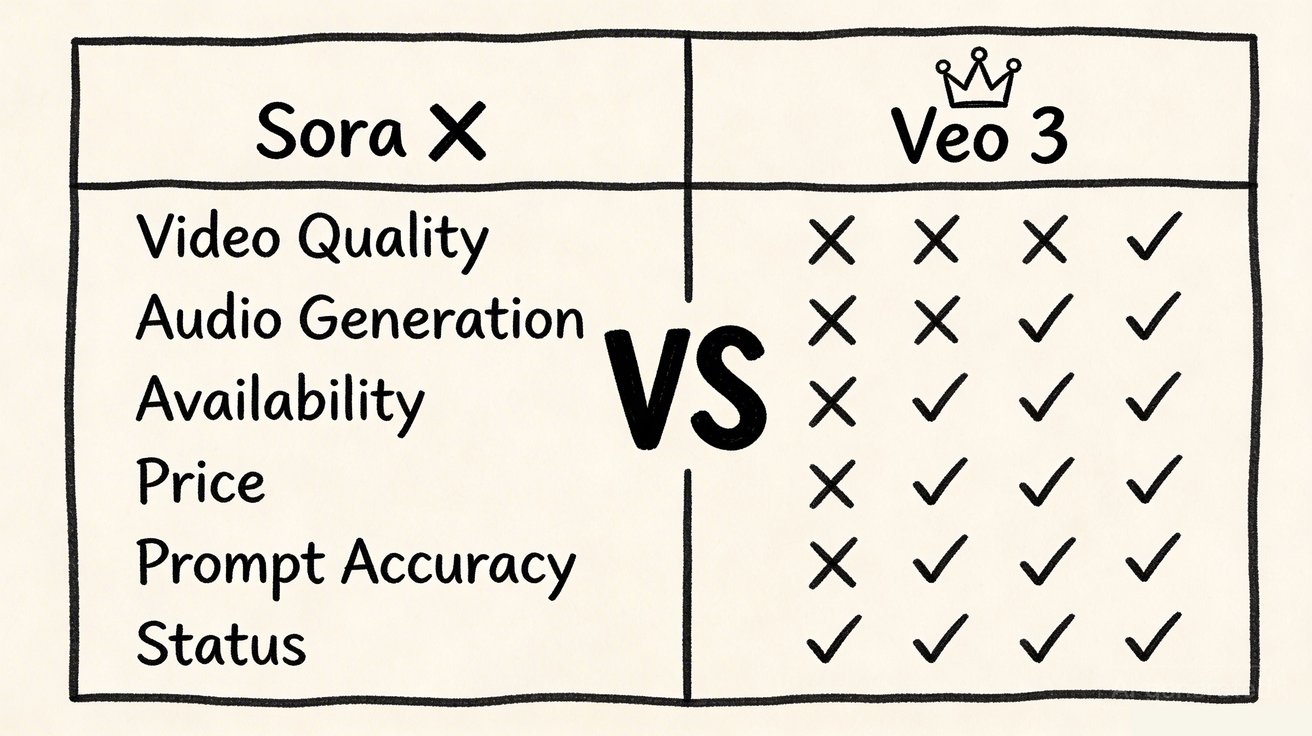
2) Side-by-side comparison
| Category | Sora 2 | Veo 3 / Veo 3.1 |
|---|---|---|
| Current status | Active as Sora 2, according to OpenAI Help Center | Active as Google's current Veo video generation family |
| Primary feel | Low-friction app-style creation and remix workflow | Quality-first video model family for broader creator and production workflows |
| Inputs | Text and photo input | Text-to-video and image-to-video |
| Audio | Synchronized audio supported in Sora 2 | Native audio-enabled video generation is a headline strength |
| Strength | Simple creation, remixing, collaborative feel | Prompt following, visual quality, realistic physics, image-to-video depth |
| Best fit | Quick ideation, short clips, social-first creation | Creators who want higher-end output and broader production utility |
This is the first important correction to the reference article: the modern comparison is not "silent Sora vs audio Veo." OpenAI's current Sora 2 help documentation explicitly describes Sora as creating short videos with synchronized audio.
3) Where Sora 2 is the better fit
Low-friction creation
OpenAI describes Sora 2 as a collaborative creation app built for quick generation, remixing, and sharing. That matters if your workflow values ease of use more than a heavier production-style interface.
Fast social-style iteration
Sora 2's current onboarding and creation flow is oriented around short clips that feel immediate and responsive. If your team wants to move quickly from prompt to draft without much setup, that simplicity is valuable.
Remix-driven creativity
The remix orientation is a meaningful workflow difference. Some creators do better in environments where they can branch from an existing result instead of rebuilding every variation from scratch.
4) Where Veo 3 is the better fit
Stronger quality-first positioning
Google DeepMind is explicitly positioning Veo 3.1 as state of the art across text-to-video, image-to-video, text-to-audio-plus-video generation, and realistic physics. That does not mean every prompt wins automatically, but it does mean the model family is being pushed as a high-end quality benchmark.
Broader production utility
Veo-style workflows are attractive when your video generation is part of a broader content pipeline rather than a purely app-first social flow. Marketing teams, design teams, and product storytellers often care more about repeatable output quality than about a playful creation loop.
Image-to-video depth
This is one of the more useful official signals. Google DeepMind's Veo page notes that it could not compare image-to-video against Sora 2 Pro on realistic human images because Sora 2 currently does not support realistic human-image input in that context. That is a meaningful practical limitation if your workflow starts from real-person stills.
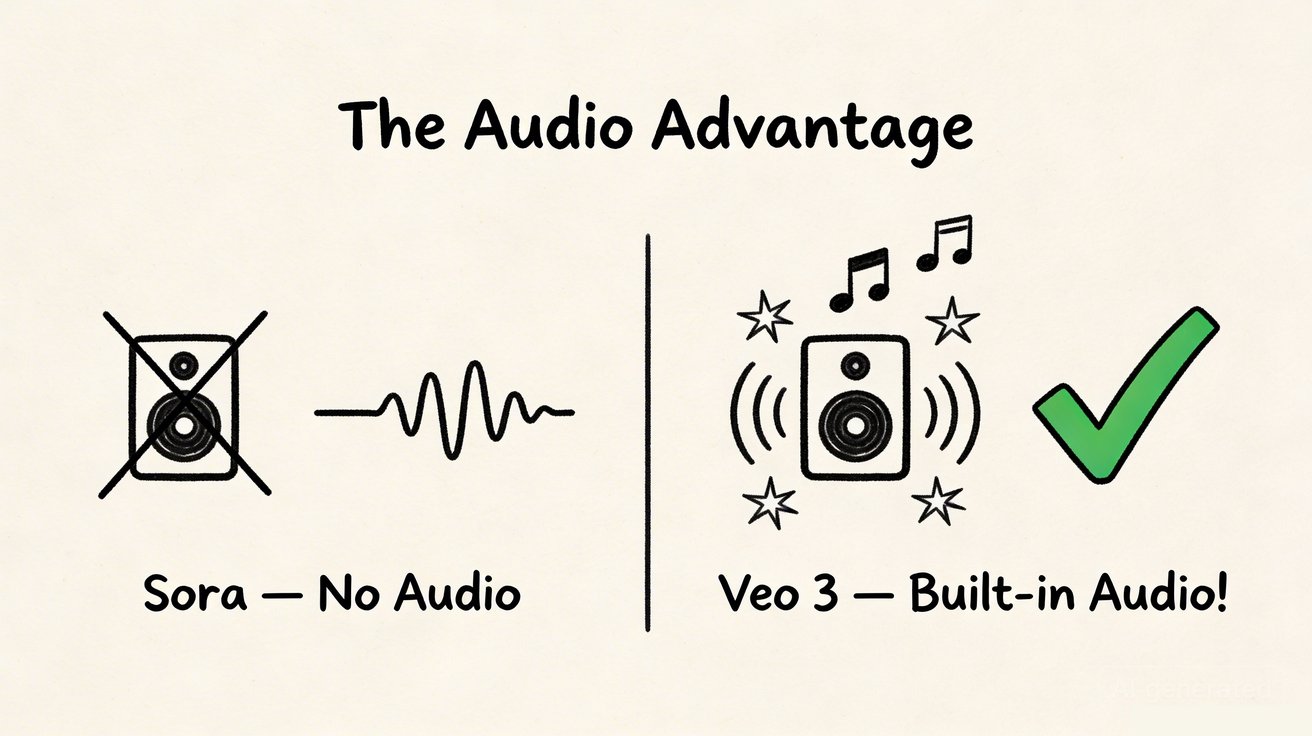
Audio remains a real advantage
Even though Sora 2 now supports synchronized audio, Veo 3 still stands out because Google positions text-to-audio-plus-video generation as a first-class model capability, not just an add-on experience. For creators who want sound design tightly coupled with the initial generation step, that matters.

5) Which creators should choose which tool
Choose Sora 2 if:
- you want a simpler, app-oriented creation experience
- you care about remixing and rapid short-form exploration
- your team values low friction over deep production-style control
Choose Veo 3 if:
- you want a stronger quality-first comparison point
- your workflow depends heavily on image-to-video
- you care about realistic physics, prompt following, and broader production utility
- you want to test higher-end audio-plus-video generation in a more model-centric workflow
Choose neither by reputation alone
This is the broader lesson. Both names carry brand weight, but real workflow fit still matters more than reputation. The winning tool is the one that gets your team to usable output faster and more consistently.

6) A practical testing framework
If you are genuinely deciding between Sora 2 and Veo 3, do not compare them by hype. Compare them by the same three to five prompts.
Use this framework:
- Test one prompt built for cinematic motion.
- Test one prompt that starts from a still image.
- Test one prompt where audio matters to the final impression.
- Test one prompt tied to a real production use case, such as product marketing or short-form ads.
- Score both tools on time-to-usable result, prompt adherence, consistency under motion, and cleanup required.
That will tell you more than any abstract "which model is better?" argument.
7) What to do if you want one place to compare multiple paths
If your team wants to compare several AI video routes without rebuilding the workflow every time, start with Seeddance, then test the same brief across Text to Video, Image to Video, and Video to Video.
That approach is often more useful than forcing a single-model conclusion too early. You learn faster when every tool is tested against the same brief and the same success criteria.
Conclusion
The best way to think about Sora 2 vs Veo 3 in 2026 is simple:
- Sora 2 is stronger when you want low-friction, remix-friendly, short-form creation.
- Veo 3 is stronger when you want a quality-first, broader-production comparison point.
As of March 27, 2026, this is not a comparison between one active model and one dead product. It is a comparison between two different philosophies of AI video creation. One leans toward immediate collaborative creation. The other leans toward high-end model capability and broader production utility.
Next Step
If you want to compare multiple AI video workflows in one place, start at https://seeddance.app/ and run the same prompt across several generation modes before deciding which model family fits your process.
FAQs
1) Is Sora still available?
Yes. As of March 27, 2026, OpenAI's Help Center describes Sora 2 as the current Sora experience on web and in the app.
2) Does Sora 2 support audio?
Yes. OpenAI's current Sora app documentation describes Sora 2 as creating short videos with synchronized audio.
3) What is Veo 3 better at?
Veo 3 is the stronger choice when you want a quality-first comparison point, stronger image-to-video positioning, realistic physics, and a broader production-oriented workflow.
4) What is the best way to compare them?
Use the same production-style prompts across both tools, then compare output quality, prompt adherence, time-to-usable result, and workflow friction.
Media References
- https://cdn.seeddance.app/blog/sora-vs-veo-3/20260327110735-7wwf5ot9.jpeg
- https://cdn.seeddance.app/blog/sora-vs-veo-3/20260327110736-ktlc5adg.jpeg
- https://cdn.seeddance.app/blog/sora-vs-veo-3/20260327110737-kordvuje.jpeg
- https://cdn.seeddance.app/blog/sora-vs-veo-3/20260327110738-m48bqva6.jpeg
- https://cdn.seeddance.app/blog/sora-vs-veo-3/20260327110738-m542wh16.jpeg
- https://cdn.seeddance.app/blog/sora-vs-veo-3/20260327110739-als109vr.jpeg