Categories: AI Video Workflow, Creator Strategy, Production Process
Tags: seeddance, seedance 2.0, ai video workflow, content strategy, creator toolkit
Introduction
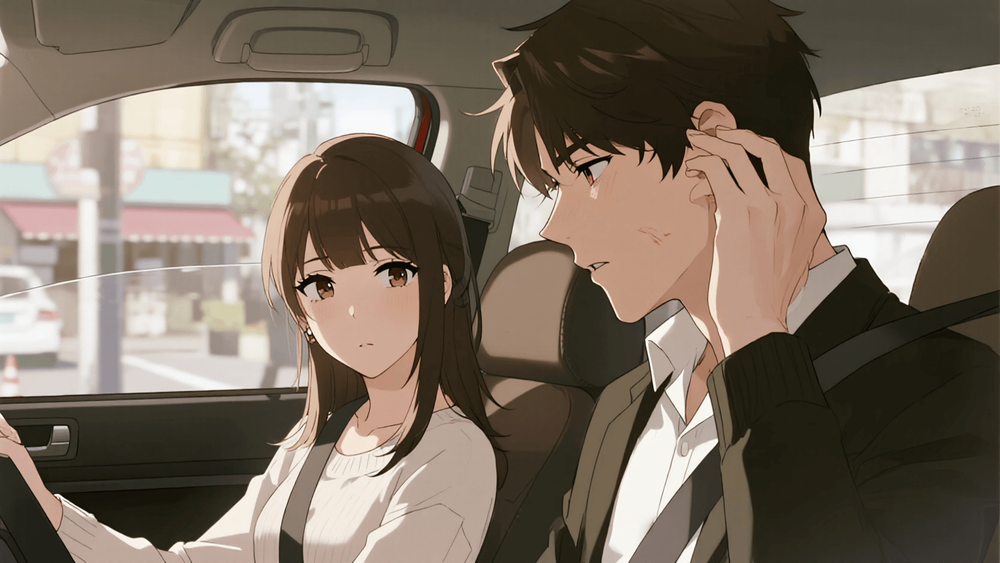
This guide presents a streamlined approach to transforming video into anime or cartoon styles using AI. By focusing on clear planning and execution, creators can enhance their publishing consistency with Seedance 2.0.
Core Content Blocks
The First Decision: Keep the Source Clip Clean
A clean input clip significantly improves the quality of the stylized output. This practice not only ensures a more convincing transformation but also enhances the repeatability of your production process.
Anime and Cartoon Are Not the Same Workflow
Understanding the distinct workflows for anime and cartoon styles is crucial. Clearly defining your goal from the outset can lead to better results and a more efficient production process.
Test a Small Section First
Before committing to stylizing an entire clip, it’s advisable to test a short section. This allows you to evaluate the effectiveness of your approach without investing too much time upfront.
When Rebuilding Beats Transforming
In many cases, it may be more effective to create a high-quality frame using an AI image generator and then animate from that frame, rather than attempting a direct video-to-video transformation.
Decide Early Whether You Want Transformation or Reinterpretation
If your aim is to produce a stylized creator clip rather than a one-off experiment, integrating your scene into a broader AI video generator workflow can facilitate easier pacing and refinement of the final look.
What Usually Breaks the Stylization
Many video-to-anime and video-to-cartoon transformations fail because the source footage was not suitable for stylization. Quality source footage should not only be high resolution but also editorially useful.
Anime Stylization Works Best When the Scene Already Has Drama
Anime stylization tends to thrive in scenes that already possess dramatic elements. This inherent drama can significantly enhance the effectiveness of the transformation.
Cartoon Stylization Works Best When the Gesture Is Obvious
Cartoon stylization is generally more forgiving than anime but requires clarity. It works best when the viewer can immediately grasp the gesture being portrayed.
A Useful Review Checklist Before You Export
Before finalizing your output, ensure that the source material contains the necessary elements for effective anime-style conversion, as this can greatly influence the final result.
Some Footage Is Better as Mood Reference Than Direct Input
Not all footage is ideal for direct transformation. Sometimes, clips can serve better as references for pose, mood, or rhythm, leading to a stronger final output when reimagined.
Practical Weekly Workflow
- Select 2 to 3 blocks from this article and set a weekly objective.
- Draft concise content for each selected block.
- Refine the structure, tone, and clarity before publishing.
- Compare different versions using a measurable KPI.
- Retain only the formats that consistently outperform the baseline.
Conclusion
Standardizing your production process is key to scaling content output effectively. By maintaining a stable structure and iterating by section, you can enhance performance and achieve consistent results.
Next Step
Explore Seeddance workflow templates: https://seeddance.app/
FAQs
1) Can this workflow work for a solo creator?
Yes, solo creators can start with a manageable weekly scope and reuse the same production blocks.
2) How many variants should I test per post?
Testing 2 to 4 focused variants is typically sufficient to identify clear winners.
3) Should I prioritize trends or consistency?
While trends can boost reach, maintaining a consistent format is essential for long-term brand recognition.
Media References