Shonen Action
Manga Momentum
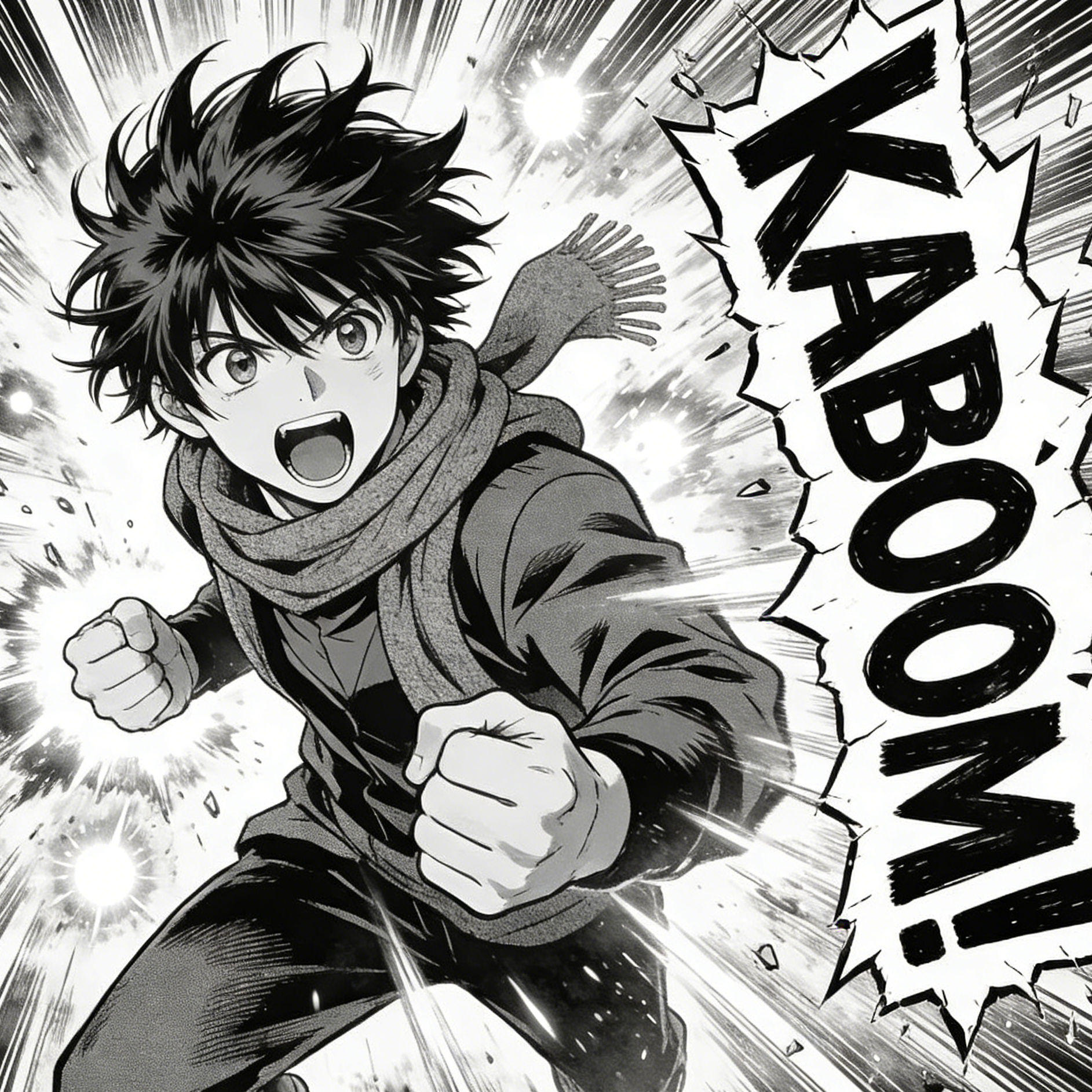
High-energy black-and-white linework, speed bursts, and exaggerated impact framing for battle or sports moments.
Dynamic manga panel, speed lines, expressive face, impact typography space, high-contrast ink shading.
Turn prompts and uploads into bold comic-book visuals with inked lines, panel energy, and dramatic genre styling.
This landing page adapts the reference page into reusable ai-effects modules for the current project: hero, style gallery, example gallery, benefits, why-use, steps, FAQ, related workflow links, and advanced tool cards. The CTAs route directly into our text-to-image and image-to-image studios.
Use the landing page as visual direction, then continue in the studio with a prepared prompt tuned for comic-book composition and stylized linework.
The reference page opens with a strong style board. Here that pattern becomes configurable, so future pages can reuse the same section while swapping genre-specific art, prompts, and alt text.
High-energy black-and-white linework, speed bursts, and exaggerated impact framing for battle or sports moments.
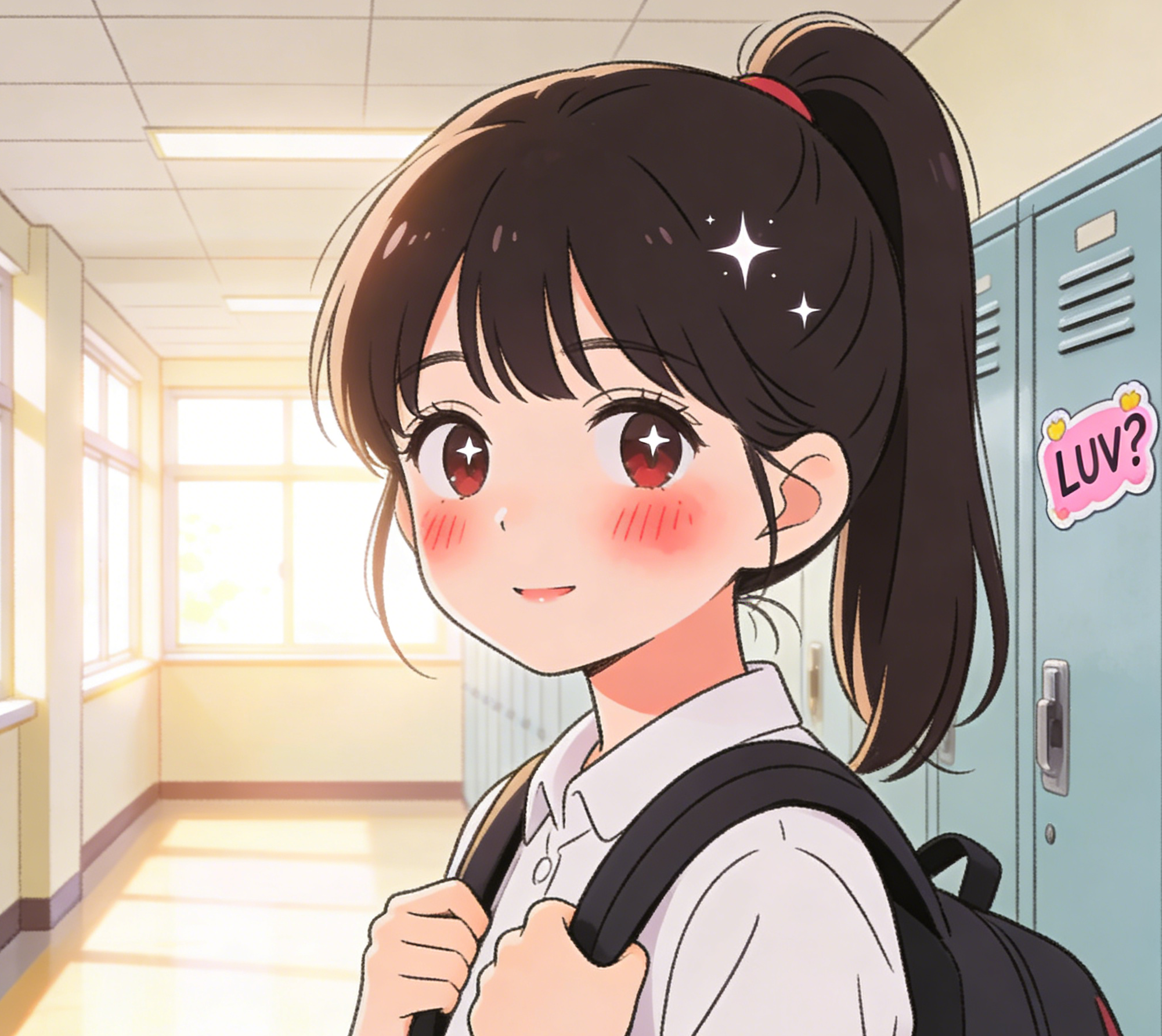
Soft blush tones, sparkling eyes, and school-life framing for gentle character introductions and slice-of-life scenes.
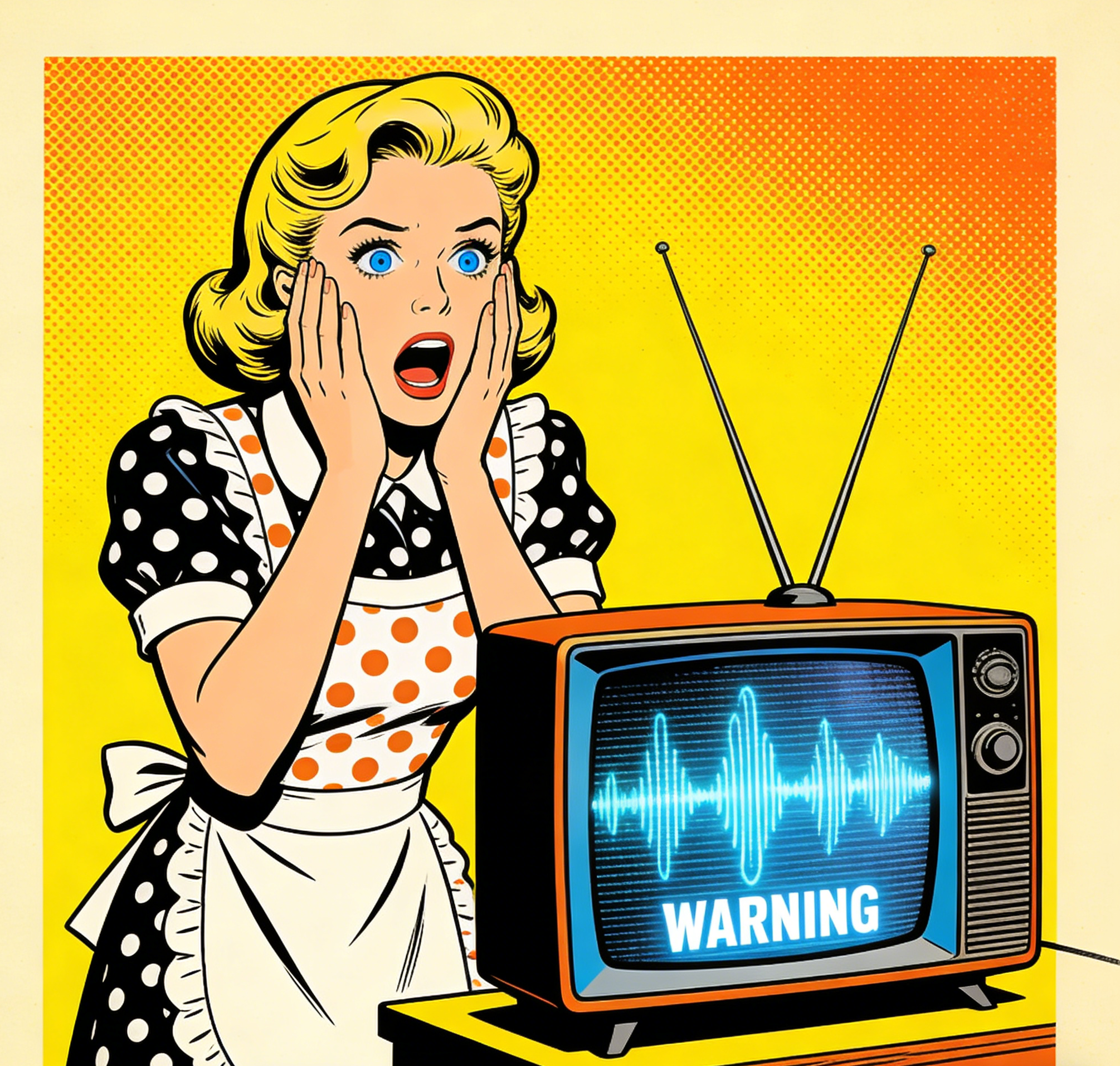
Mid-century comic poster energy with halftones, thick outlines, and loud color blocking for satirical or ad-like scenes.
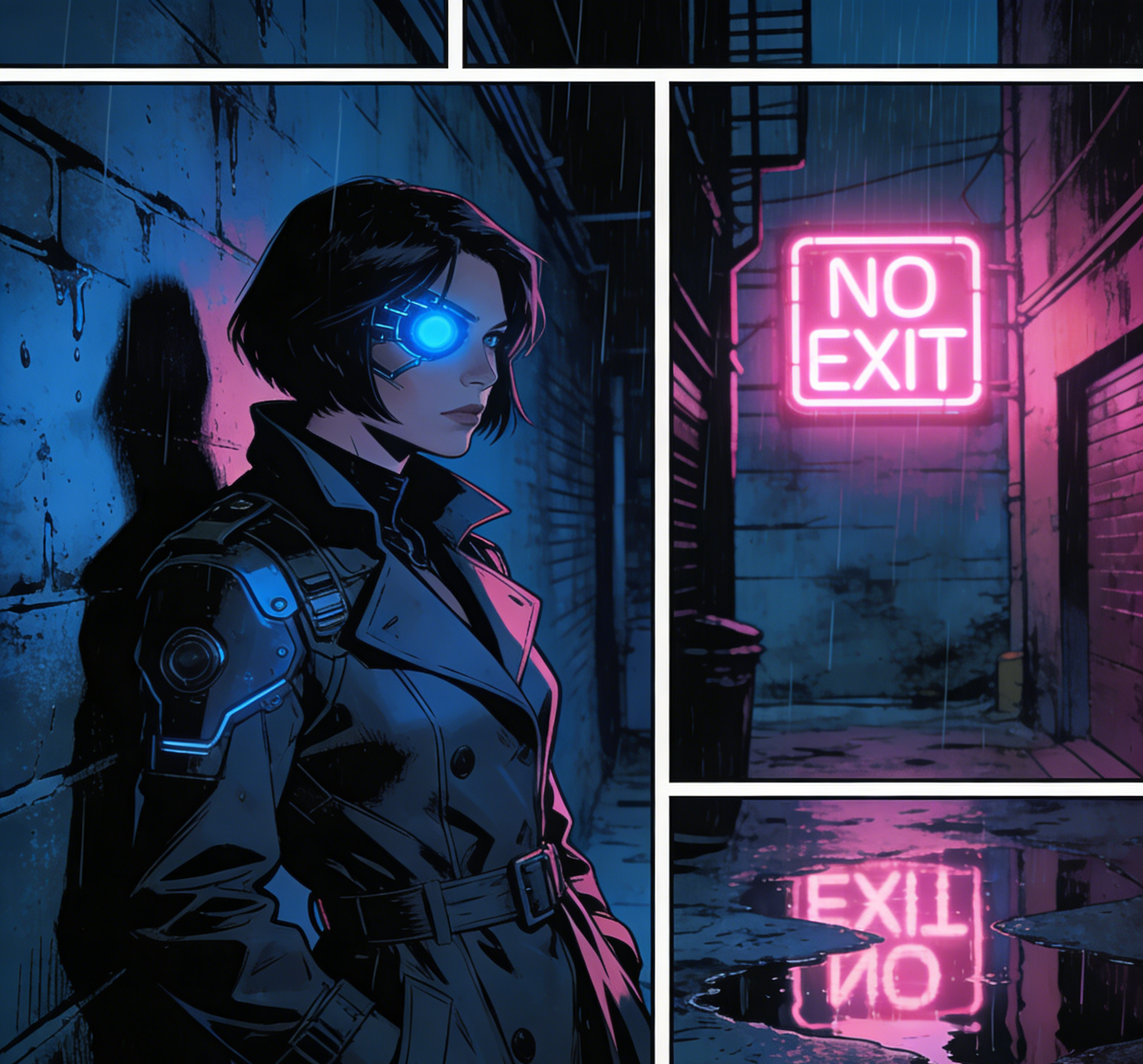
Rainy alleys, panel borders, and electric neon contrast for darker detective or sci-fi story beats.
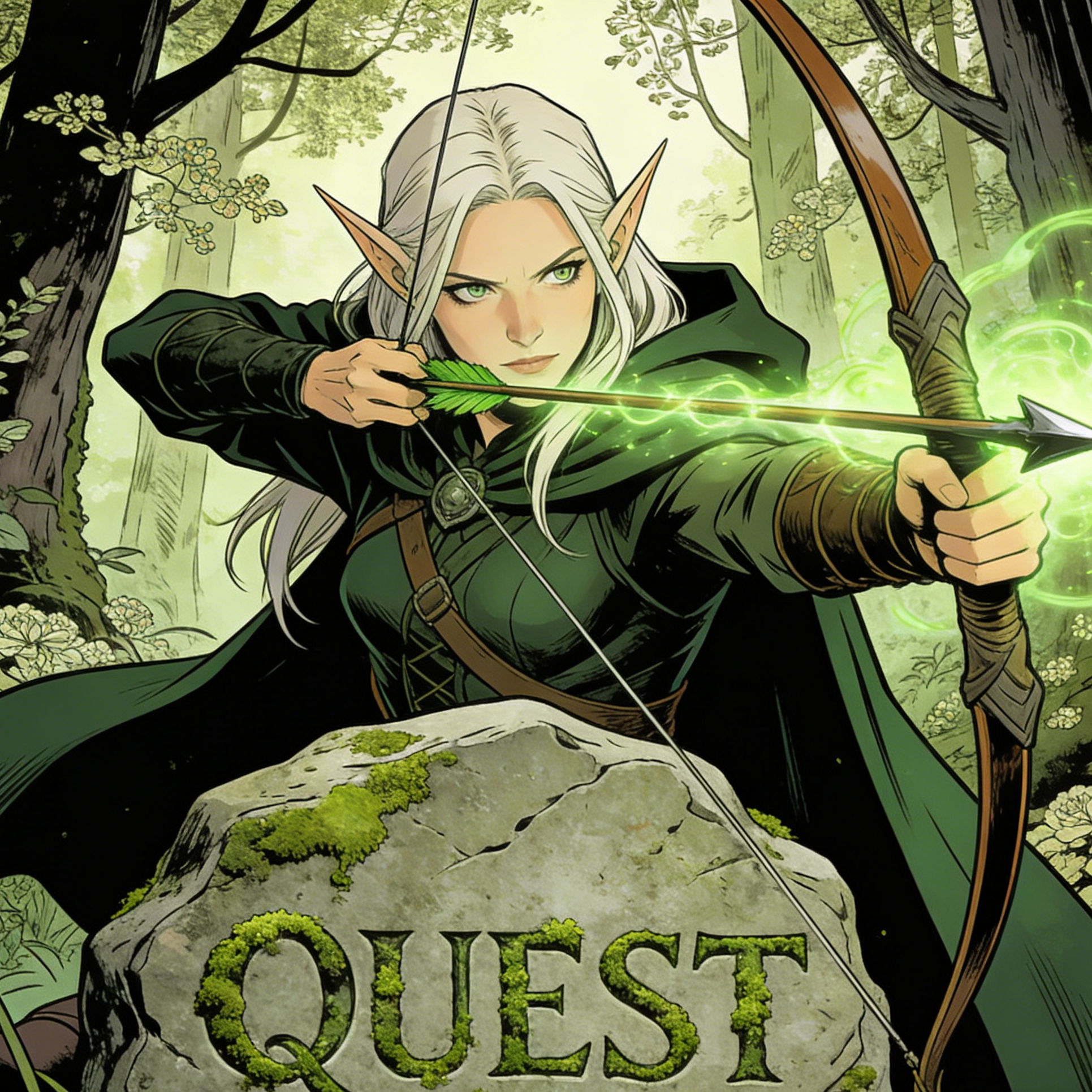
Story-driven fantasy illustration with magical effects, heroic posture, and detailed natural environments.
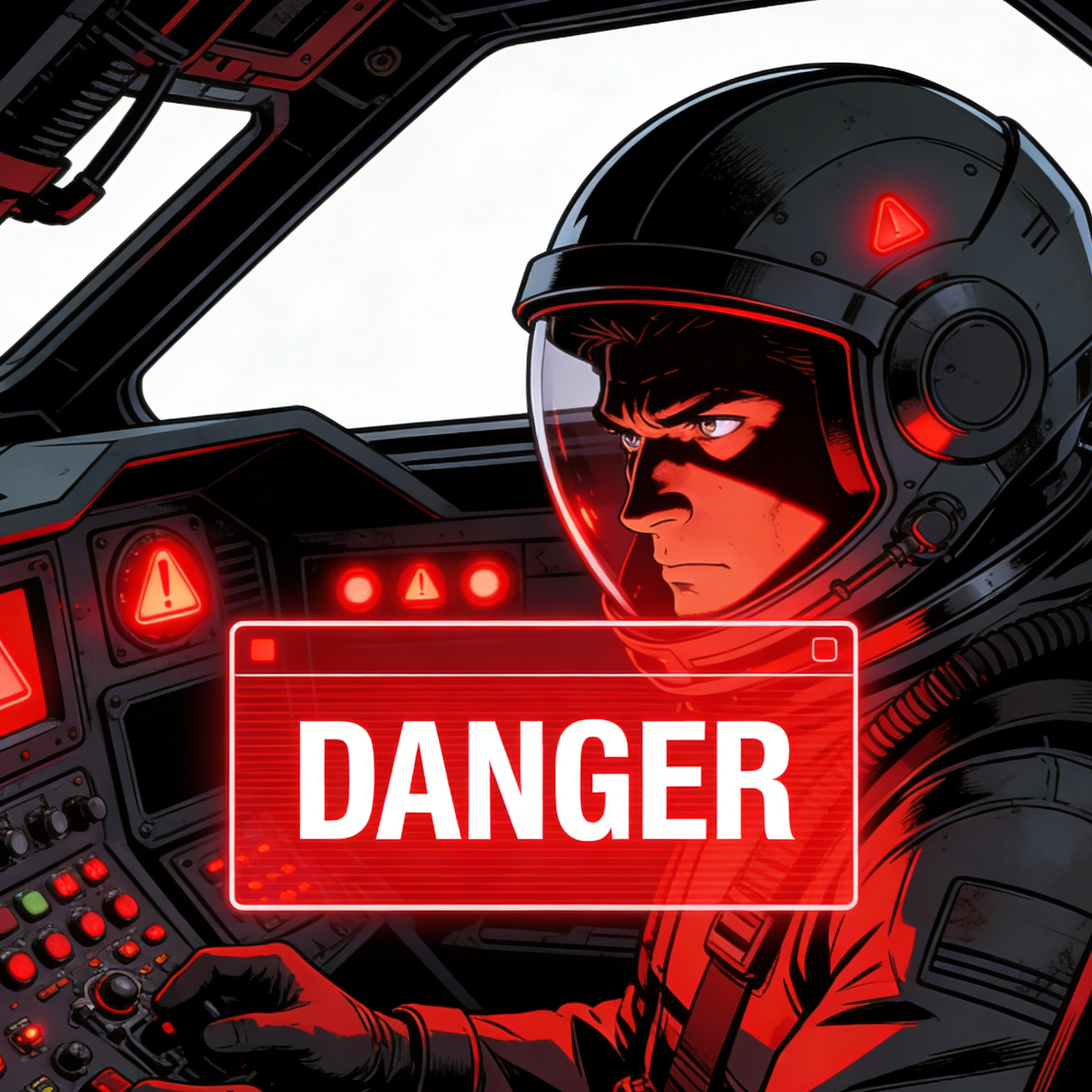
Cockpit tension, warning overlays, and sharp mechanical design for space opera or high-risk mission scenes.
The second gallery shows how the same comic workflow can stretch from cute food mascots to superhero covers, gothic horror, and quiet watercolor storytelling.

Cute editorial character art with brand-ready friendliness and simplified comic exaggeration.
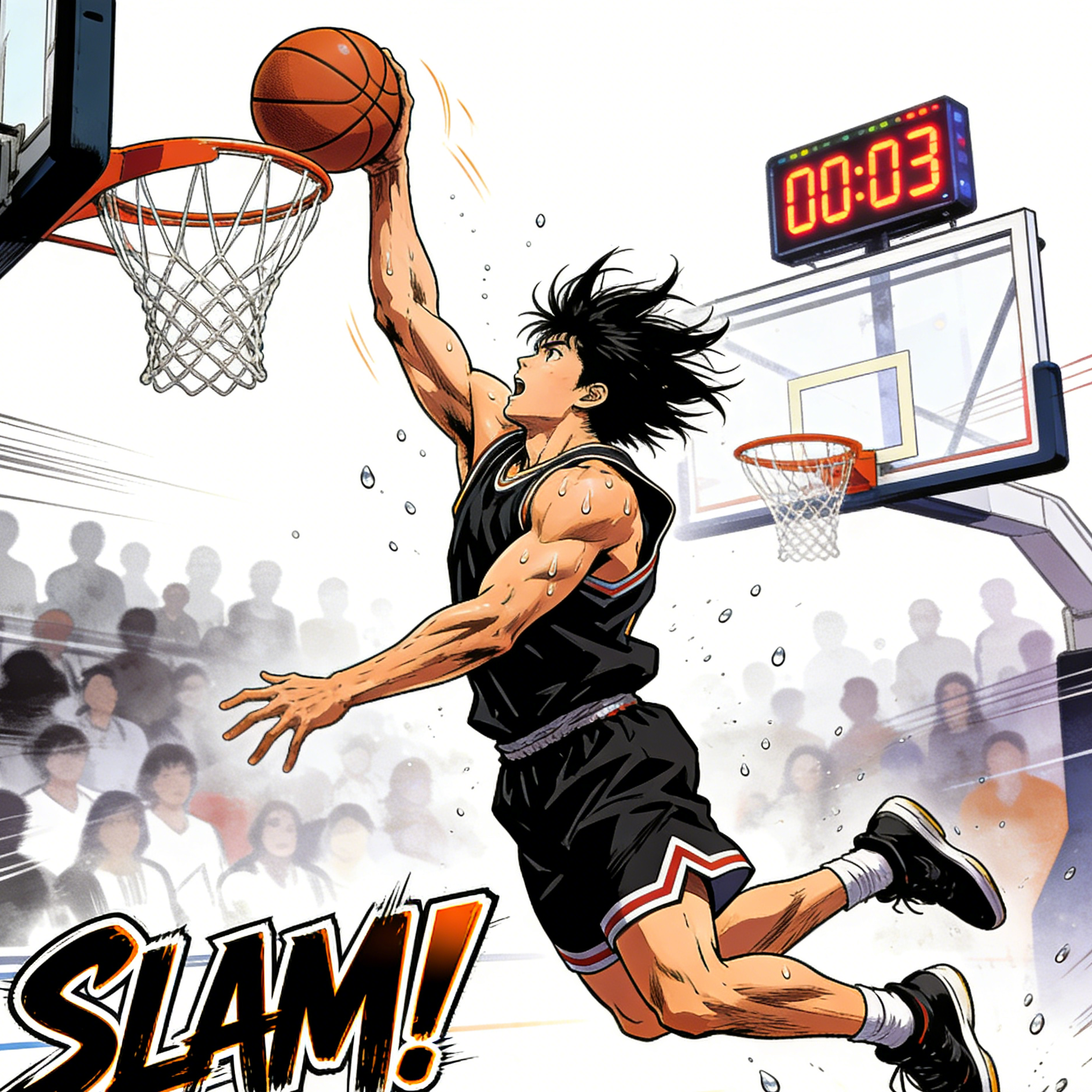
A sports-manga frame with motion clarity, body tension, and crowd energy around the key action beat.
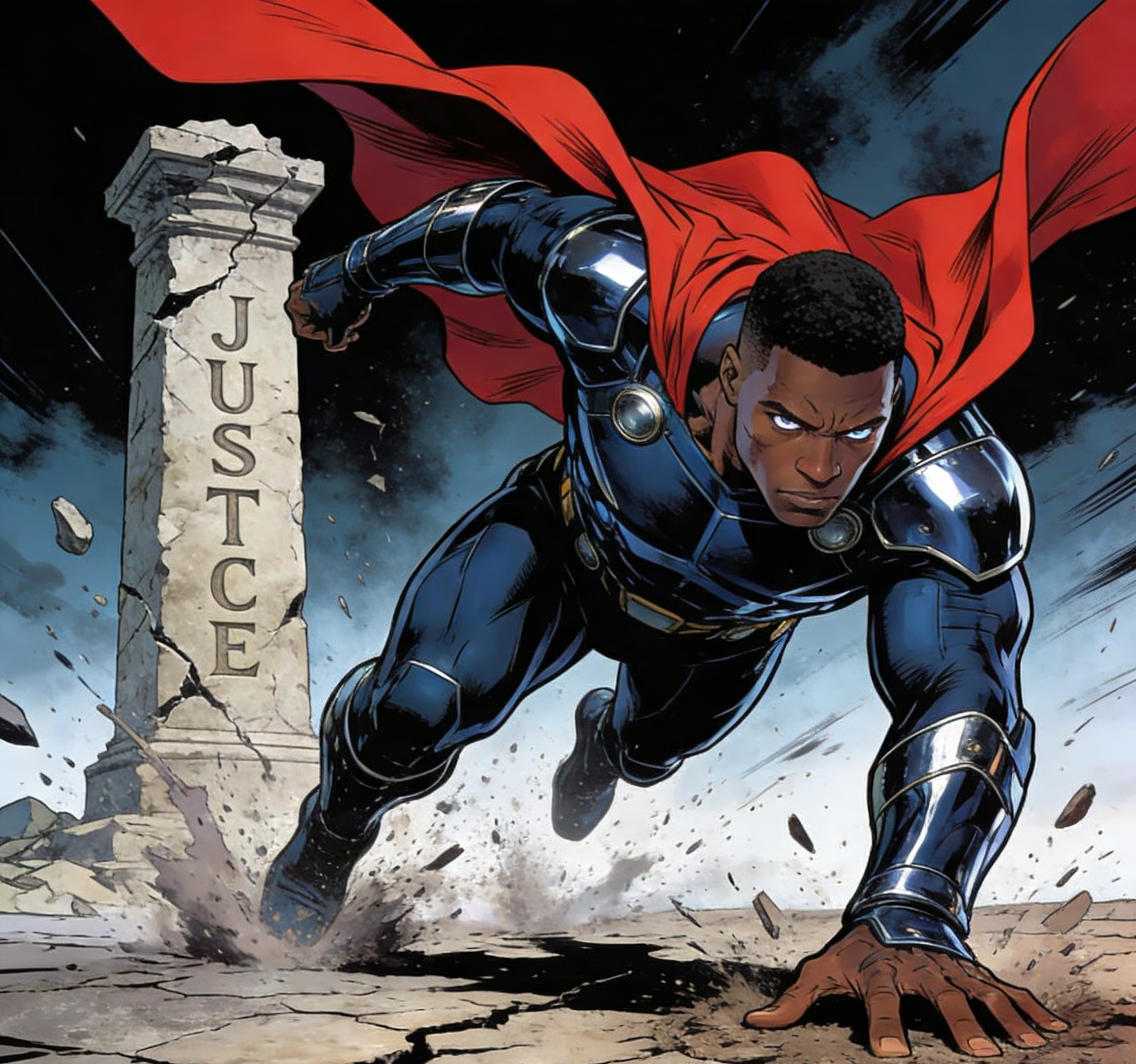
A cover-like superhero image built around impact, cape motion, and strong focal composition.
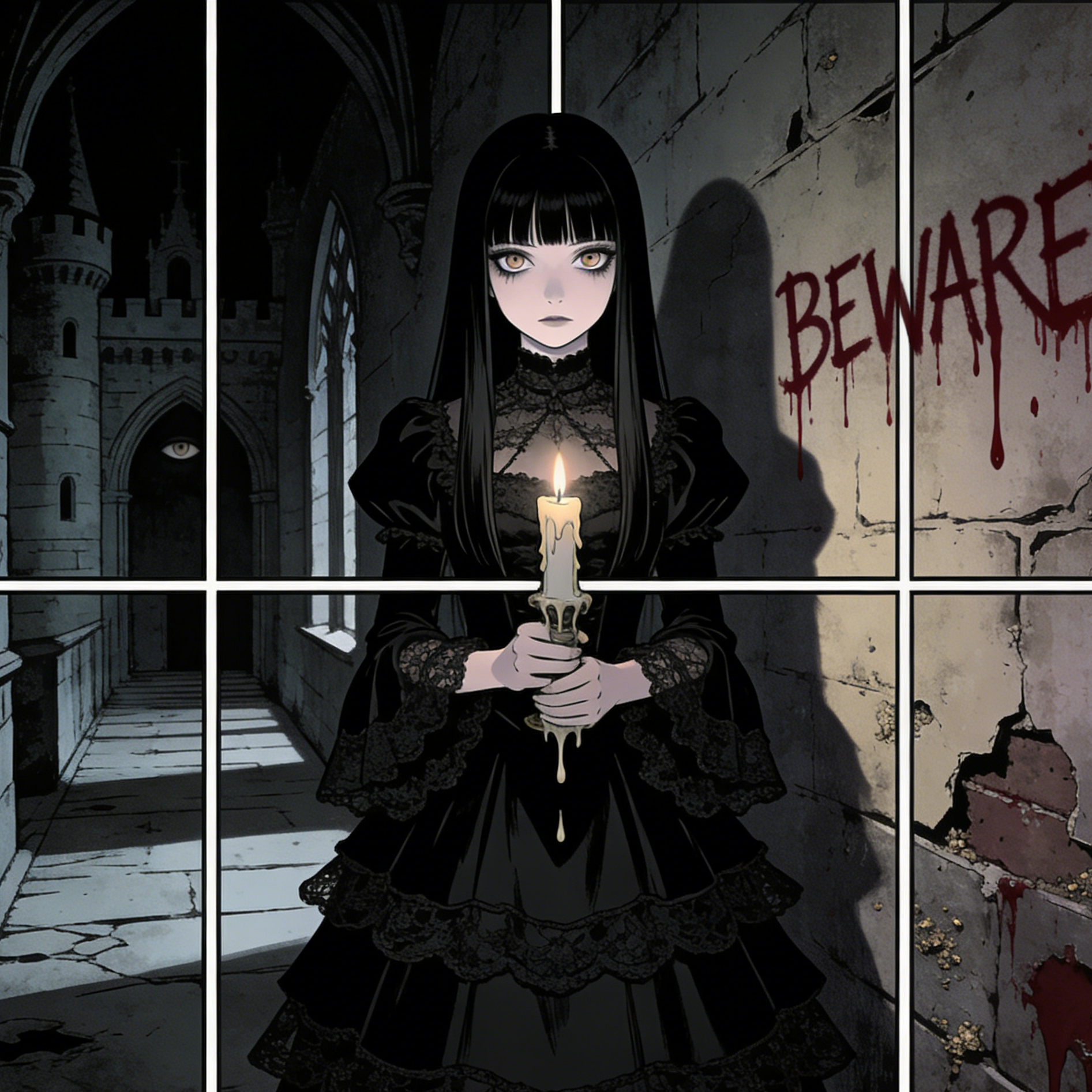
Dark atmosphere, restrained color palette, and eerie panel framing for supernatural horror scenes.
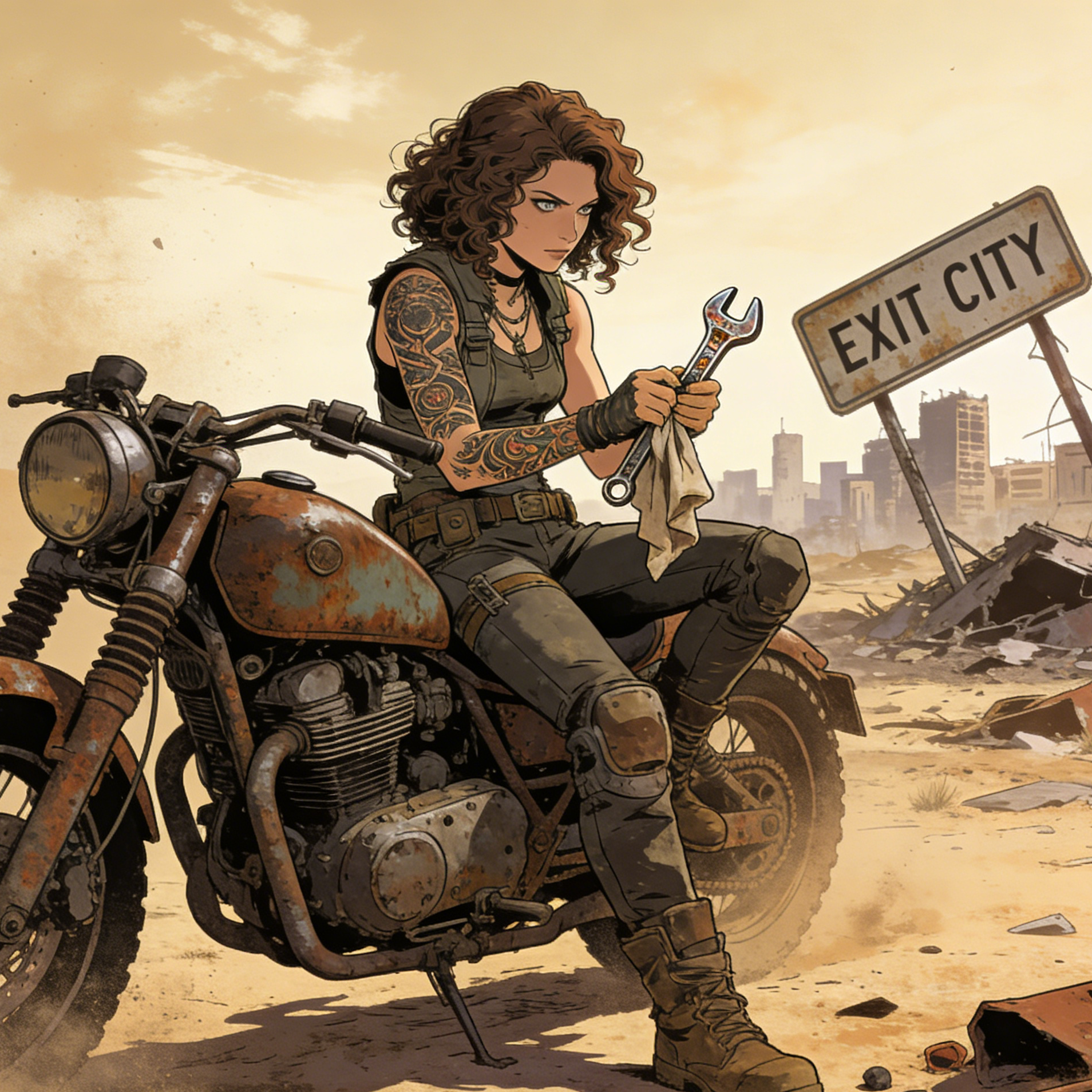
A survival-world portrait with dusty texture, damaged props, and graphic-novel realism.
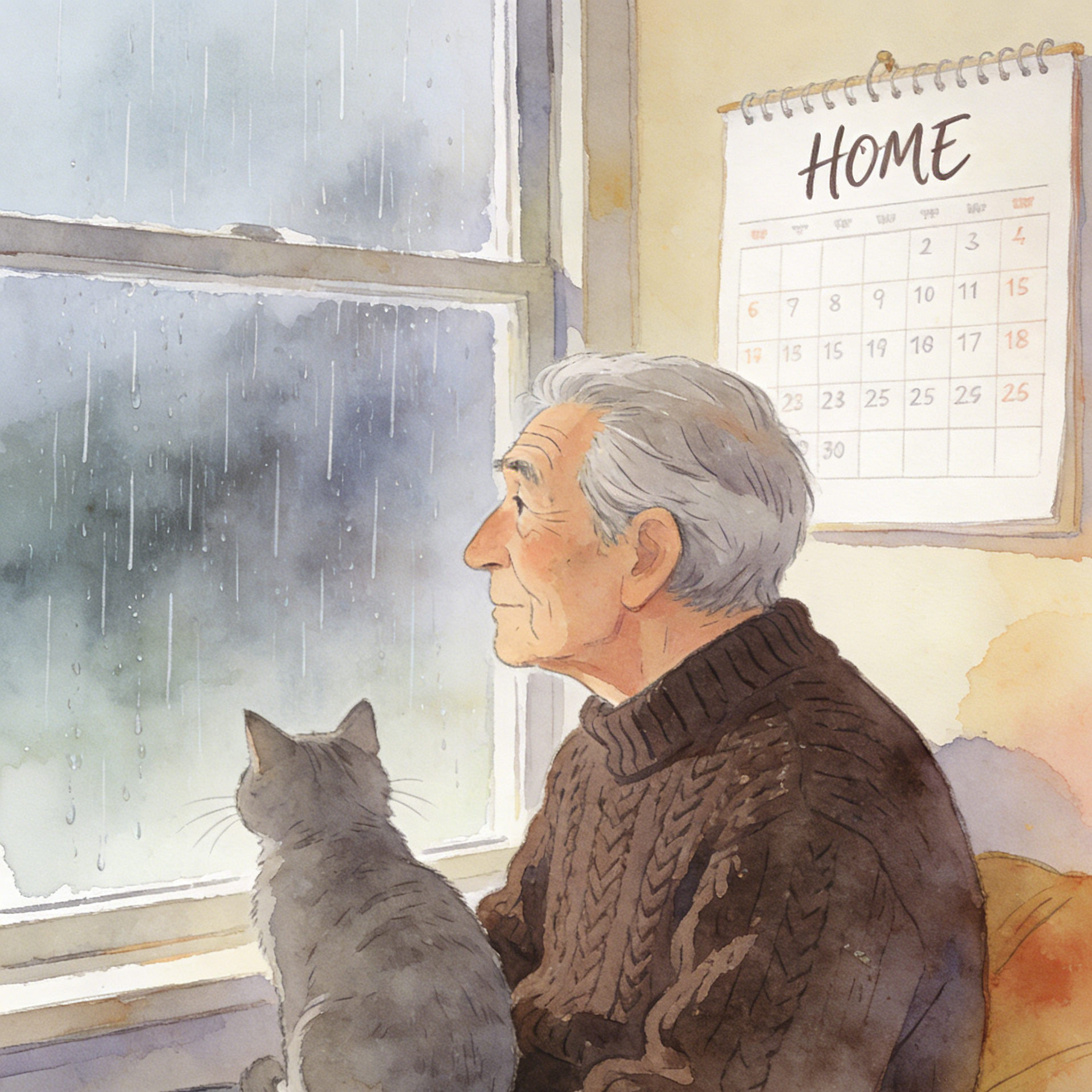
A softer storybook-comic frame that leans into emotion, domestic atmosphere, and painterly pacing.
The trust module from the reference page becomes a reusable benefits grid so each new ai-effects page can emphasize workflow value without rebuilding the layout.
Use text-to-image for fresh character or scene concepts, or image-to-image when you want to push an existing portrait or snapshot into a comic-book direction.
The same prompt framework can support manga action, retro poster art, cyberpunk noir, fantasy adventure, superhero covers, and softer illustrated scenes.
The landing page stores the preset slug, model, and prompt in session storage so users reach the studio with context but without a bloated URL.
Hero, galleries, FAQ, and link-grid sections stay reusable, so future pages like character-specific or genre-specific comic generators can share the same base.
A strong comic landing page needs to do two jobs at once: inspire users with recognizable genre signals and move them quickly into the real studio workflow. That means pairing rich visual references with practical prompt guidance and SEO structure.
This preset is intentionally reusable across manga, pop, noir, fantasy, and superhero scenes while preserving the inked, panel-aware look users expect from comic art.
The reference page keeps the explanation simple. The same approach works here, but the actions now connect directly to our existing image studios and preset handoff flow.
Use text-to-image if you want a new hero shot, action pose, or comic cover from scratch. Use image-to-image if you already have a portrait or scene you want to restyle.
The landing page writes the preset slug, model, and comic prompt into session storage so the destination tool can preload the look automatically.
Adjust lighting, wardrobe, pose, panel mood, background detail, or line intensity until the image lands in the comic style you want.
These answers are written for the current project and the workflow used on this landing page.
Yes. Use the Text to Image action when you want to create a brand-new comic scene, character portrait, or cover concept from scratch. The preset gives you a strong comic baseline, and you can layer in genre, mood, and story details.
Yes. Use the Image to Image action when you already have a portrait, selfie, travel image, or character sketch and want to push it toward manga, superhero, pop-art, noir, or other comic styles.
Session storage keeps the handoff clean. The destination studio can still receive the preset slug, model, and prompt, but the URL stays shorter, easier to maintain, and easier to share.
Yes. The page is already componentized. A future genre-specific page can reuse the same layout while swapping the image set, copy JSON, config file, metadata, and prompt strategy.
Yes. The reusable components help with implementation speed, but each page should still get its own title, description, examples, FAQs, and structured data so it can target a distinct search intent.
This section keeps users inside the current project by routing them into generators that can reuse the same comic preset and prompt direction.
Start from a blank canvas and build characters, covers, or sequential scene ideas from text only.
Upload an existing portrait or scene and guide it into a sharper, inked, panel-ready visual style.
Use the same preset to develop heroes, rivals, detectives, or side characters with stronger stylization.
Push an existing image toward bolder shadows, clearer outlines, and stronger comic storytelling cues.
This last grid is meant for cross-linking. It can point to models or studios that support broader prompt exploration beyond this single preset page.
A flexible image model page for wider prompt experimentation once you want to go beyond the landing-page preset.
A stronger option when you want to keep the comic direction but push harder on rendering quality and scene polish.
Useful when structure, camera angle, and editing control matter as much as the final comic style.
Another route for high-quality image generation when you want to compare different renderers for comic prompts.
Use the examples on this page as visual direction, then continue in the studio with preset-ready text-to-image or image-to-image flows.