Categories: AI Video Workflow, Creator Strategy, Production Process
Tags: seeddance, seedance 2.0, ai video workflow, content strategy, creator toolkit
Introduction
The landscape of AI video creation is rapidly evolving, offering unprecedented opportunities for creators and businesses alike. This guide explores the 12 best AI video creation tools for 2026, providing an in-depth review of their features, use cases, and practical tips to integrate them into your workflow. Whether you're looking to generate stunning visuals, create realistic AI avatars, or streamline your editing process, this overview will help you choose the right tools to enhance your content production.
Top 12 AI Video Creation Tools
1) Seeddance AI: Best All-in-One Hub for Multiple Generative Models
Seeddance AI stands out by consolidating access to several leading generative AI video models, including Sora, Runway, and Pika, into a single, streamlined platform. This integration allows users to leverage the strengths of different models from one interface.
Practical Tip: To quickly understand the distinct aesthetic outputs of different models, start by using the same simple prompt across two models (e.g., Sora and Runway) within Seeddance AI. This helps determine which model's visual style aligns best with your brand identity.
2) Runway: Best for Cutting-Edge Generative Model Access
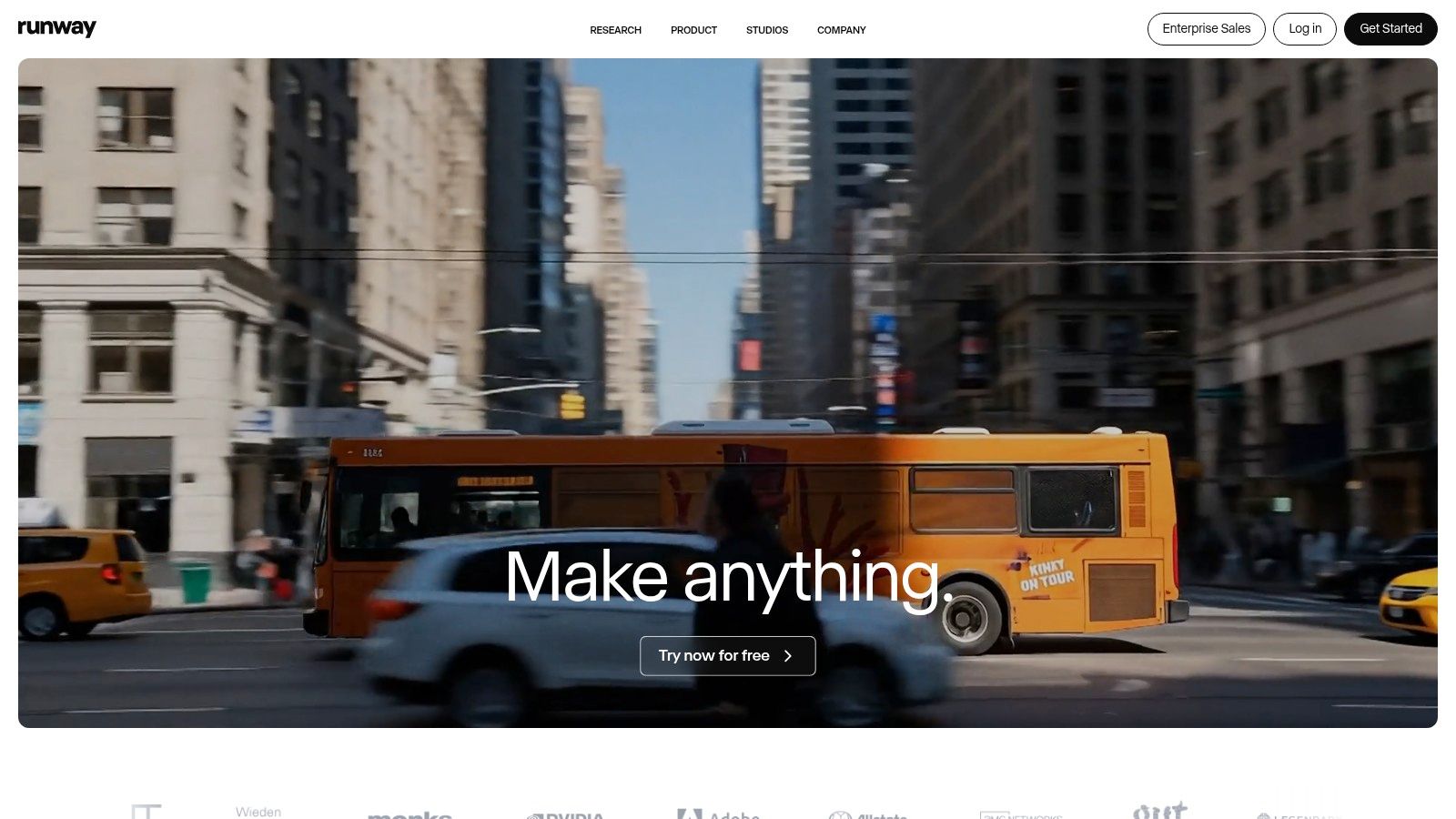
Runway is a powerhouse in the AI video space, renowned for its rapid development of high-quality generative models like Gen-3 Alpha. It offers a comprehensive suite of tools directly to creators, encompassing text-to-video, image-to-video generation, and a full-featured video editor.
Practical Tip: Utilize Runway's Explore Mode on the Unlimited plan to refine your creative concepts and prompts. Once you achieve excellent results, switch to using your standard credits for fast, high-priority generation of your final video.
3) Pika: Best for Community-Driven Effects and Fast Iteration
Pika has quickly become a favorite among creators for its idea-to-video platform, which emphasizes speed, accessibility, and creative flexibility. Its community-driven approach often leads to innovative effects and rapid iteration capabilities.
Practical Tip: Begin with Pika's lowest-cost model to generate several short concept clips. Once you identify a desirable visual direction, use the same seed and prompt with the Pro model and upscale the resolution for a high-quality final version, maximizing your credits.
4) Synthesia: Best for Corporate Training and Communication
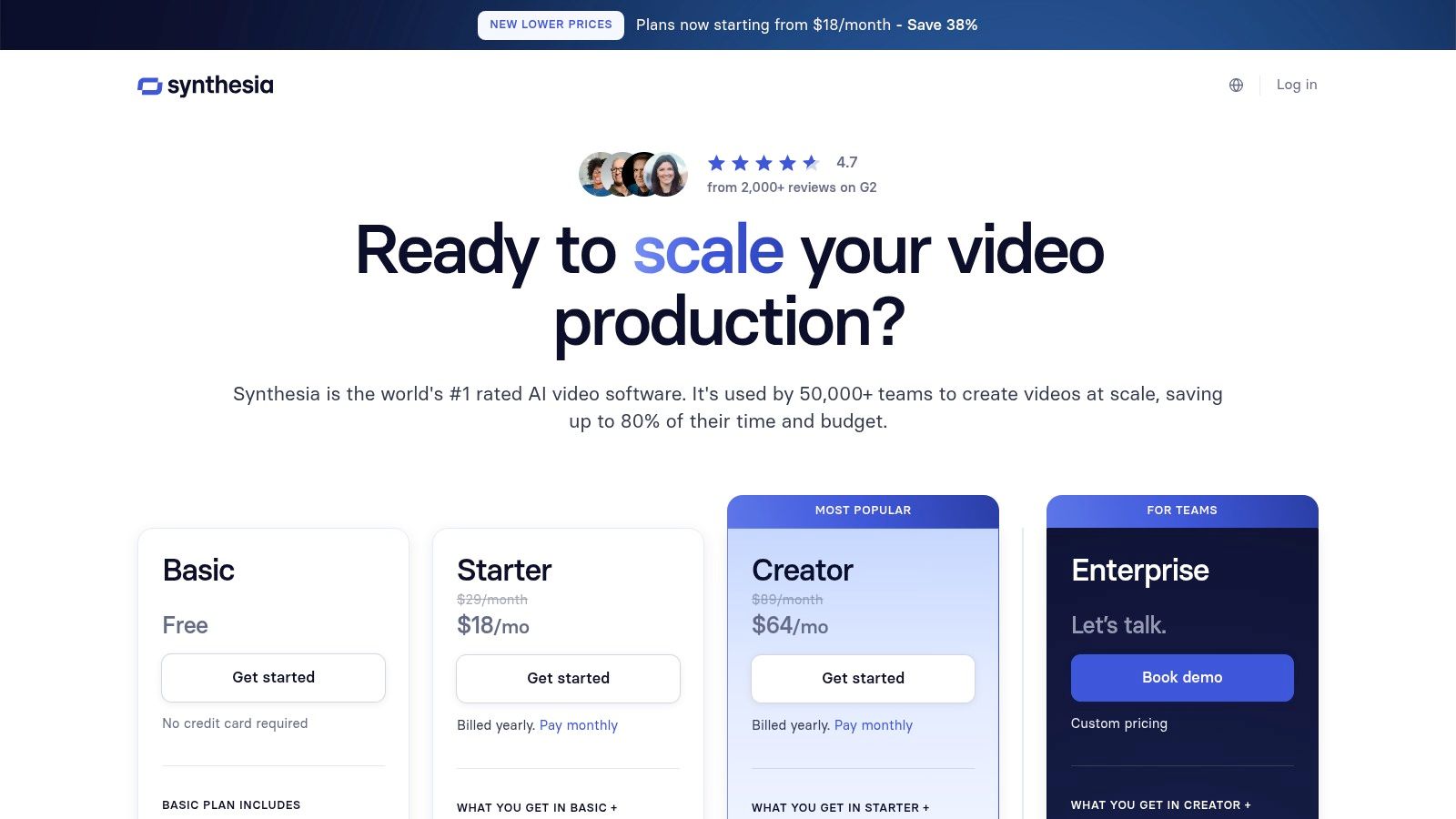
Synthesia is a market leader in AI avatar-based video generation, specifically tailored for enterprise use cases such as corporate training, learning and development (L&D), and internal communications.
Practical Tip: For training modules, use the screen recording feature to capture software demonstrations, then integrate an AI avatar as an instructor in the corner of the screen. This approach combines practical demonstration with a personalized, guided feel, enhancing learner engagement.
5) HeyGen: Best for Professional AI Avatar and Localization Videos
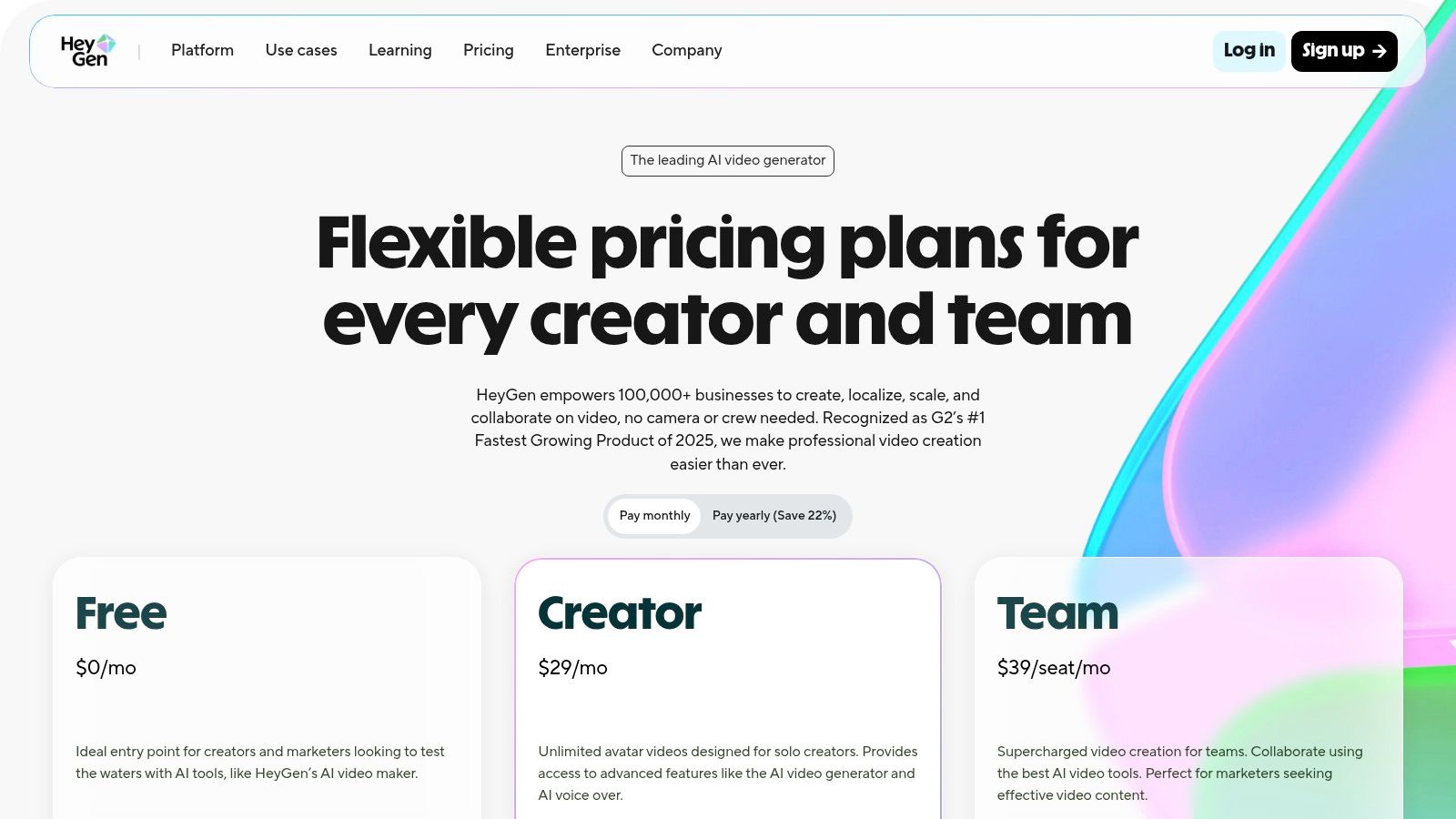
HeyGen specializes in creating polished, studio-quality videos using hyper-realistic AI avatars, making it an excellent choice for corporate and educational content requiring a professional touch and localization capabilities.
Practical Tip: For maximum authenticity, use the voice cloning feature with a script that matches your natural speaking cadence. Record a high-quality audio sample in a quiet environment to ensure the AI accurately captures the nuances of your voice.
6) Descript: Best for AI-Powered Audio and Text-Based Editing
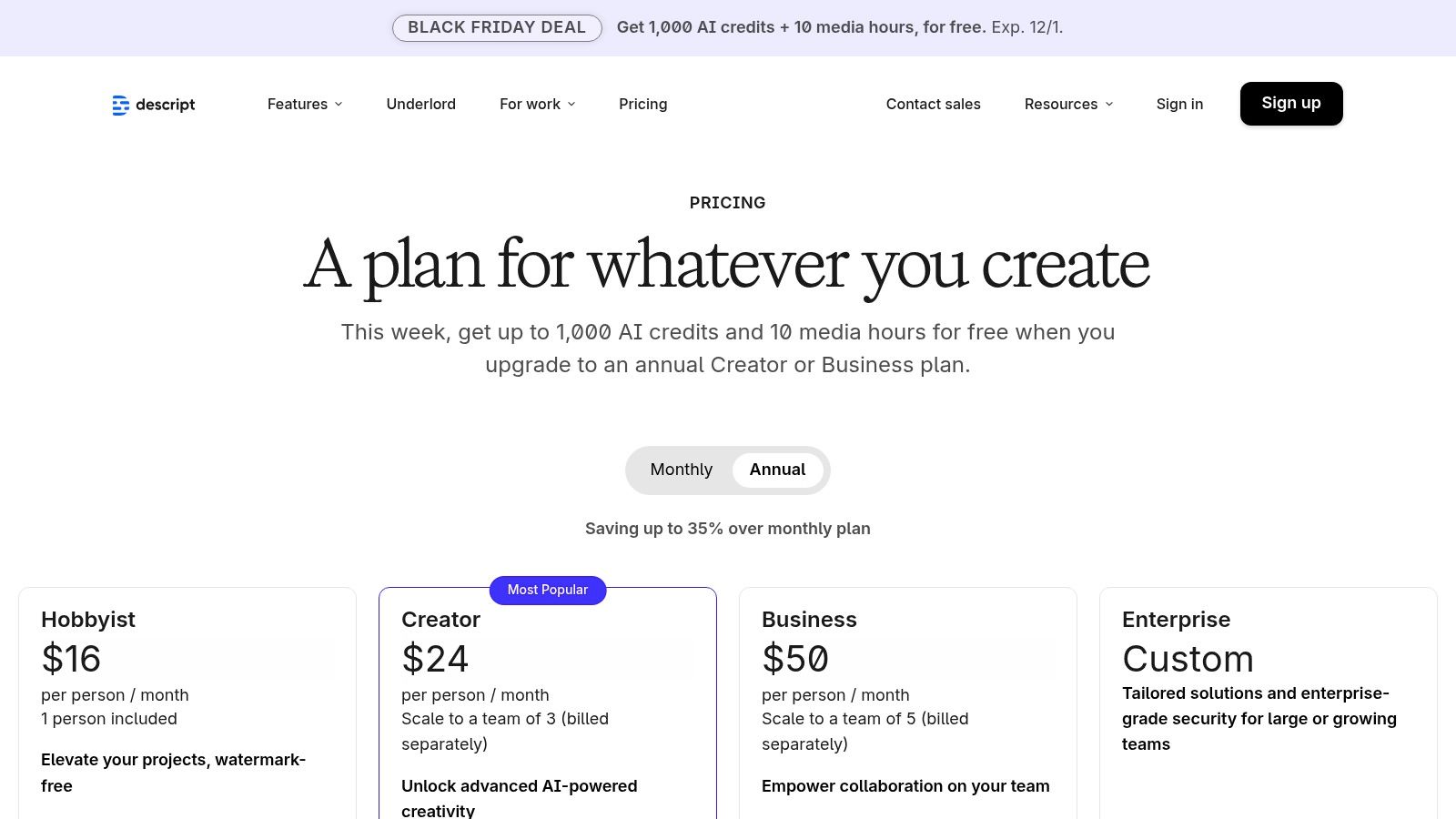
Descript revolutionizes the video editing process by treating it like a document. Users edit a text transcript, and the corresponding video and audio tracks are automatically cut, rearranged, or deleted, simplifying complex edits.
Practical Tip: Apply the "Studio Sound" feature on a separate duplicate of your audio track first. This allows you to adjust its intensity or revert to the original if the AI processing is too aggressive for a particular segment.
7) Canva: Best for Easy, On-Brand Social Media Videos
Canva offers intuitive tools for creating visually appealing and on-brand social media videos, making it accessible for users with varying levels of design experience.
8) CapCut: Best for Fast-Paced Social Media Content
CapCut is ideal for producing fast-paced, engaging social media content, thanks to its user-friendly interface and a wide array of effects and templates.
9) VEED: Best for Social Media and Marketing Workflows
VEED is designed to streamline social media and marketing workflows, offering features that simplify video editing, subtitling, and branding for various platforms.
10) InVideo AI: Best for Rapid Marketing Video Production
InVideo AI excels at rapid marketing video production, enabling users to quickly generate promotional content with AI assistance.
11) Lumen5: Best for Repurposing Content into Branded Videos
Lumen5 is an excellent tool for repurposing existing content, such as blog posts or articles, into engaging, branded videos with minimal effort.
12) Wondershare Filmora: Best AI-Assisted Desktop Editor for Creators
Wondershare Filmora provides a robust AI-assisted desktop editor, offering advanced features and intuitive controls for creators looking for a powerful yet accessible editing solution.
How to Choose the Right AI Video Tool for Your Workflow
Selecting the best AI video tool depends on your specific needs, budget, and desired output. Consider the following factors:
- Key Features & User Experience: Evaluate whether the tool offers the specific functionalities you require (e.g., AI avatars, text-to-video, advanced editing) and if its interface is intuitive for your skill level.
- Use Cases: Match the tool to your primary use case, whether it's corporate training, social media marketing, or creative content generation.
- Pricing: Compare subscription models and credit systems to ensure the tool fits within your budget, especially if you plan for high-volume production.
Top 12 AI Video Creation Tools — Feature Comparison
A detailed comparison of features across these tools would highlight their unique strengths, such as the generative model access of Seeddance AI and Runway, the avatar realism of Synthesia and HeyGen, or the editing efficiency of Descript.
Conclusion
The most reliable way to scale content output is to standardize how each piece is produced. By leveraging the right AI video creation tools, you can achieve clearer planning, faster execution, and stronger publishing consistency. Keep the structure stable, iterate by section, and scale only what proves performance.
Next Step
Explore Seeddance workflow templates: https://seeddance.app/
FAQs
1) Can this workflow work for a solo creator? Yes. Start with a small weekly scope and reuse the same production blocks.
2) How many variants should I test per post? 2 to 4 focused variants are usually enough to identify clear winners.
3) Should I prioritize trends or consistency? Use trends for reach, but keep a consistent format system for long-term brand memory.