
Categories: AI Video Workflow, Creator Strategy, Production Process
Tags: seeddance, seedance 2.0, ai video workflow, content strategy, creator toolkit
Introduction
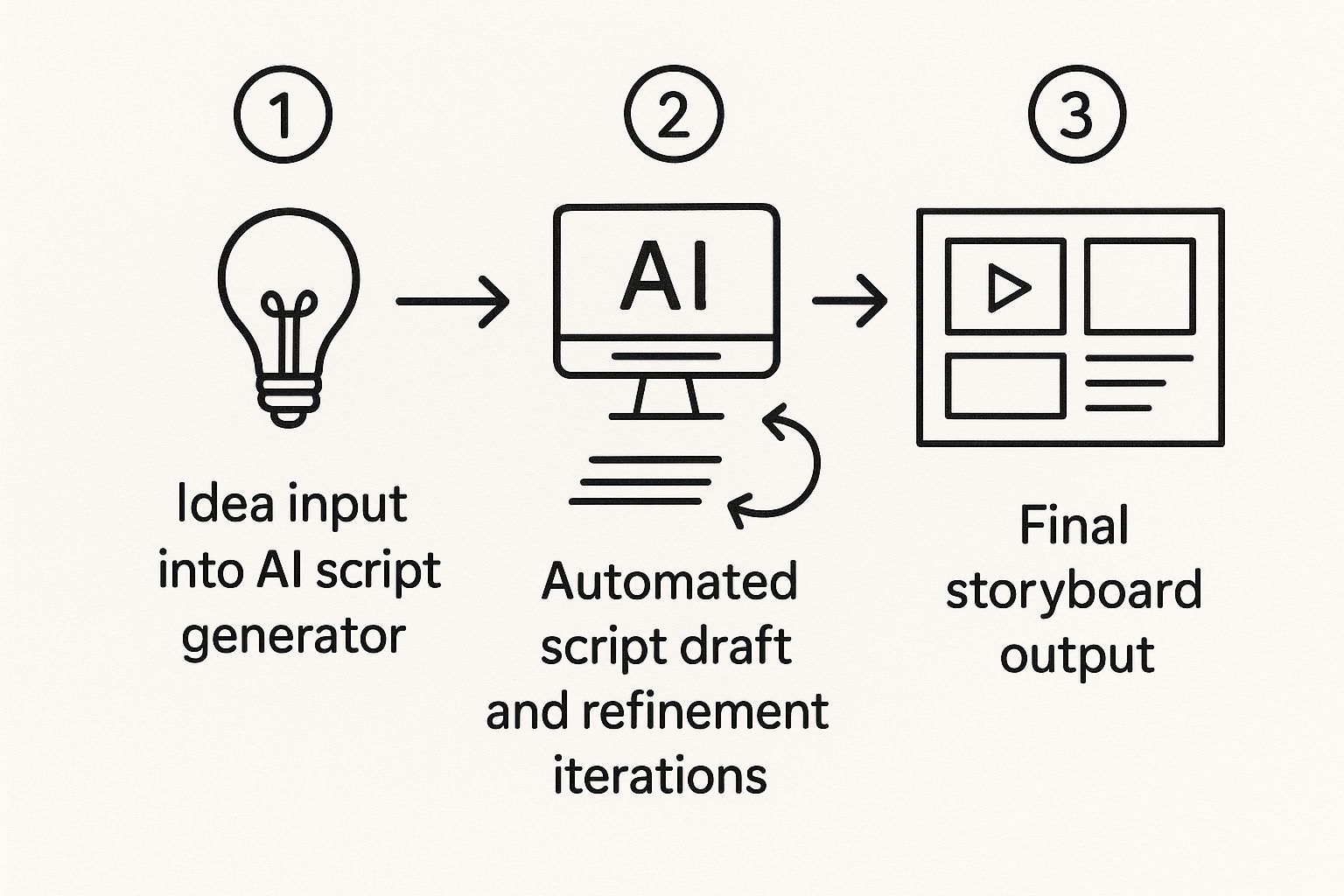
AI has revolutionized video creation, transforming a complex, team-based process into an accessible, browser-based task achievable in minutes. This guide explores how to leverage powerful text-to-video tools, focusing on prompt engineering, editing, and advanced techniques to produce stunning results.
Core Steps to AI Video Creation at a Glance
The journey from concept to polished AI-generated video involves several key stages:
- Mastering the Art of the Video Prompt: Your creative vision translates directly into instructions for the AI.
- Getting a Handle on Your AI Video Toolkit: Understanding the interface and available features.
- From Raw Clips to a Polished Final Cut: The editing and refinement process.
- Getting Around Common AI Video Headaches: Troubleshooting and optimizing your workflow.
The New Reality of AI Video Creation
Video creation has been completely turned on its head. What used to demand a full team, specialized equipment, and days of editing can now be accomplished in minutes, directly from your browser. This newfound accessibility is a massive deal for content strategy, allowing brands to generate custom visuals that perfectly align with their messaging, rather than relying on generic stock footage.
Why This Matters for Creators and Businesses
The practical upsides of AI video creation are significant:
- Efficiency: Drastically reduced production time and effort.
- Customization: Generate unique visuals tailored to specific needs.
- Cost-Effectiveness: Lower barriers to entry for high-quality video content.
- Scalability: Produce more content consistently.
Mastering the Art of the Video Prompt
The quality of your AI-generated video hinges on the quality of your prompt. This is where your creative vision is translated into direct instructions for the AI. Moving beyond simple, one-line requests is crucial for achieving great results.
Deconstructing a Powerful Prompt
A truly effective prompt is a layered set of instructions that guides the AI on what to create, what it should look like, and how it should feel. It's not just a list of elements but a comprehensive guide for the AI's creative process.
From Basic to Advanced Prompting
Comparing a simple prompt to a detailed one for the same concept immediately reveals the jump in quality. A well-crafted prompt directly impacts the complexity, mood, and polish of the final video. An advanced prompt produces a video that is not only technically superior but also emotionally resonant and stylistically unique. For more examples, explore guides on using an AI video generator from text.
Using Images as a Reference
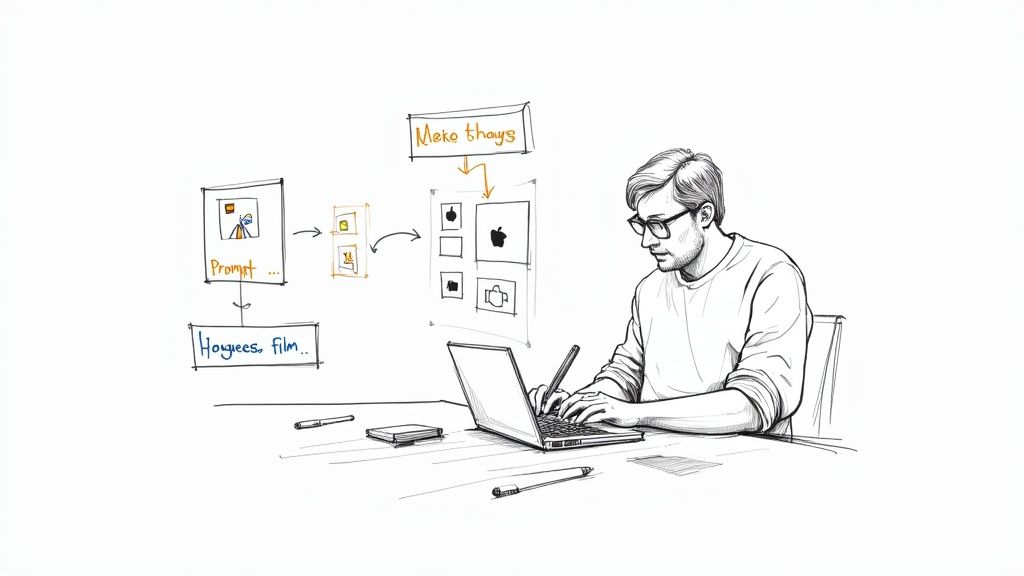
Sometimes, words alone cannot capture a specific visual style or composition. This is where reference images become an incredibly powerful tool. Platforms like Seeddance AI allow you to upload an image alongside your text prompt to guide the generation process, ensuring the AI understands your desired aesthetic.
Getting a Handle on Your AI Video Toolkit
Once your prompt is refined, it's time to engage with the AI video tool itself. The interface acts as your director's chair, where you make critical decisions that shape the video's look, feel, and format.
Choosing the Right Aspect Ratio
Before generating, your first critical decision is the aspect ratio—the shape of your video. This is entirely dictated by where your audience will be watching it (e.g., 16:9 for YouTube, 9:16 for TikTok).
Selecting a Visual Style That Fits Your Brand
Next is the visual style, where you directly control the entire aesthetic. Most AI tools offer a library of preset styles that act as creative filters for your prompt, allowing you to achieve a specific look without complex manual adjustments.
From Raw Clips to a Polished Final Cut
The journey doesn't end with generation. Editing and refining your AI-generated clips are essential for a polished final product.
Getting Around Common AI Video Headaches
While AI video creation is powerful, challenges can arise. Understanding common issues and how to troubleshoot them is key to a smooth workflow. This includes refining prompts, adjusting settings, and leveraging editing tools to overcome imperfections.
Practical Weekly Workflow
To maximize your content output and maintain consistency:
- Define Weekly Objectives: Choose 2-3 content blocks from this guide and set specific goals.
- Draft Concisely: Create a focused first draft for each selected block.
- Refine and Publish: Improve structure, tone, and clarity before publishing.
- Measure Performance: Compare variants using a single measurable KPI.
- Optimize: Retain only the formats that consistently outperform the baseline.
Conclusion
Standardizing your production process is the most reliable way to scale content output. Maintain a stable structure, iterate section by section, and only scale what consistently demonstrates performance.
Next Step
Explore Seeddance workflow templates: https://seeddance.app/
Frequently Asked Questions About AI Video
1) Can this workflow work for a solo creator? Yes. Solo creators can start with a small weekly scope and reuse the same production blocks to build efficiency.
2) How many variants should I test per post? Testing 2 to 4 focused variants is usually sufficient to identify clear winners and optimize your content.
3) Should I prioritize trends or consistency? Use trends to gain reach and relevance, but maintain a consistent format system for long-term brand recognition and memory.