Categories: AI Video Workflow, Creator Strategy, Production Process
Tags: seeddance, seedance 2.0, ai video workflow, content strategy, creator toolkit
Introduction
Product demo videos are powerful tools for engaging potential customers and driving sales. This guide will walk you through the essential steps to create demo videos that not only showcase your product but also convert viewers into qualified leads. We'll cover everything from initial planning to recording, editing, and distribution, ensuring your videos make a tangible impact.
Why Demo Videos Are Your Secret Sales Weapon
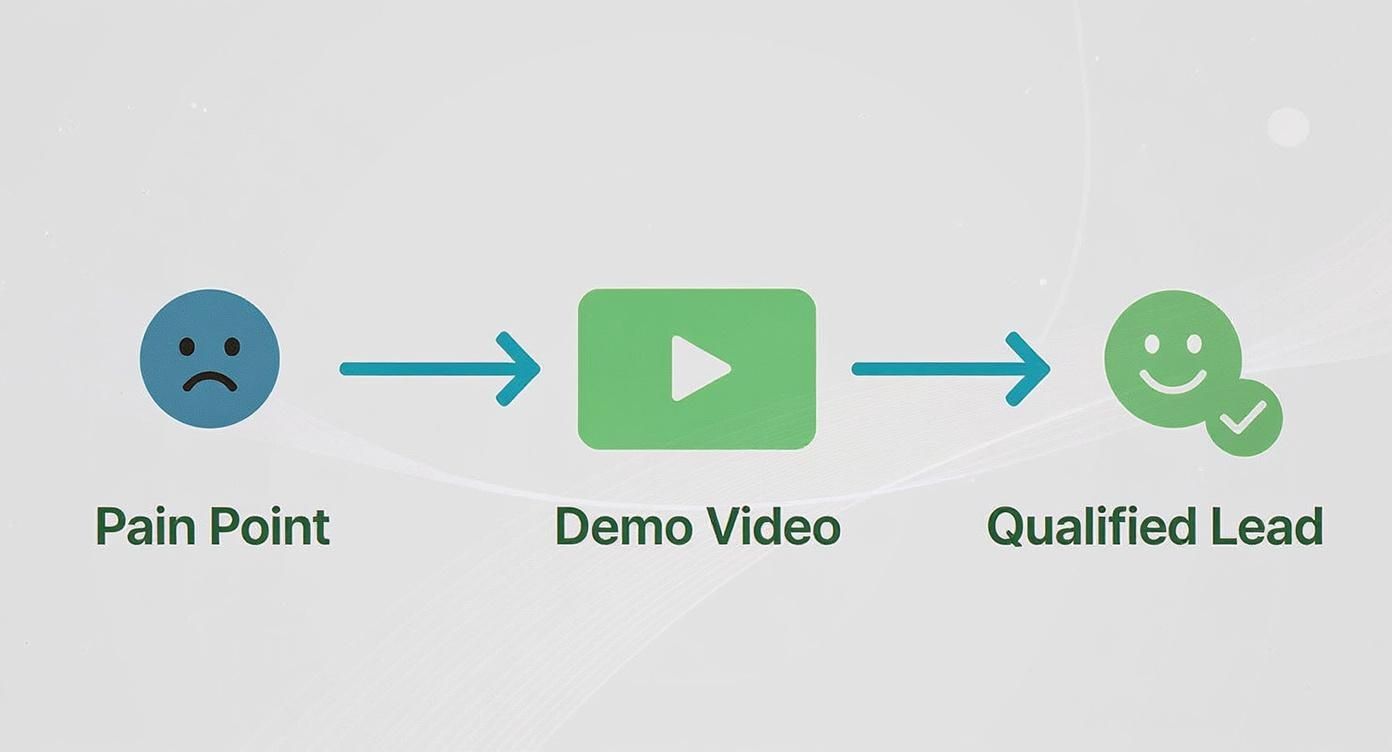
Demo videos are more than just marketing assets; they're strategic tools that build trust, clarify your product's value, and accelerate the sales cycle. They directly address customer pain points, offering tangible proof that your product delivers on its promises. The numbers speak for themselves: video is a powerhouse, with 89% of businesses now integrating it into their marketing strategies.
Crafting Your Demo Video Blueprint
The best product demo videos are built on a solid foundation laid during the pre-production phase. This is where you transform a general idea into a sharp, actionable plan. Before you even think about recording, you need to define your audience and core message, then choose the right demo format to bring your story to life.
Defining Your Audience and Core Message
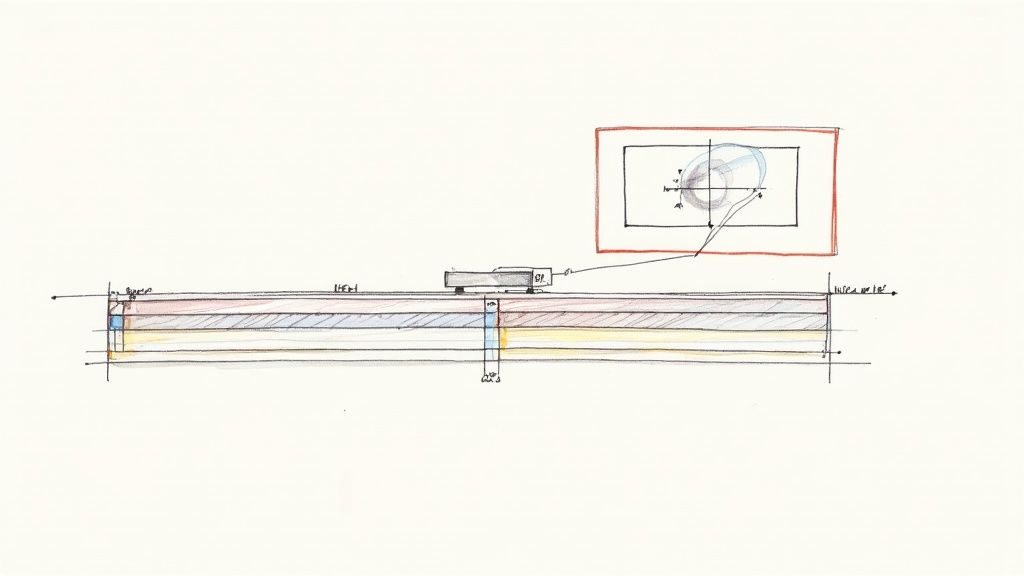
Before writing a single word, get crystal clear on who your video is for and what key message you want to convey. Understanding your audience's pain points and how your product solves them is crucial for creating a compelling narrative.
Choosing the Right Demo Format
With your audience and message defined, select the best format for your demo. Each style, whether it's a live-action demonstration, a screen recording, or an animated explainer, has unique strengths. Choose wisely based on your product and objectives.
Scripting for Engagement and Action
A tight script is the backbone of an effective demo video. It ensures your message is clear, concise, and compelling from start to finish. A strong script is a significant factor in why 87% of people report being convinced to buy a product after watching a video.
Product Demo Script Template Breakdown
Your script should guide viewers through your product's benefits and features, leading them to a clear call to action. This involves grabbing attention, demonstrating value, and prompting the next step.
Visualizing the Flow with a Storyboard
Once your script is solid, create a storyboard. This sequence of simple drawings or descriptions maps out each scene, helping you visualize the video's flow. Stick figures and basic shapes are perfectly fine—the goal is clarity, not artistic mastery.
At this stage, a simple structure works best:
- Open with the customer problem or desired outcome.
- Introduce the product fast.
- Demonstrate one or two core actions clearly.
- Show the result the user gets.
- End with a direct next step.
That structure keeps the demo focused on conversion instead of turning it into a feature dump.
Recording Your Demo With Confidence
With your script and storyboard ready, it's time to bring your vision to life. You don't need a Hollywood budget or a full film crew to achieve professional results. Focus on setting up your gear for success and nailing the recording.
Setting Up Your Gear for Success
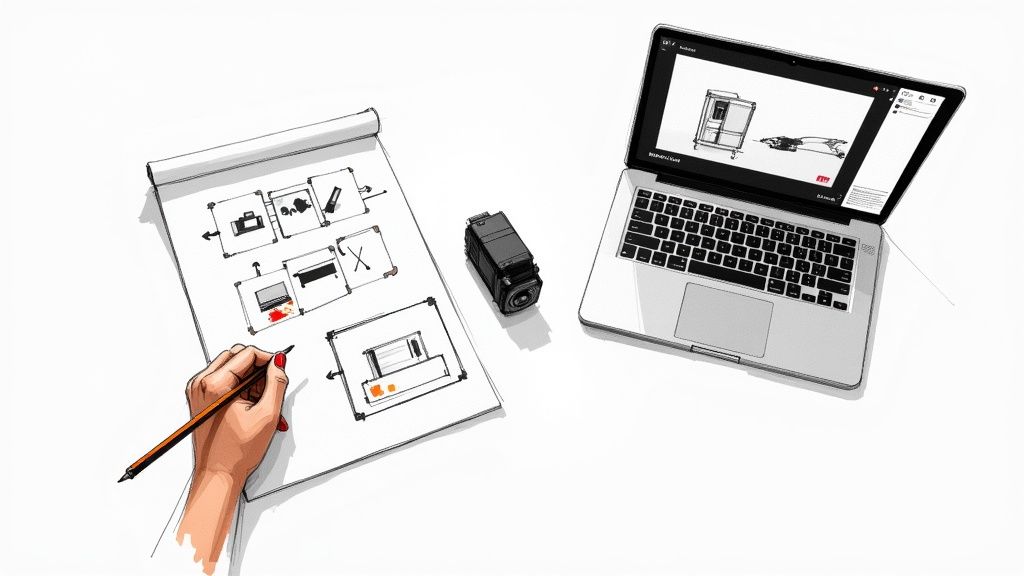
Your setup can be as simple or as elaborate as you prefer, but a few essentials make a significant difference. Good lighting, clear audio, and a stable camera (or screen recording software) are key.
Nailing the Screen Recording
For software demos, your screen is the main stage. A clean, crisp screen recording is paramount. Before hitting record, prepare your digital workspace by closing unnecessary tabs and notifications.
Editing Your Footage Into a Polished Story
Editing is where your raw footage transforms into a polished, engaging story. Focus on clarity, pacing, and highlighting the most important aspects of your product.
When reviewing the cut, ask a stricter question than "does this look good?" Ask "does this make the product easier to buy?" That usually leads to better editing decisions. Remove slow intros, trim repeated explanations, and get the product value on screen earlier.
If you are building AI-assisted demos, Seeddance gives you a practical production stack:
- Use Text to Video for concept shots, intros, or supporting scenes that do not require live recording.
- Use Image to Video when you already have product stills, UI mockups, or campaign visuals to animate.
- Use Video to Video when you want to restyle or upgrade an existing product clip without rebuilding the whole sequence.
Getting Your Demo in Front of the Right People
Once your demo video is complete, strategic distribution is crucial. Share it on your website, social media, email campaigns, and other relevant platforms to reach your target audience.
Turning Viewers Into Qualified Leads
A well-executed demo video should not only inform but also convert. Ensure your video includes a clear call to action that guides viewers toward becoming qualified leads, whether it's signing up for a free trial, requesting a personalized demo, or making a purchase.
The Undeniable Impact on Sales
Product demo videos have a direct and undeniable impact on sales by building trust, clearly communicating value, and streamlining the customer journey. They are an essential component of any effective sales and marketing strategy.
A Simple Product Demo Workflow That Converts
If you need a repeatable production process, keep it simple:
- Define the one conversion goal for the video.
- Write a short script around one use case or pain point.
- Storyboard the exact moments that prove value.
- Record or generate supporting visuals.
- Edit for speed, clarity, and trust.
- Add a direct CTA tied to the next business step.
- Publish variants for the channels that matter most.
This is usually enough to keep production fast while still giving the video a strong commercial purpose.
Conclusion
Learning how to make product demo videos that convert is mostly about disciplined messaging. The strongest demos do not try to say everything. They show the right problem, the right product moment, and the right next step as quickly as possible.
Once that structure is in place, AI tools make production faster and easier to scale. What matters is that every scene answers a buyer question, removes friction, or moves the viewer closer to action.
Next Step
Build your next demo workflow with Seeddance:
FAQs
1) Can this workflow work for a solo creator? Yes. Start with a narrow use case, keep the script short, and reuse the same production format each time.
2) How many variants should I test per post? 2 to 4 focused variants are usually enough to compare intros, hooks, or CTAs without overcomplicating production.
3) Should I prioritize trends or consistency? Use trends to capture attention, but keep a consistent demo structure so viewers understand your product faster over time.