Categories: AI Video Workflow, Creator Strategy, Production Process
Tags: seeddance, seedance 2.0, ai video workflow, content strategy, creator toolkit
Introduction
This guide explores how to transform still images into dynamic video clips using AI, specifically focusing on tools like Seedance AI. We'll cover everything from selecting and preparing your photos to crafting effective AI prompts and sharing your animated creations.
What This Guide Covers
This guide will walk you through:
- Bringing Your Still Photos to Life with AI: Understanding the core process of AI animation.
- Why Bother Animating Photos? The impact of dynamic visuals.
- Picking and Prepping Your Photos for AI Animation: How to select and optimize images for best results.
- What Makes a Photo “AI-Friendly”? Identifying ideal source material.
- Simple Edits That Make a Huge Difference: Quick tweaks for photo enhancement.
- Writing Prompts That Direct the Animation: Crafting effective instructions for AI.
- The Anatomy of a Powerful Prompt: Structuring your commands.
- Adding Atmosphere and Environmental Effects: Enhancing mood and immersion.
- Prompting for Impact: Vague vs. Specific AI Instructions: Understanding prompt precision.
- From a Static Image to a Moving Clip: The AI Workflow: The step-by-step process.
- Getting a Feel for the AI Generator: Navigating the interface.
- Mastering the Key Animation Settings: Fine-tuning your output.
- Sharing Your Animated Photos for Maximum Impact: Strategies for distribution.
- Got Questions About Animating Photos with AI? Addressing common queries.
Core Content Blocks
Bringing Your Still Photos to Life with AI
The process is remarkably straightforward: upload a still image to an AI tool like Seedance AI, provide a simple text command describing the desired movement, and watch as it generates a short, dynamic video clip. This approach eliminates the need for complex, traditional animation software. This capability is part of a broader trend in AI-powered content creation that's revolutionizing various media forms.
Seeddance execution path:
- Build your first version in Text to Video or Image to Video
- Refine motion/style with Video to Video
- Add sound layers via Video to Audio when needed
- Publish one clean variant and one experiment, then compare performance
Why Bother Animating Photos?
In today's digital landscape, dynamic visuals are paramount. Whether on social media, website banners, or advertisements, moving images consistently capture and retain attention more effectively than static ones. It's a proven method for standing out.
Picking and Prepping Your Photos for AI Animation
The quality of your final animation is heavily dependent on your initial photo. A low-quality, blurry, or cluttered image will likely result in a messy, incoherent video.
What Makes a Photo “AI-Friendly”?
Not all photos are equally suitable for AI animation. Certain images are inherently easier for algorithms to interpret and animate smoothly. An ideal source photo provides the AI with a clear foundation, indicating what elements should remain static and what should be brought to life.
Simple Edits That Make a Huge Difference
Once you've identified a strong candidate photo, a few quick adjustments can significantly enhance its suitability. You don't need advanced photo editing skills to make these impactful tweaks.
Writing Prompts That Direct the Animation
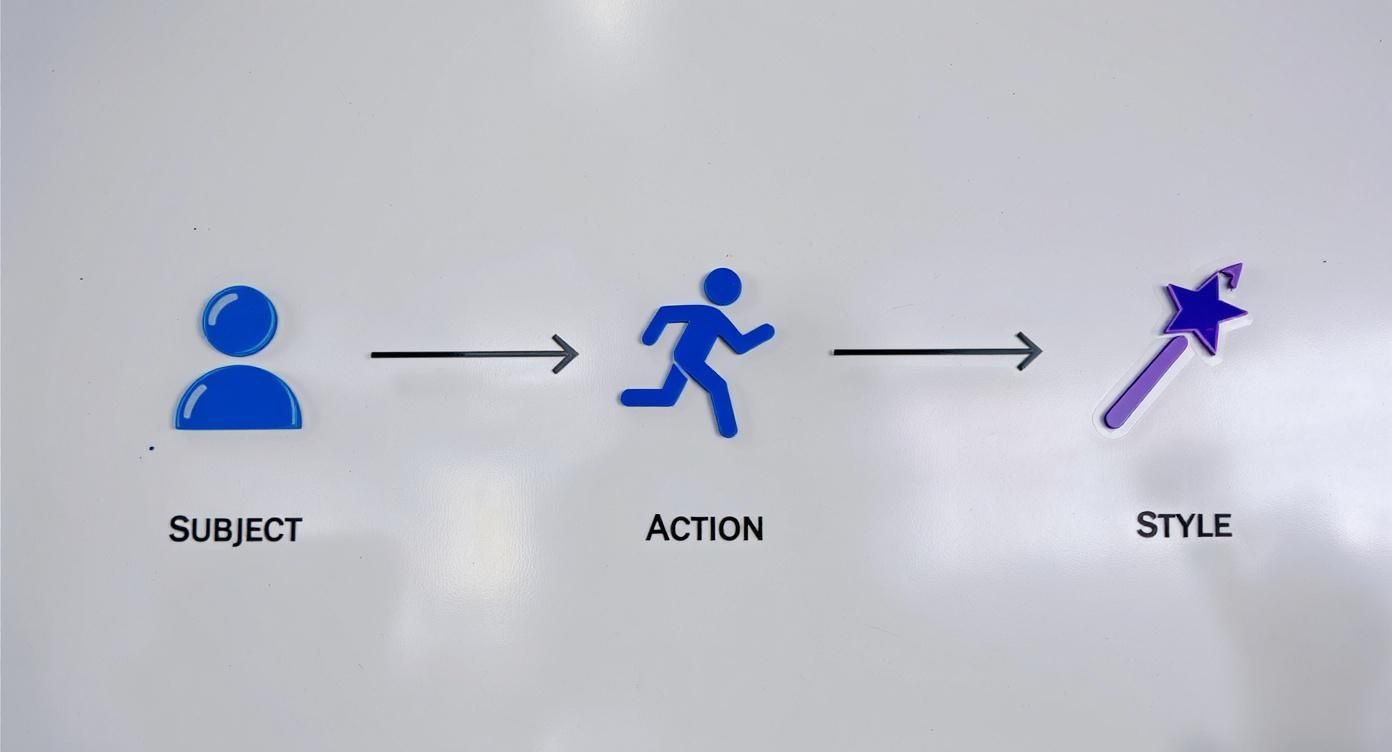
Your text prompt acts as the director's notes for your animation—it's your script, storyboard, and camera instructions combined. When transforming a static photo into a compelling video, the words you choose are crucial.
The Anatomy of a Powerful Prompt
A strong prompt doesn't need to be lengthy, but it does require structure. A layered approach often works best, ensuring all necessary instructions are conveyed without confusing the AI.
Adding Atmosphere and Environmental Effects
Beyond basic mechanics, the true artistry lies in adding details that evoke a specific mood. These elements transform a flat animation into an immersive miniature world, making the scene feel expansive and alive.
Prompting for Impact: Vague vs. Specific AI Instructions
To illustrate the importance of prompts, consider side-by-side examples. The difference in output between a vague command and a specific one is often dramatic.
From a Static Image to a Moving Clip: The AI Workflow
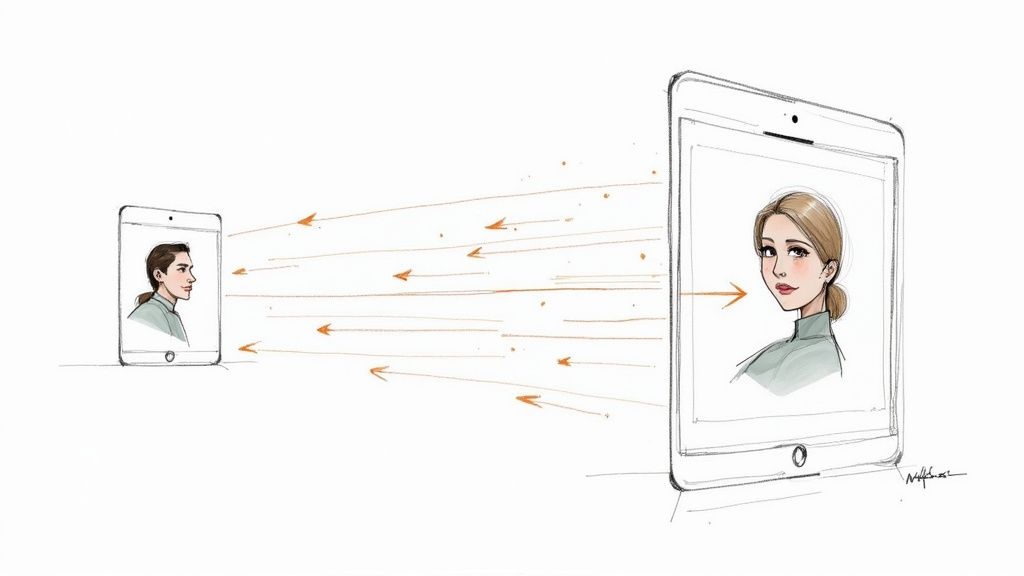
This is where the transformation occurs. With your optimized image and carefully crafted prompt, you're ready to use an AI tool like Seedance AI to bring your vision to life.
Getting a Feel for the AI Generator
Upon opening an AI video generator, you'll typically find a straightforward interface. This usually includes an area to upload your image, a text box for your prompt, and a panel for various settings.
Mastering the Key Animation Settings
Explore the available settings to fine-tune your animation. These controls allow you to adjust aspects like movement intensity, style, and duration, giving you greater creative control over the final output.
Sharing Your Animated Photos for Maximum Impact
Once your animation is complete, consider how to best share it across platforms. Optimize for different social media channels and integrate it into your content strategy for maximum reach and engagement.
Practical Weekly Workflow
- Choose 2 to 3 blocks from this article and define a weekly objective.
- Produce your first drafts with Text to Video and Image to Video.
- Improve structure and style with Video to Video.
- Add audio where needed via Video to Audio or Text to Music.
- Publish and keep only the formats that consistently outperform baseline.
Conclusion
Standardizing your content production process is the most reliable way to scale output. Maintain a consistent structure, iterate on individual sections, and only scale what consistently performs well.
Call to Action
- Start with Image to Video: https://seeddance.app/image-to-video
- Start with Text to Video: https://seeddance.app/text-to-video
- Refine with Video to Video: https://seeddance.app/video-to-video
- Add audio with Video to Audio: https://seeddance.app/video-to-audio
- Build supporting visuals: https://seeddance.app/text-to-image
FAQs
1) Can this workflow work for a solo creator? Yes. Start with a small weekly scope and reuse the same production blocks.
2) How many variants should I test per post? 2 to 4 focused variants are usually enough to identify clear winners.
3) Should I prioritize trends or consistency? Use trends for reach, but keep a consistent format system for long-term brand memory.