Categories: AI Video Workflow, Creator Strategy, Production Process
Tags: seeddance, seedance 2.0, ai video workflow, content strategy, creator toolkit
Introduction
Photo animation has evolved dramatically, moving beyond simple GIFs to sophisticated AI-powered tools that bring static images to life. Whether you're a marketer, an influencer, or simply looking to add a creative spark to your personal photos, the right app can transform your visuals. This guide explores the top 12 apps for animating photos in 2026, covering everything from AI generators to talking avatars, helping you find the perfect tool for stunning results.
Top 12 Photo-Animation Apps
1) Seedance AI
Seedance AI stands out as a powerful and accessible platform for creators aiming to animate photos or generate video from text. It consolidates multiple cutting-edge AI video models, including its namesake Veo3, alongside Seedance and Wan2, making it ideal for producing high-quality short-form content. Marketers can use it for social media ads, influencers for engaging TikToks or YouTube Shorts, and small businesses for showcasing products.
2) Motionleap by Lightricks
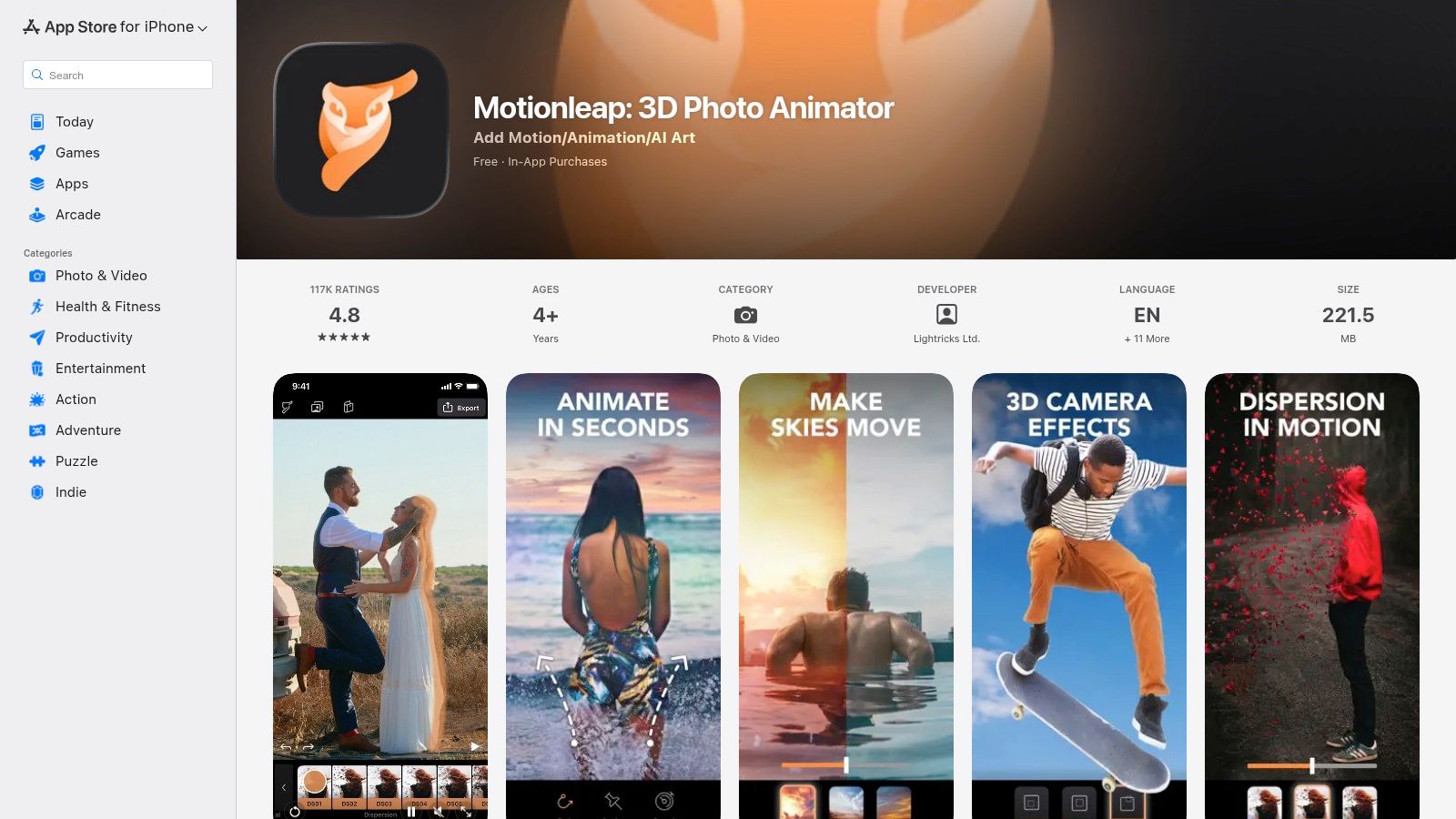
Motionleap, formerly Pixaloop, is a highly popular mobile app for animating photos, particularly among social media creators. Its intuitive interface allows users to create stunning cinemagraphs with minimal effort, making it a go-to for adding subtle motion to static images.
3) MyHeritage (Deep Nostalgia & LiveMemory)
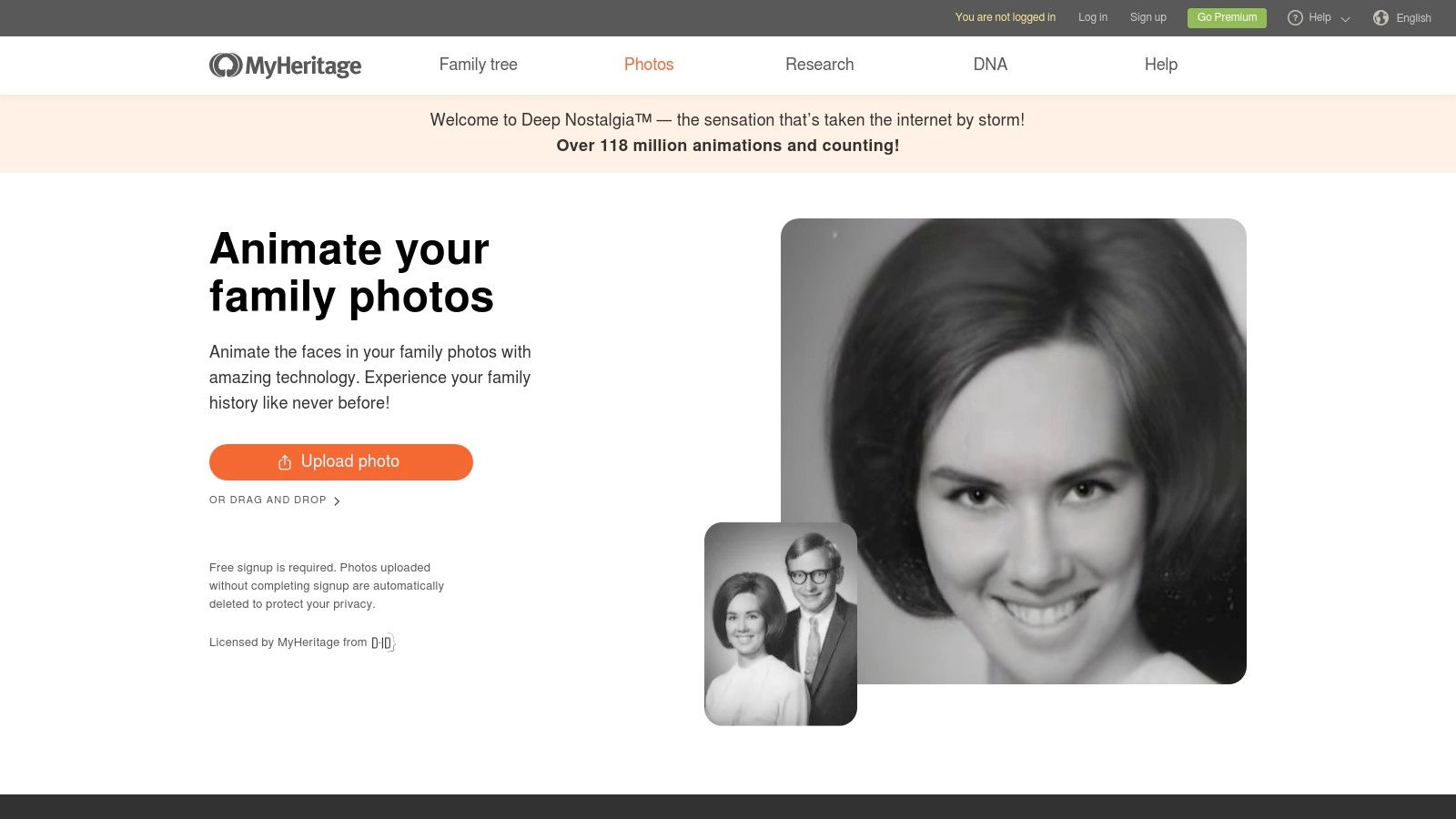
MyHeritage offers a unique and emotionally resonant approach to photo animation through its genealogy platform. Its standout feature, Deep Nostalgia, uses deep learning to animate faces in old, static photographs, bringing historical portraits to life with subtle movements.
4) D-ID Creative Reality Studio
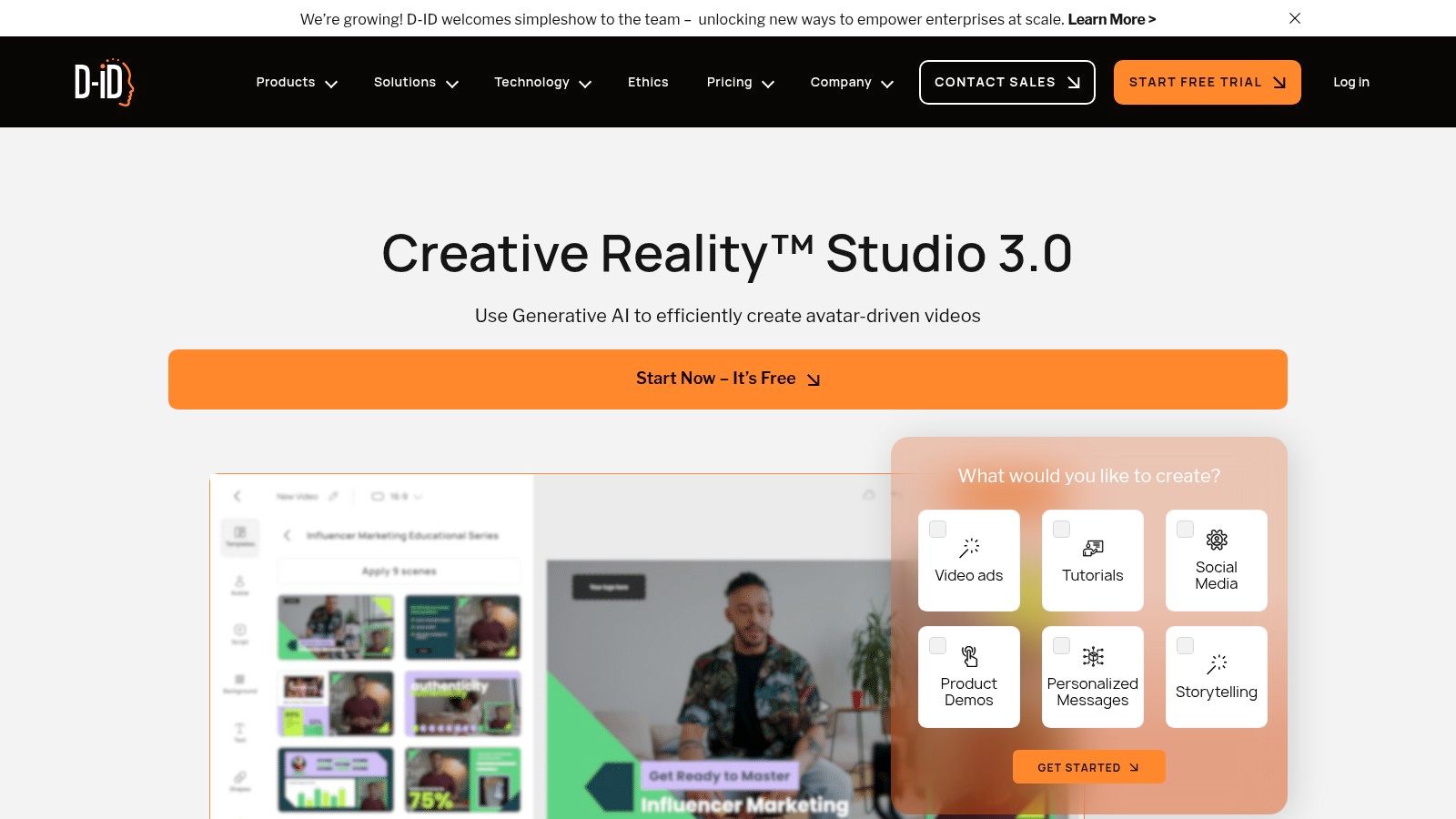
D-ID's Creative Reality Studio specializes in transforming a single portrait photo into a realistic, speaking avatar. This unique approach to photo animation allows users to create dynamic, lifelike characters from static images.
5) HeyGen
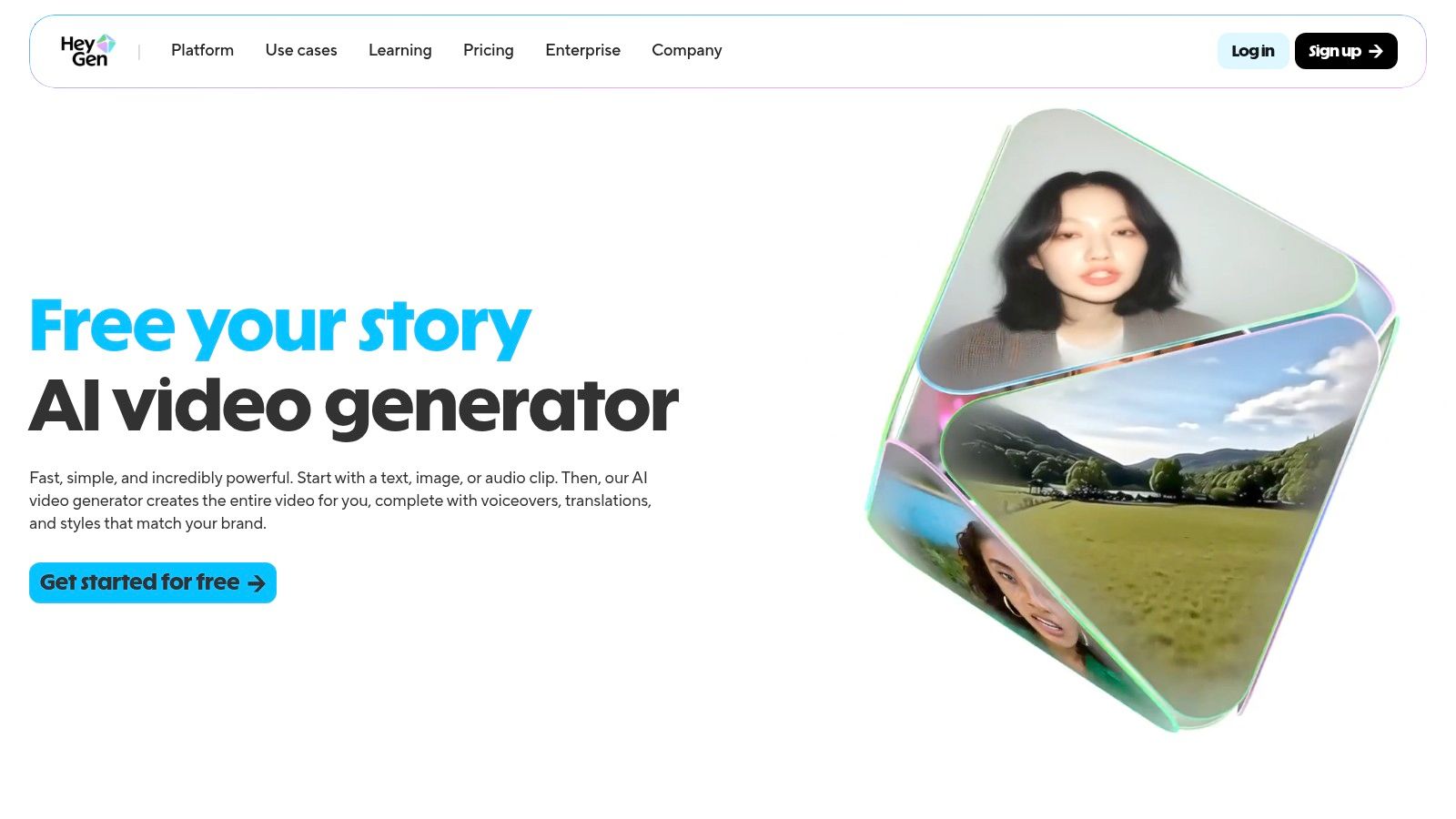
HeyGen focuses on transforming static portraits into dynamic, talking avatars. It leverages advanced AI to generate realistic lip-sync and facial expressions from just a single image and a text input, making it a powerful tool for creating engaging video content.
6) CapCut – Talking Photos Tool
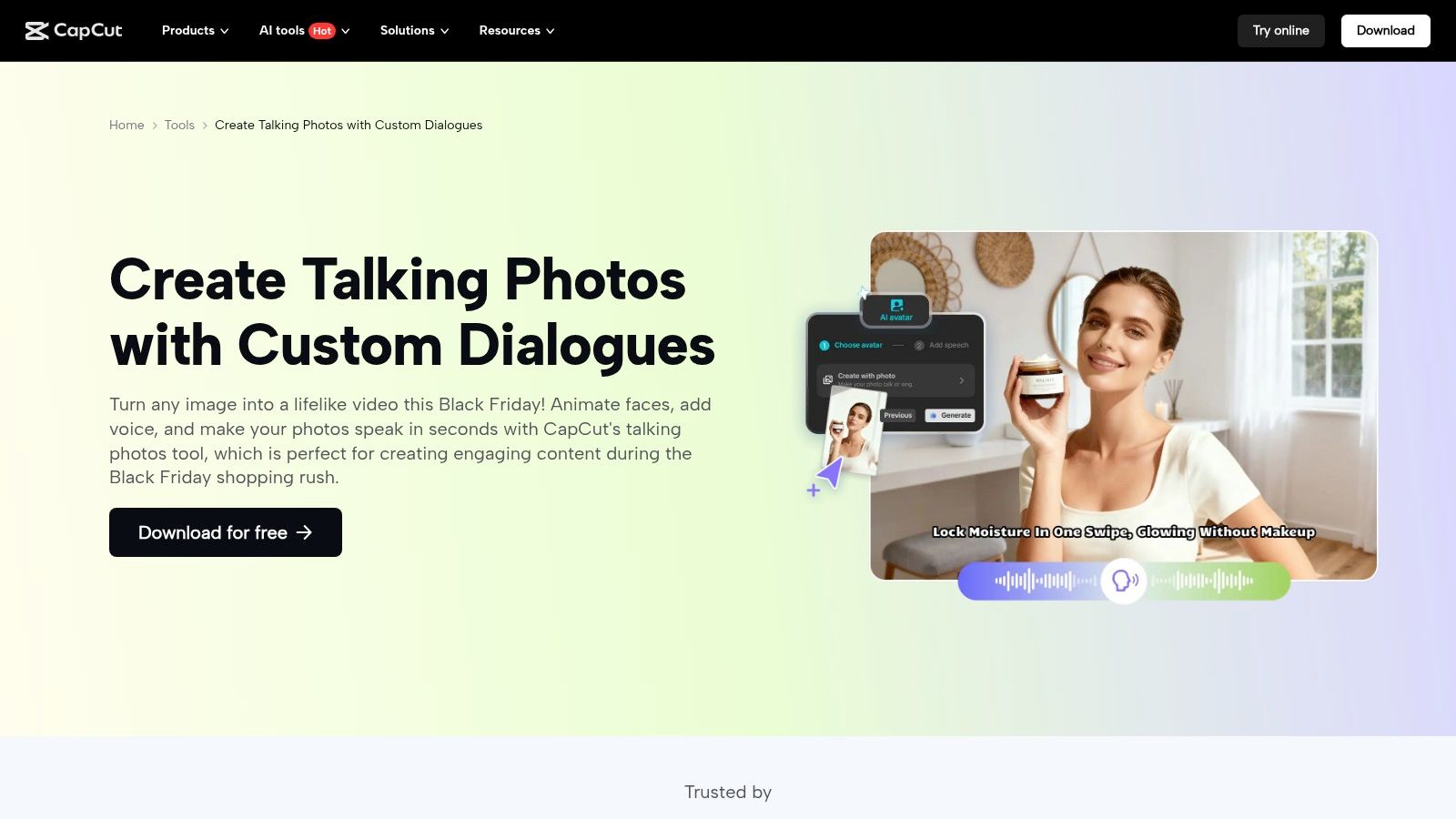
CapCut, a leading video editing app from ByteDance, includes a specialized "Talking Photos" tool that has become popular for social media trends. This feature excels at transforming static portrait photos into dynamic, speaking avatars, perfect for viral content.
7) TokkingHeads by Rosebud AI
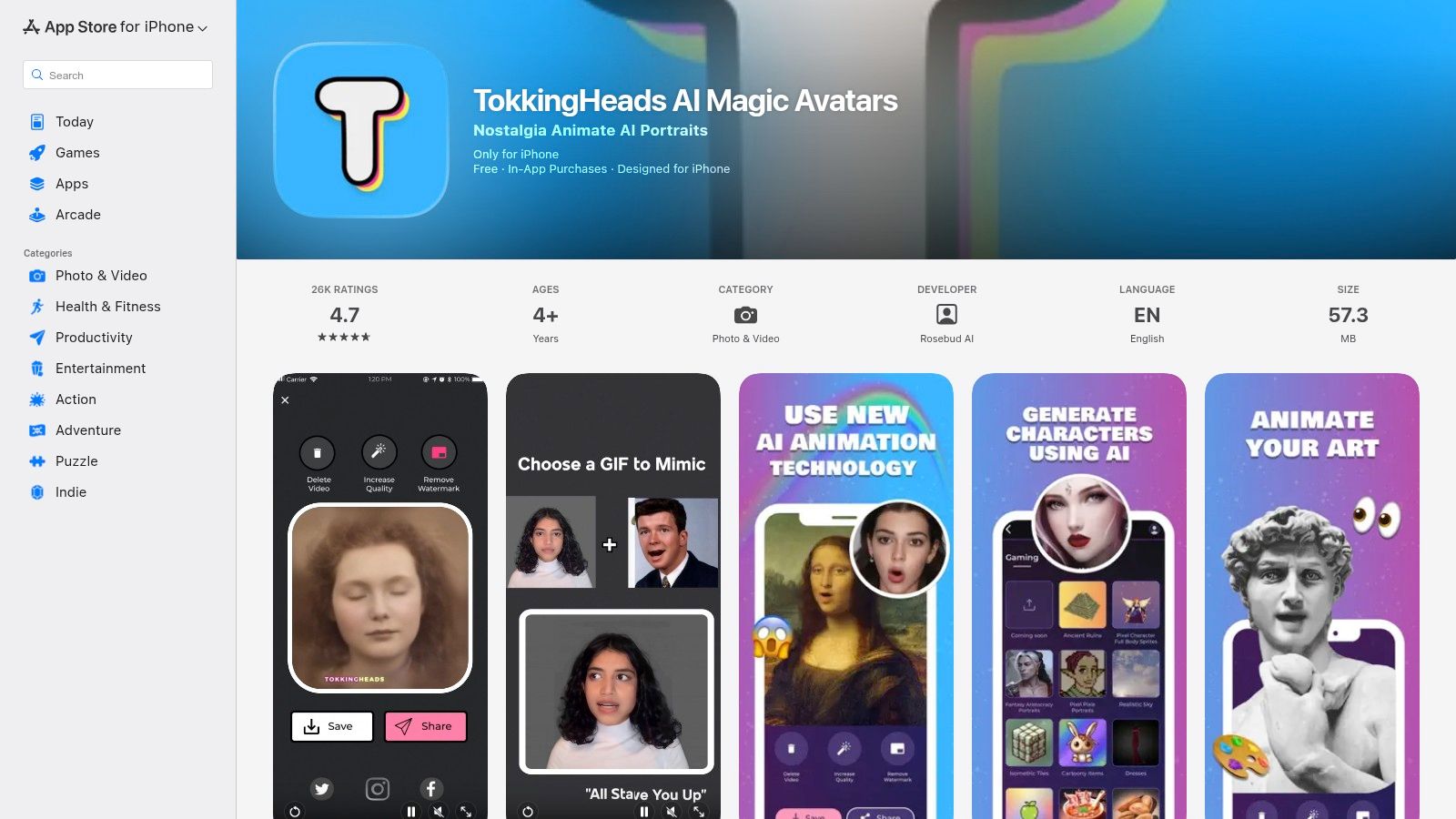
TokkingHeads by Rosebud AI is a mobile app dedicated to bringing faces to life. It specializes in taking a static portrait and making it talk, sing, or express emotions based on audio or video input, offering a highly engaging way to animate faces.
8) LeiaPix Converter (Leia Inc.)
LeiaPix Converter is a unique web-based tool that converts standard 2D photos into immersive 3D lightfield images, complete with a distinct parallax effect. This creates a sense of depth and movement that goes beyond traditional 2D animation.
9) PixaMotion by Imagix AI
PixaMotion by Imagix AI is a reliable mobile app for animating photos, offering a budget-friendly alternative to more premium options. Users can draw motion paths directly onto an image to guide the animation, creating custom movements and effects.
10) StoryZ Photo Motion
StoryZ Photo Motion is a versatile mobile app known for creating classic cinemagraphs and motion graphics. It features two primary modes: "Ripple" for adding directional movement to static parts of a photo, and "Motion" for overlaying video clips onto an image to create dynamic effects.
11) Plotaverse / Plotagraph
Plotaverse, also known as Plotagraph, is a comprehensive ecosystem designed for creators who need granular control over their photo animations. Unlike simpler one-tap apps, Plotaverse offers a professional-grade toolset for creating "moving stills" with high precision.
12) Corel PhotoMirage
Corel PhotoMirage allows users to transform any image into a captivating animation in minutes. With intuitive tools, you can add motion to specific areas of your photo, creating stunning visual effects that grab attention.
Choosing the Right Animation App for Your Creative Vision
With so many options available, selecting the best app depends on your specific needs and creative goals. Consider factors like ease of use, desired animation style (e.g., talking avatars, cinemagraphs, 3D effects), and whether you need mobile or desktop functionality.
Ideal Use Cases and Limitations
Each app has its strengths and limitations. Some are perfect for quick social media posts, while others offer advanced features for professional projects. Understanding these nuances will help you maximize your creative output and achieve stunning results.
When to Choose Seeddance Instead of a Single-Purpose App
Many tools on this list are optimized for one narrow job, such as face animation, talking avatars, or lightweight cinemagraph effects. That is useful when your project is simple. But if you need a broader AI video workflow for campaigns, short-form content, product storytelling, or creative testing, it is usually better to work in a platform that supports multiple generation paths.
Seeddance is a stronger fit when you want to move beyond one-click animation and build reusable creative systems. A practical setup looks like this:
- Start with Text to Video when you need to generate a scene from prompt alone.
- Use Image to Video when you already have a photo, product still, or campaign visual to animate.
- Use Video to Video when you want to restyle or upgrade an existing clip while keeping the core motion idea.
That gives marketers and creators more flexibility than a mobile-only animation app that is limited to one effect template.
Final Take
The best app to animate photos depends on the kind of result you actually need. If your goal is a nostalgic portrait animation, a talking avatar, or a simple looping effect, a specialized app may be enough. If your goal is repeatable, high-quality visual production for content marketing or creative campaigns, an end-to-end AI video workflow will usually give you more room to scale.
FAQs
1) What are the best apps for animating photos for social media? Apps like Seedance AI, Motionleap, CapCut, and HeyGen are excellent for creating engaging social media content due to their ease of use and dynamic output.
2) Can I animate old family photos? Yes, MyHeritage's Deep Nostalgia is specifically designed to animate faces in old, static photographs, bringing historical portraits to life.
3) Are there free options for photo animation? Many apps offer free versions or trials with limited features. PixaMotion and CapCut provide solid free options for basic animation needs.