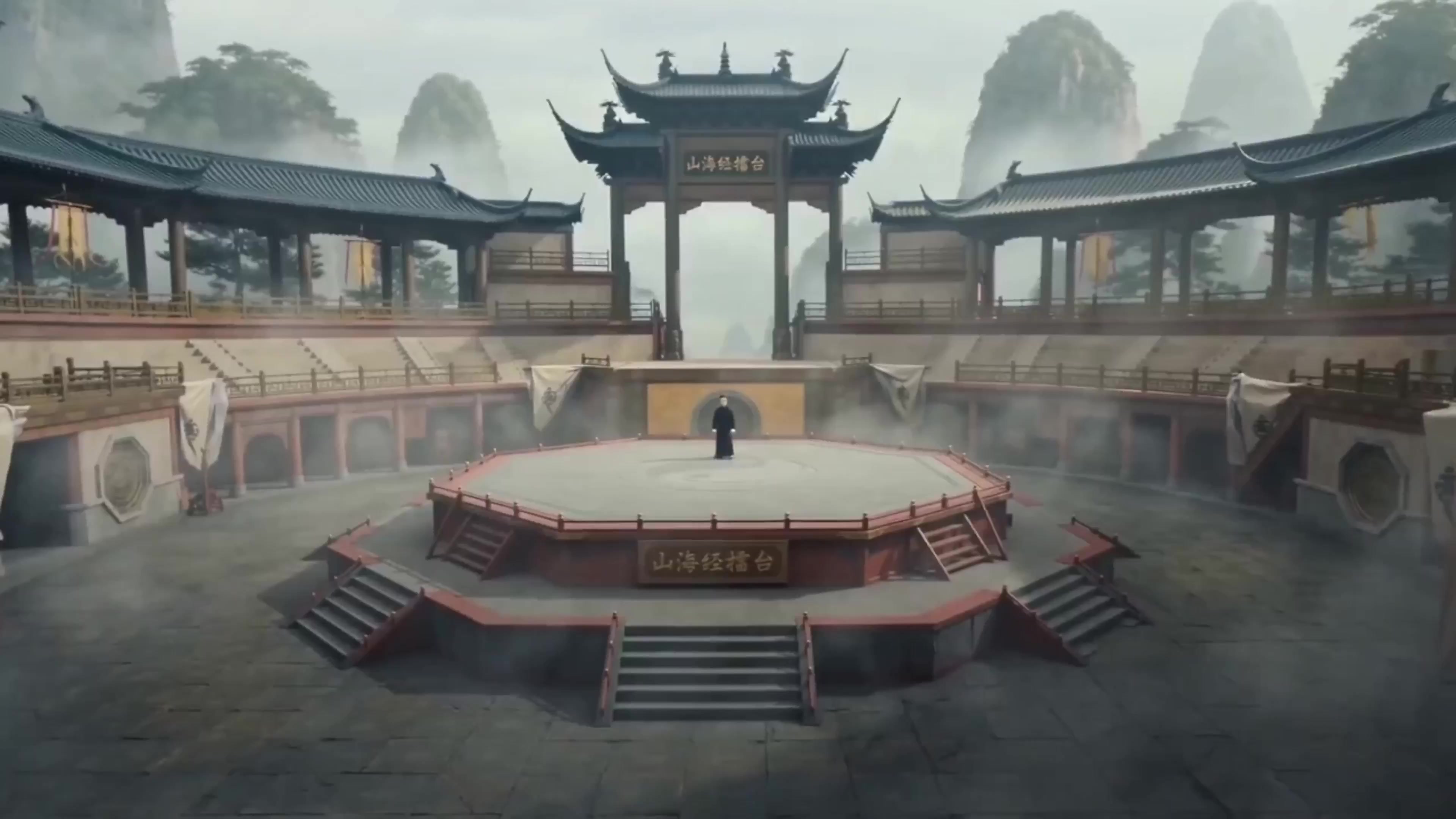
Categories: AI Video, AI Image, AI Audio, Creator Tools
Tags: seeddance, seedance 2.0, ai video generator, text to video, image to video, ai image generator, ai audio generator, multi-shot consistency
Introduction
Seeddance is a video-first AI creation studio built around Seedance 2.0. It is designed for creators and teams who want cinematic results from text prompts and reference images, while still keeping image and audio production in the same workflow.
The core value proposition is simple:
- Cinematic text-to-video and image-to-video
- Smooth motion and stronger multi-shot consistency
- Consistent characters and style across scenes
- Integrated AI image and AI audio tools for full asset production
What You Can Create with Seeddance
The fastest way to think about Seeddance is as one studio with three production layers: video, image, and audio.
1) AI Video (Text/Image to Video)
- Turn text prompts into cinematic clips
- Animate reference images into motion with better continuity
- Create multi-shot sequences with consistent subjects and visual tone
- Expand beyond one-shot demos into publish-ready story blocks
Suggested entry points:
- Image to Video: /image-to-video
- Text to Video: /text-to-video
- Video to Video: /video-to-video
2) AI Images (Text to Image, Image to Image)
- Generate concept frames, key visuals, and campaign variations
- Build reference images that guide Seedance 2.0 shot design
- Use style control workflows to keep scenes visually aligned
Suggested entry points:
- Text to Image: /text-to-image
- Image to Image: /image-to-image
- Popular image models in the stack: Nano Banana2, Seedream 5.0, Flux2 Pro, Qwen Image Edit
3) AI Audio (Text/Image/Video to Audio or Music)
- Generate background music, SFX, and supporting sound layers
- Pair audio outputs directly with generated video drafts
- Speed up rough-cut workflows before final polish
Suggested entry points:
- Video to Audio: /video-to-audio
- Image to Audio: /image-to-audio
- Text to Music: /text-to-music
- Audio to Video: /audio-to-video
Extended Video Tooling in Seeddance
Beyond generation, Seeddance includes practical video tools that reduce production switching costs:
- AI Video Effects (
/effects) for fast motion templates - Face Swap Video (
/face-swap) - Lip Sync (
/lip-sync) - AI Avatar (
/tools/ai-avatar) - Video Transition (
/video-transition) - Video Dubbing (
/video-dubbing) - AI Video Extender (
/ai-video-extender)
This is useful when you need to move from concept to variant testing without rebuilding the pipeline on each iteration.
Who Seeddance Works Best For
- Creators: short-form content loops with fast iteration
- Marketers: campaign variants, hook testing, and creative refreshes
- Creative teams: multi-asset workflows with shared style direction
- Story-first users: multi-shot sequences with consistent subjects
- Pick the goal: social post, ad, demo, story clip
- Generate the anchor video: text-to-video or image-to-video with Seedance 2.0
- Build supporting assets: image variants, SFX, music, and alternates
- Iterate by block: fix only the weak shots, not the entire sequence
- Export for channel: finalize output for social, ads, and product surfaces
Responsible Use
Use content you have rights to upload and process. Seeddance enforces platform policy and content safety controls, and teams should still validate rights, consent, and publication rules for commercial projects.
Conclusion
If you want a Seedance 2.0-centered workflow for AI video production, Seeddance gives you a practical path from prompt to publishable assets, with image and audio layers integrated into the same studio.
Call to Action
Start here:
- Create with Seedance 2.0: Image to Video
- Generate AI audio: Video to Audio
- Build AI images: Text to Image
FAQs
1) What is Seeddance in this workflow?
Seeddance is the creation studio experience built around Seedance 2.0 for text-to-video and image-to-video, with integrated image and audio tooling.
2) Can I produce a full asset set (video + image + audio) in one place?
Yes. You can generate video, supporting images, and audio outputs inside the same production flow.
3) Is Seeddance only for video generation?
It is video-first, but it also includes image and audio tools to support complete content production.
4) Is there a free tier?
Yes. A free tier is available for core usage, while paid plans typically unlock more capacity and higher production limits.