Categories: AI Video Workflow, Creator Strategy, Production Process
Tags: seeddance, seedance 2.0, ai video workflow, content strategy, creator toolkit
Introduction
Elevate your video projects without breaking the bank. This guide explores the 12 best sources for free video effects in 2026, offering everything from AI-generated content to professional-grade overlays and transitions. We'll help you discover high-quality assets to enhance your creations.
Top Sources for Free Video Effects
1) Seeddance AI
Seeddance AI is a powerful and accessible platform for generating video effects and entire video clips from simple text or image inputs. A key advantage is its creator-friendly ownership policy, allowing generated videos to be used for both personal and commercial projects. While its free access is generous for getting started, users looking to scale production may seek more clarity on premium features and usage quotas.
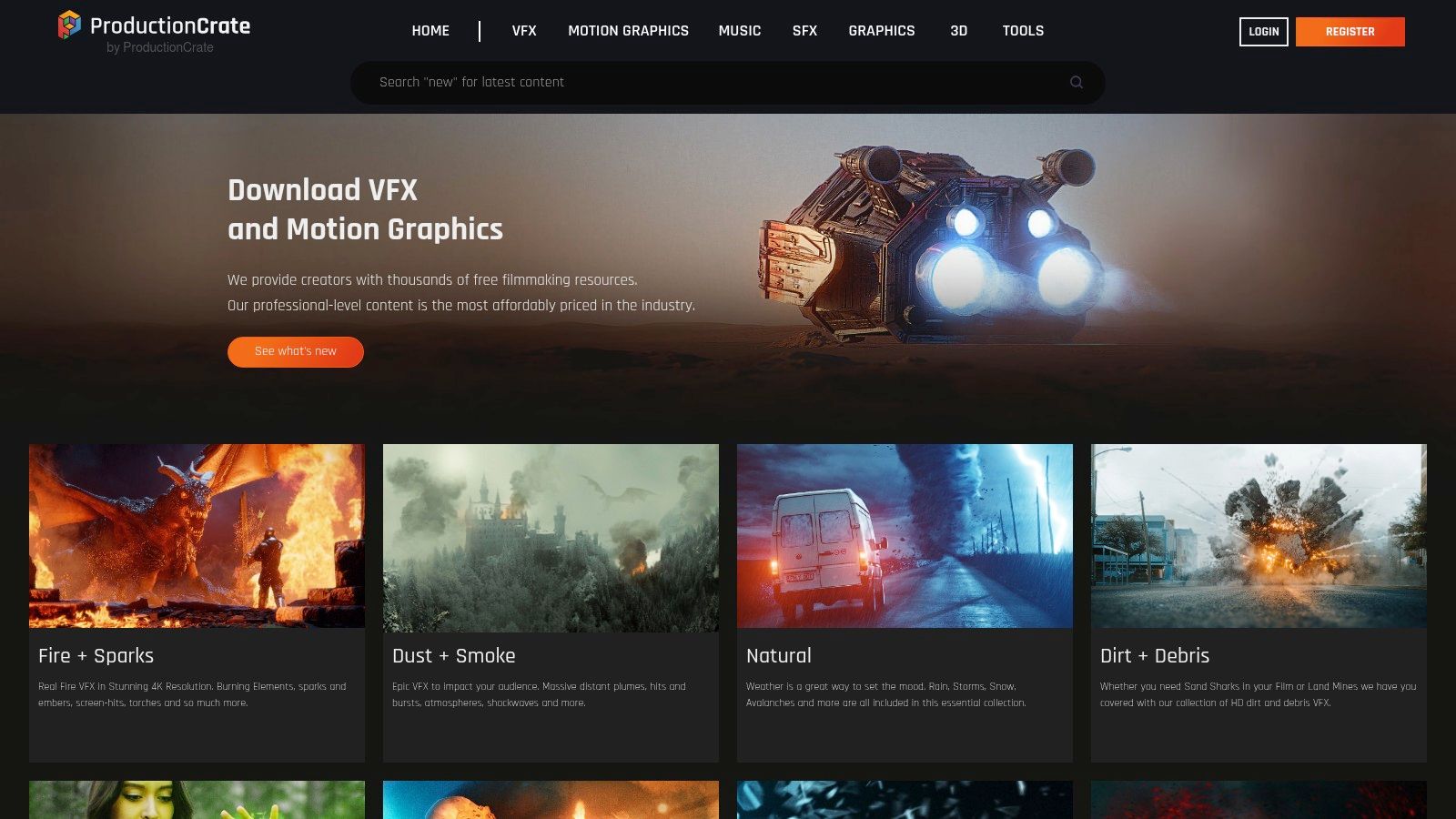
2) ProductionCrate (FootageCrate, SoundsCrate, GraphicsCrate, RenderCrate)
ProductionCrate offers an extensive library of production-grade visual effects and assets. It's an indispensable resource for adding professional polish, from explosive VFX to subtle motion graphics. The free tier is notably generous, providing a vast selection of high-quality assets. Limitations include a daily download cap and resolution restrictions, with 4K and higher-quality files reserved for Pro members.
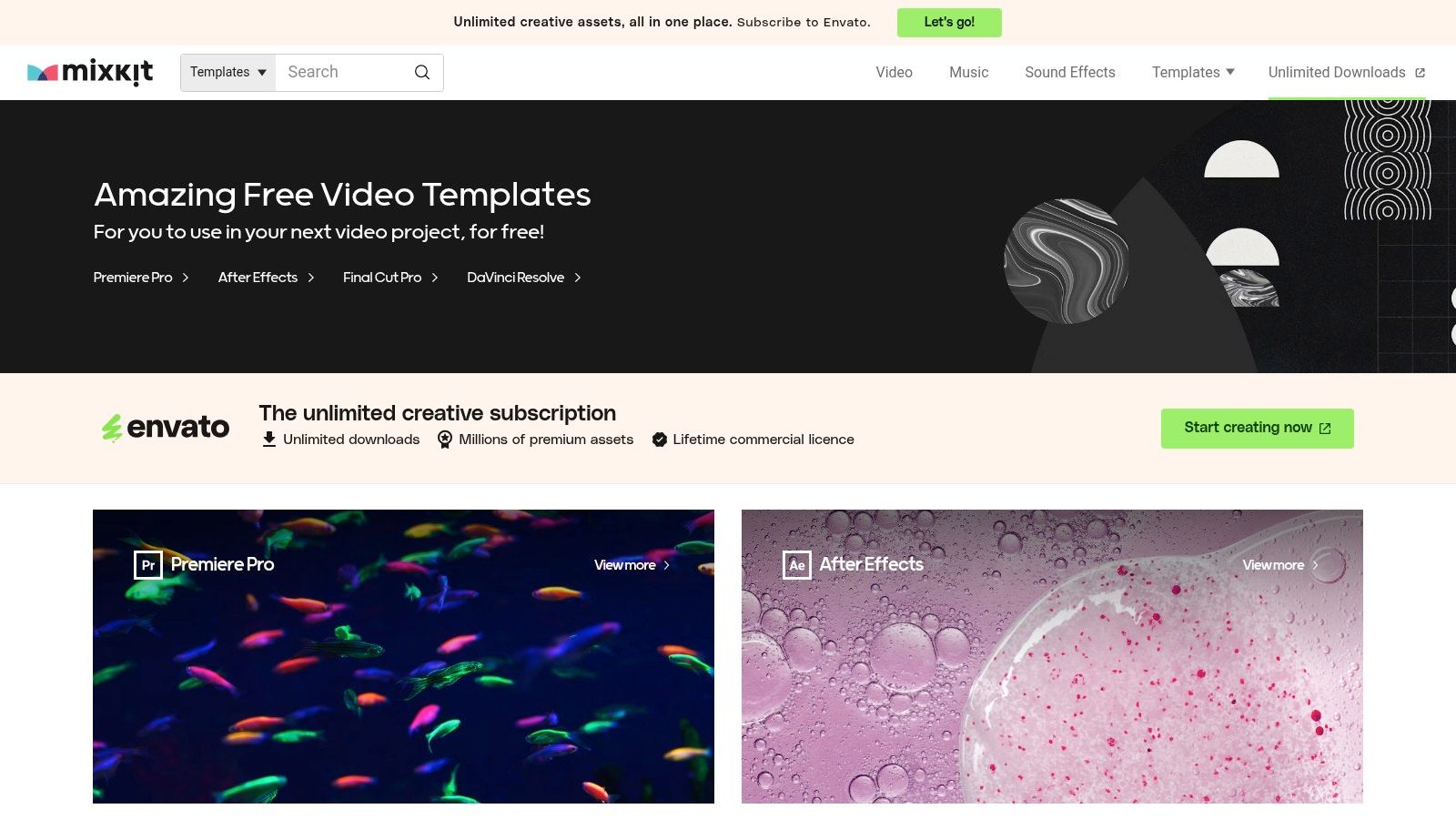
3) Mixkit (by Envato)
Mixkit, an Envato platform, provides a completely free library of high-quality video assets, including professional templates, transitions, and overlays. Its entire catalog is free, requiring no sign-up or hidden costs. While its collection is smaller and less specialized than larger paid marketplaces, the quality of its offerings is consistently high.
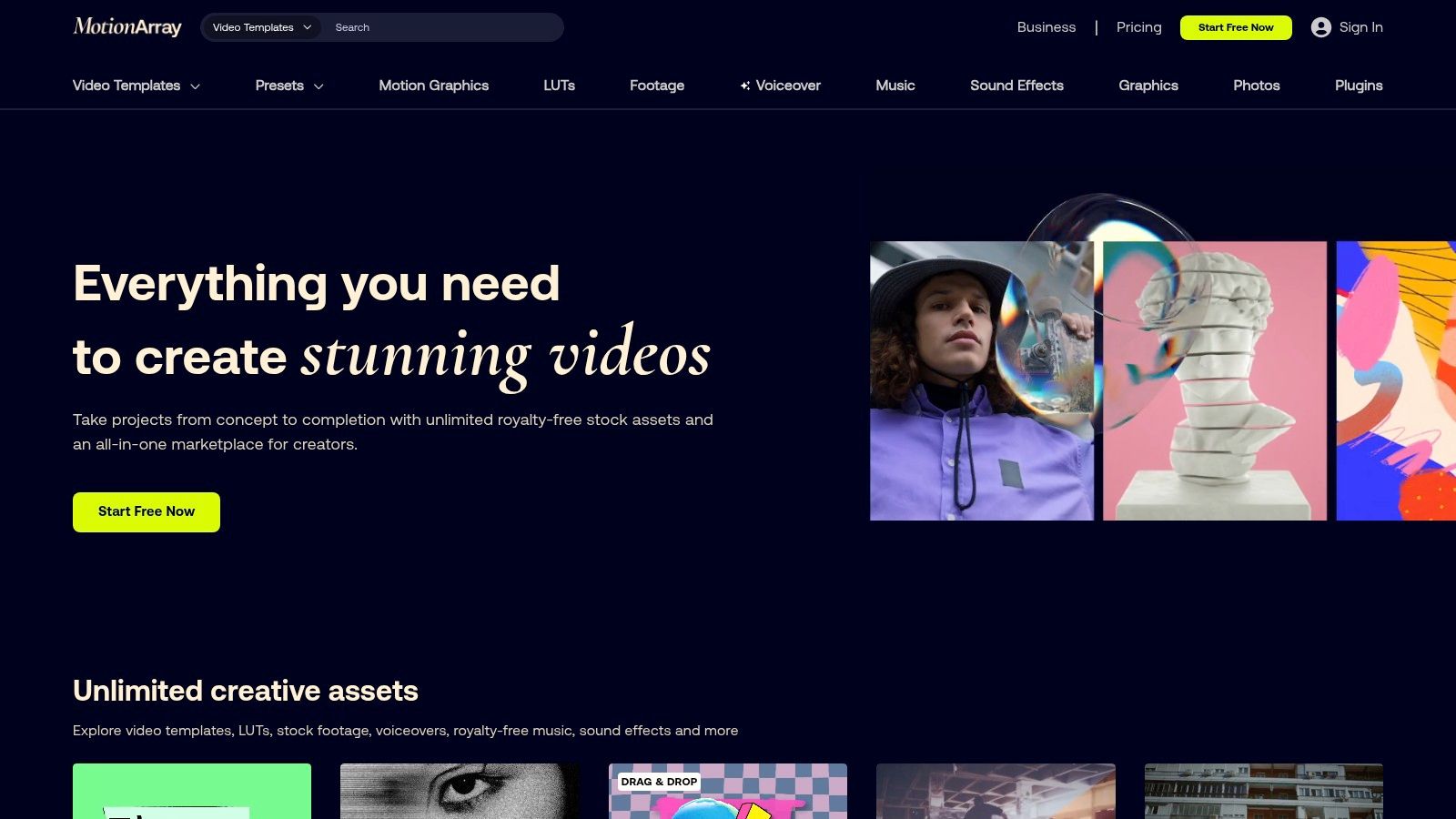
4) Motion Array
Motion Array is a premium subscription marketplace with over a million professional assets, but it also features an impressive selection of free content. Its free tier offers a rotating collection of assets, encouraging frequent visits. While the overall library is vast, only a portion is available for free, with full access requiring a paid subscription.
5) Videvo
Videvo is a versatile library for stock footage and motion graphics, particularly valuable for those seeking specific free video effects. Its free offering is substantial, but users must pay close attention to the license for each clip, as some require creator attribution while others are completely unrestricted.
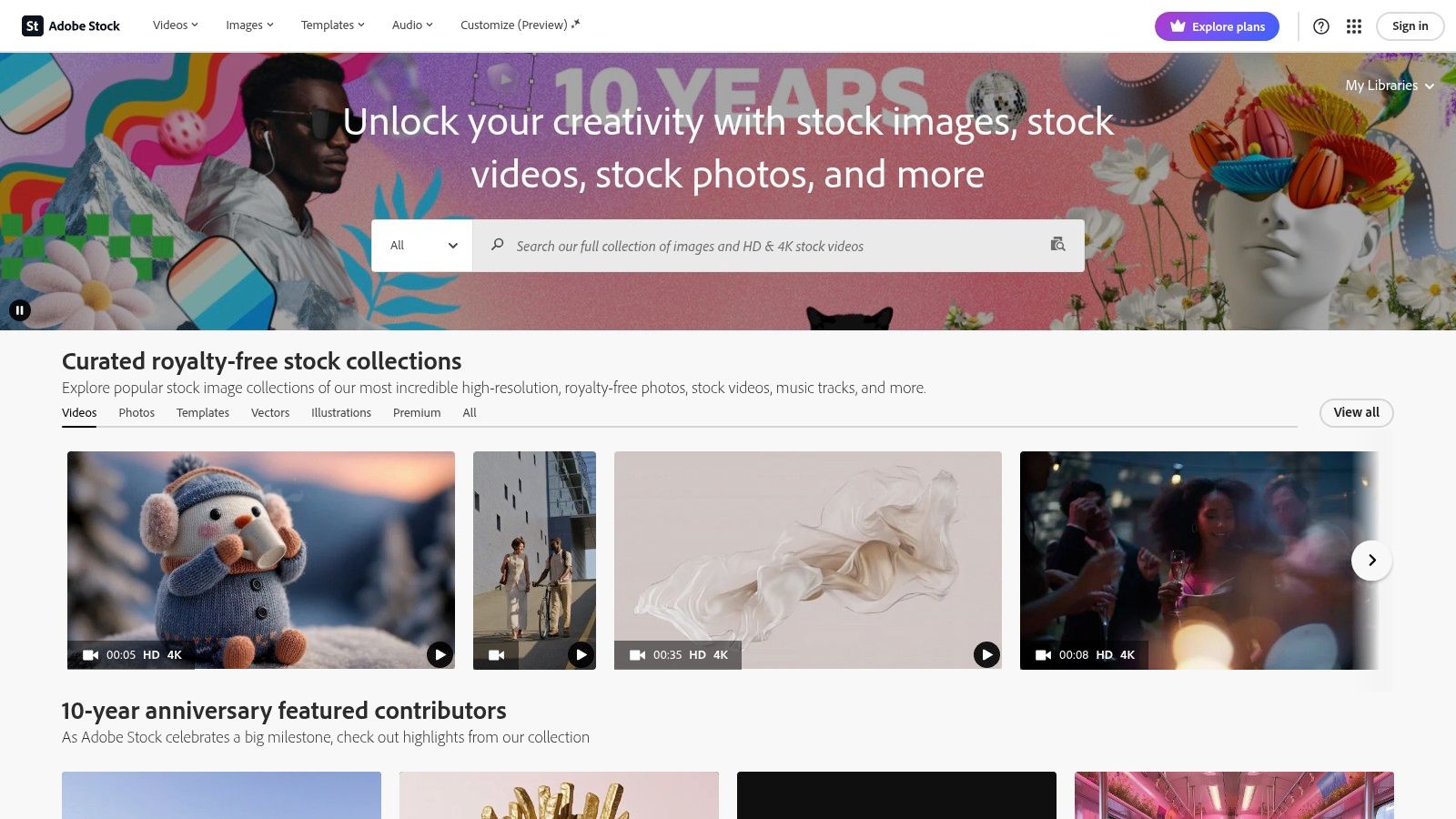
6) Adobe Stock – Free collection (Motion Graphics Templates)
For creators within the Adobe ecosystem, the Adobe Stock free collection is a valuable resource. Beyond its premium content, Adobe offers a robust library of free motion graphics templates (MOGRTs), HD/4K stock video, and more, providing professional-grade assets without cost.
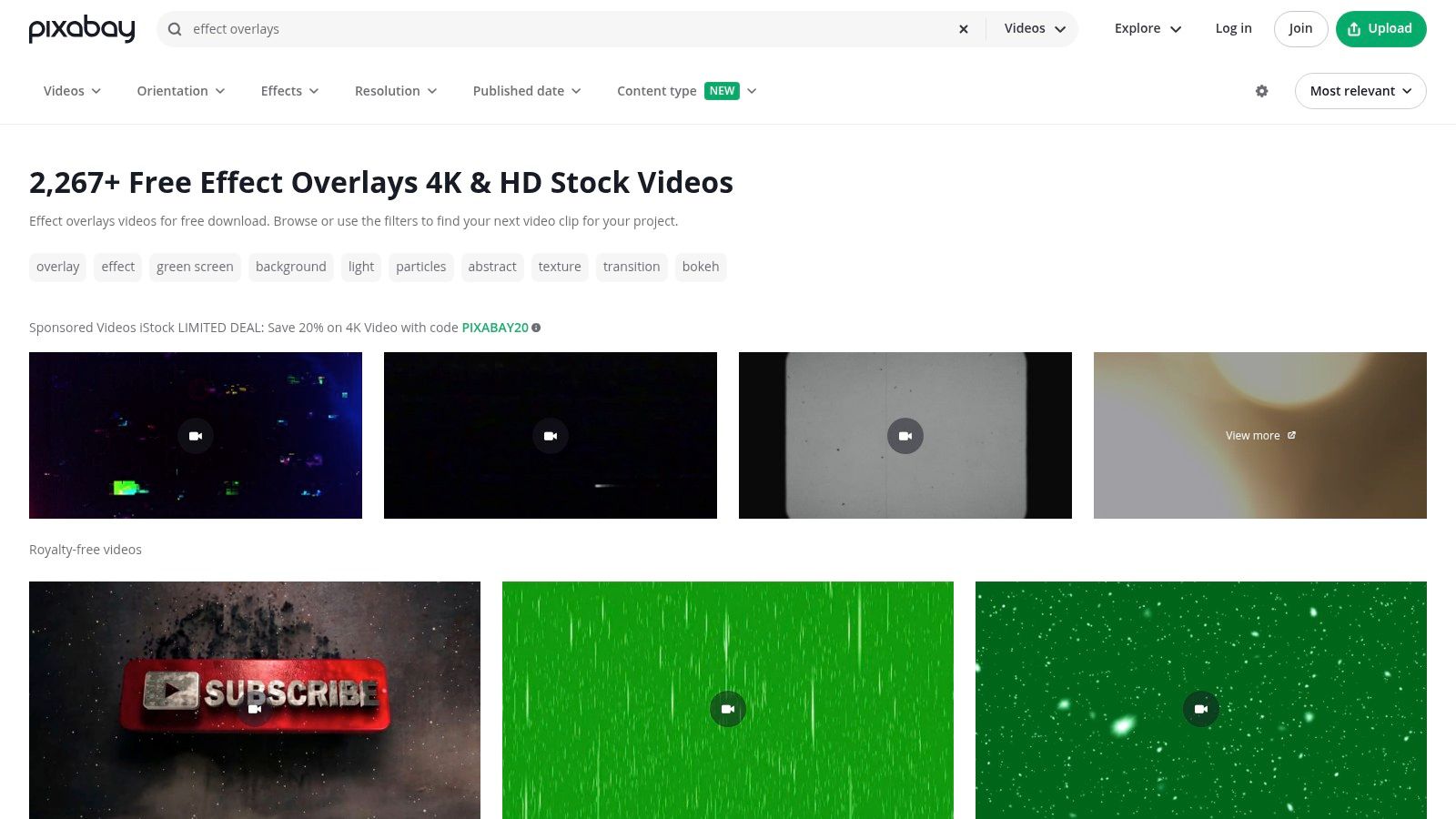
7) Pixabay Videos
Pixabay is renowned for its extensive collection of free stock photos and videos. Its video library offers a wide array of clips suitable for various projects, all available under a permissive license, making it a go-to for quick and easy access to visual content.
8) Videezy
Videezy provides a large collection of free HD and 4K stock videos, motion graphics, and video effects. It's a community-driven platform where creators can download and use content for personal and commercial projects, often with attribution requirements.
9) MotionElements
MotionElements offers a mix of free and paid assets, including video effects, stock footage, and music. Their free section is regularly updated, providing a good source for high-quality elements to enhance video productions.
10) ActionVFX
ActionVFX specializes in high-quality, realistic visual effects elements, including explosions, smoke, fire, and more. While many assets are premium, they offer a selection of free VFX elements that are production-ready and ideal for adding cinematic flair to your projects.
11) AEJuice – Free VFX Assets
AEJuice provides a range of free plugins, scripts, and VFX assets for After Effects and other video editing software. Their free packs include transitions, text animations, and various effects that can significantly speed up your workflow and improve visual quality.
12) Enchanted Media
Enchanted Media offers a collection of free video overlays, transitions, and sound effects. Their assets are designed to be easy to use and compatible with most video editing software, making them a great choice for creators looking to add unique touches to their videos.
Practical Weekly Workflow
- Define Objectives: Choose 2-3 resources from this list and set a weekly objective for incorporating their effects.
- Draft with AI: Produce initial video drafts using AI tools like Text to Video or Image to Video.
- Refine Visuals: Improve the structure and style of your videos with Video to Video.
- Add Audio: Integrate sound layers where necessary using Video to Audio or Text to Music.
- Publish & Analyze: Publish your videos and track performance to identify which formats and effects resonate best with your audience.
Conclusion
Leveraging free video effects can significantly enhance your content's quality without incurring additional costs. By integrating these resources into a structured workflow, you can maintain consistency, iterate effectively, and scale your content output.
Call to Action
- Start with Image to Video: https://seeddance.app/image-to-video
- Start with Text to Video: https://seeddance.app/text-to-video
- Refine with Video to Video: https://seeddance.app/video-to-video
- Add audio with Video to Audio: https://seeddance.app/video-to-audio
- Build supporting visuals: https://seeddance.app/text-to-image
FAQs
1) Can this workflow work for a solo creator? Yes. Start with a small weekly scope and reuse the same production blocks.
2) How many variants should I test per post? 2 to 4 focused variants are usually enough to identify clear winners.
3) Should I prioritize trends or consistency? Use trends for reach, but keep a consistent format system for long-term brand memory.