Categories: AI Video Workflow, Creator Strategy, Production Process
Tags: seeddance, seedance 2.0, ai video workflow, content strategy, creator toolkit
Introduction
Selecting the right video upscaler is crucial for enhancing footage to 4K or even 8K resolution. This guide explores 12 top AI and hardware tools, evaluating their features, performance, and suitability for various professional and consumer needs in 2026.
Top Video Upscaler Tools for 4K & 8K
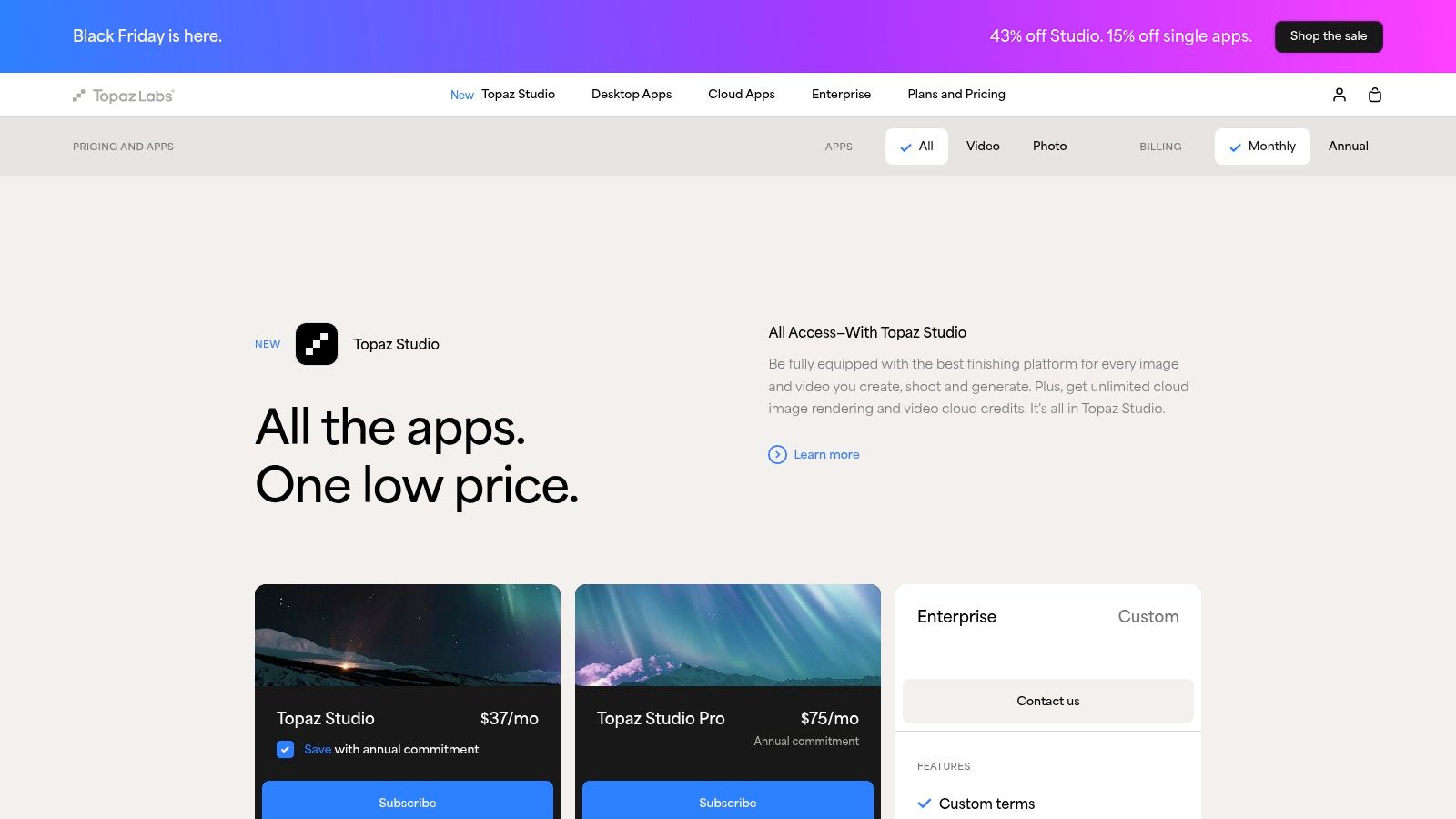
1) Topaz Labs – Topaz Video
Topaz Labs has established itself as a leader in AI-driven image and video enhancement. Its flagship product, Topaz Video (formerly Topaz Video AI), is a top choice for professionals seeking a powerful desktop video upscaler.
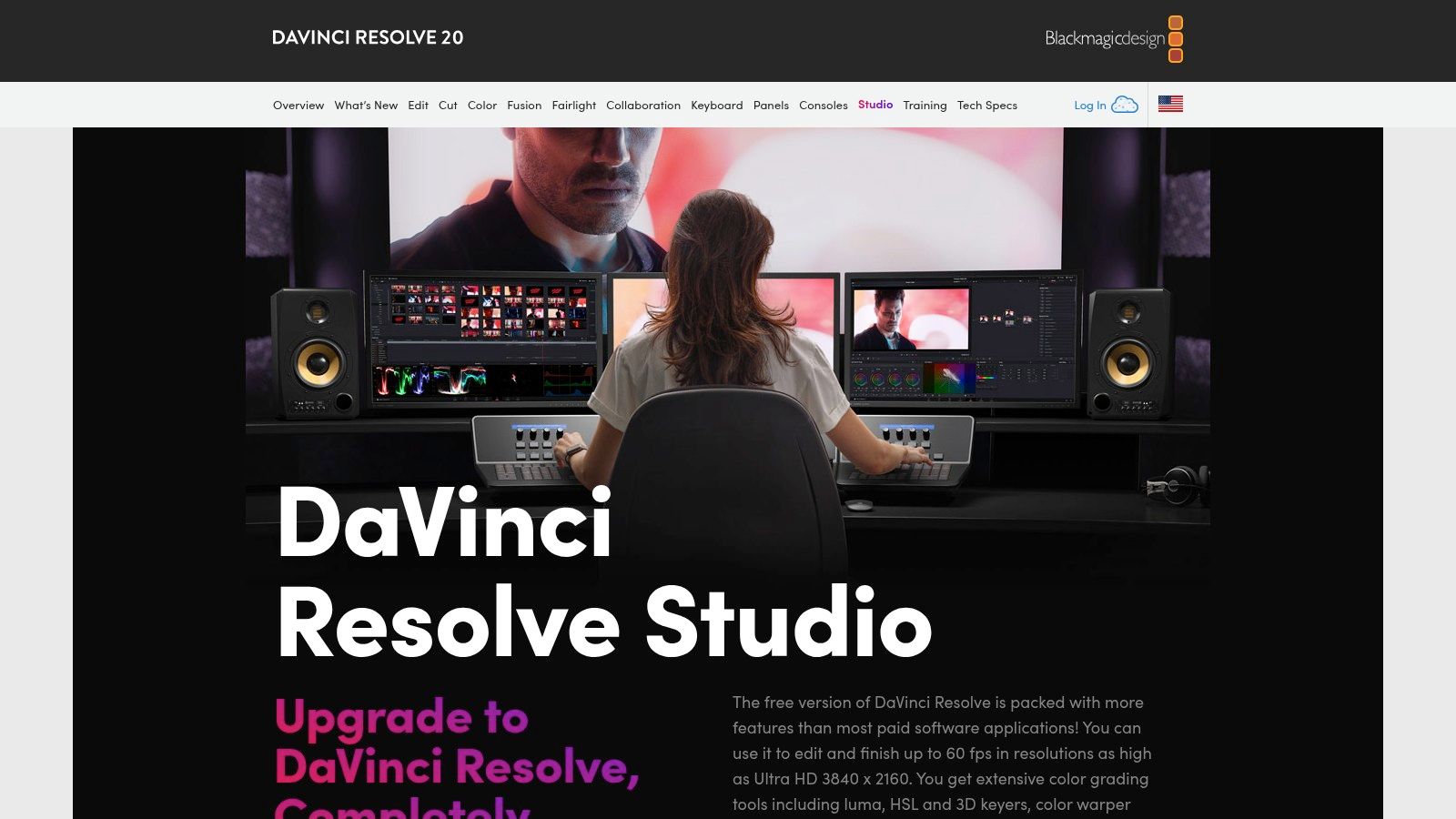
2) Blackmagic Design – DaVinci Resolve Studio
Primarily recognized as a professional-grade suite for video editing, color correction, and post-production, DaVinci Resolve Studio also provides robust, integrated video enhancement capabilities. Website: https://www.blackmagicdesign.com/products/davinciresolve/studio
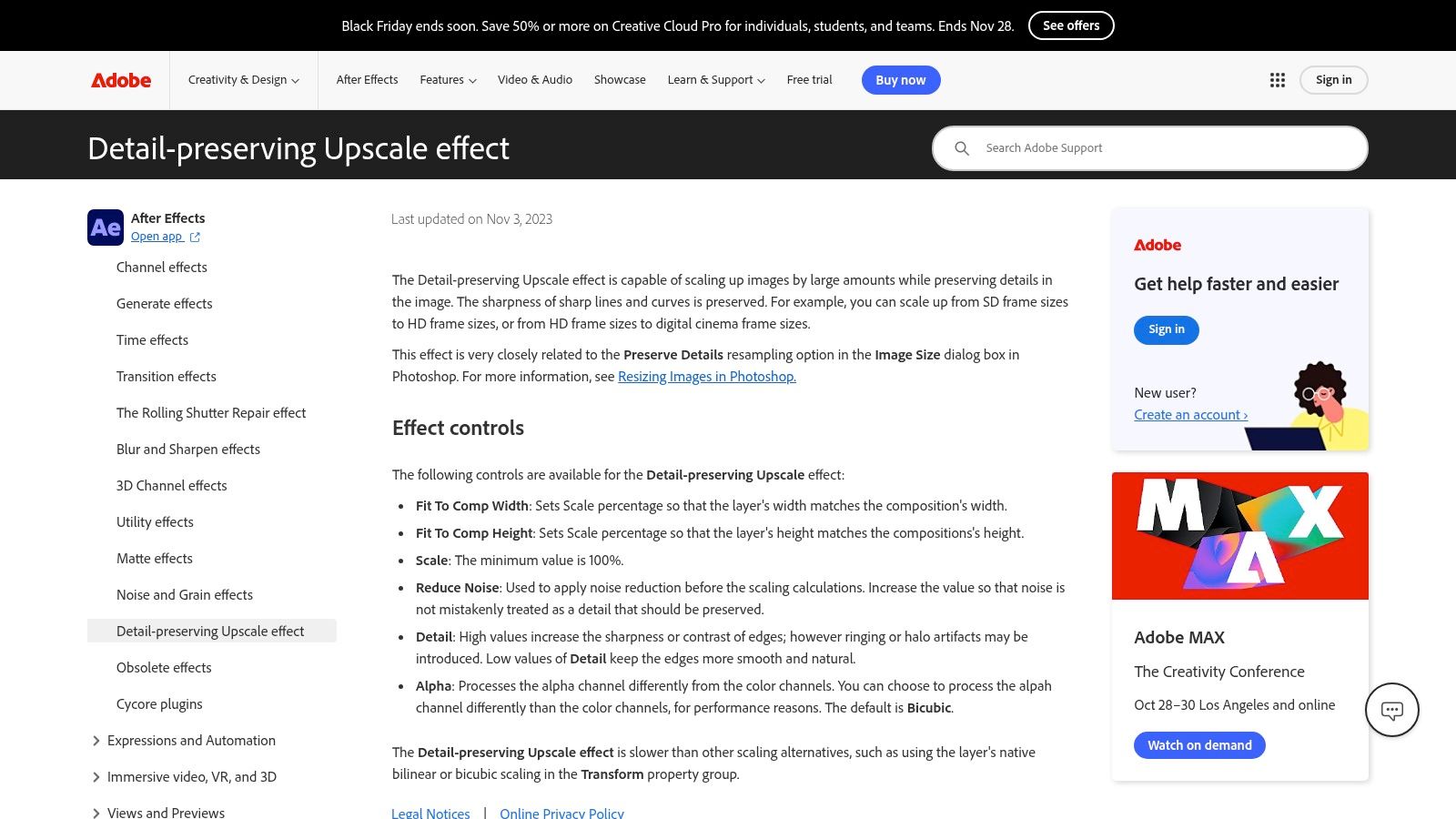
3) Adobe After Effects (Detail-Preserving Upscale)
For professionals already using Adobe products, After Effects offers an integrated solution for video upscaling. This prominent tool, also known for 3D animation, includes powerful detail-preserving upscale capabilities. Website: https://helpx.adobe.com/after-effects/using/detail-preserving-upscale-effect.html
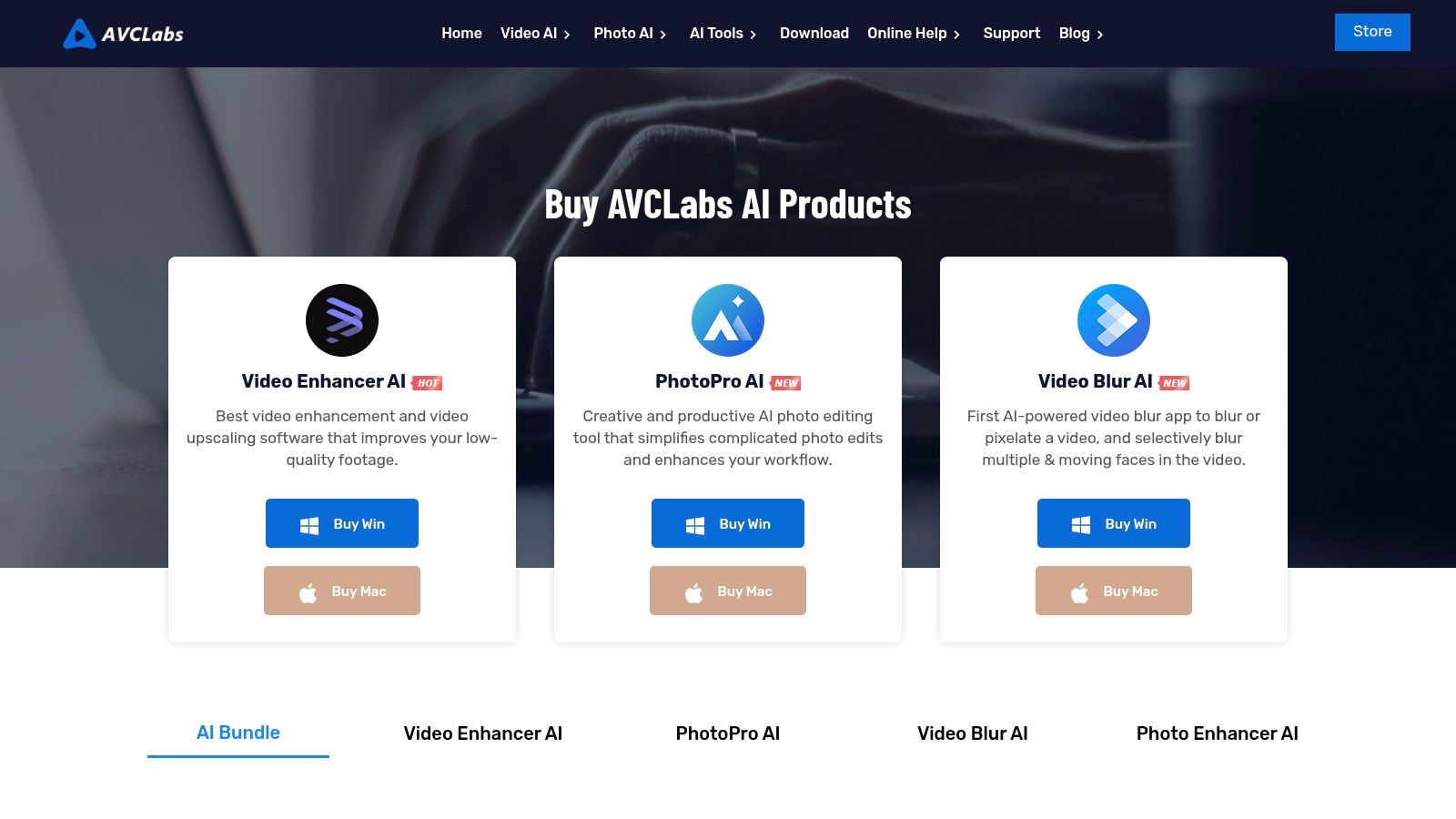
4) AVCLabs – Video Enhancer AI
AVCLabs Video Enhancer AI is a user-friendly desktop solution designed for powerful upscaling without a steep learning curve, making it accessible for a wide range of users.

5) Pixop – Cloud Video Upscaling/Restoration
Pixop offers a unique cloud-based approach to video enhancement. It's ideal for professionals and organizations that require powerful upscaling and restoration services without needing local hardware.
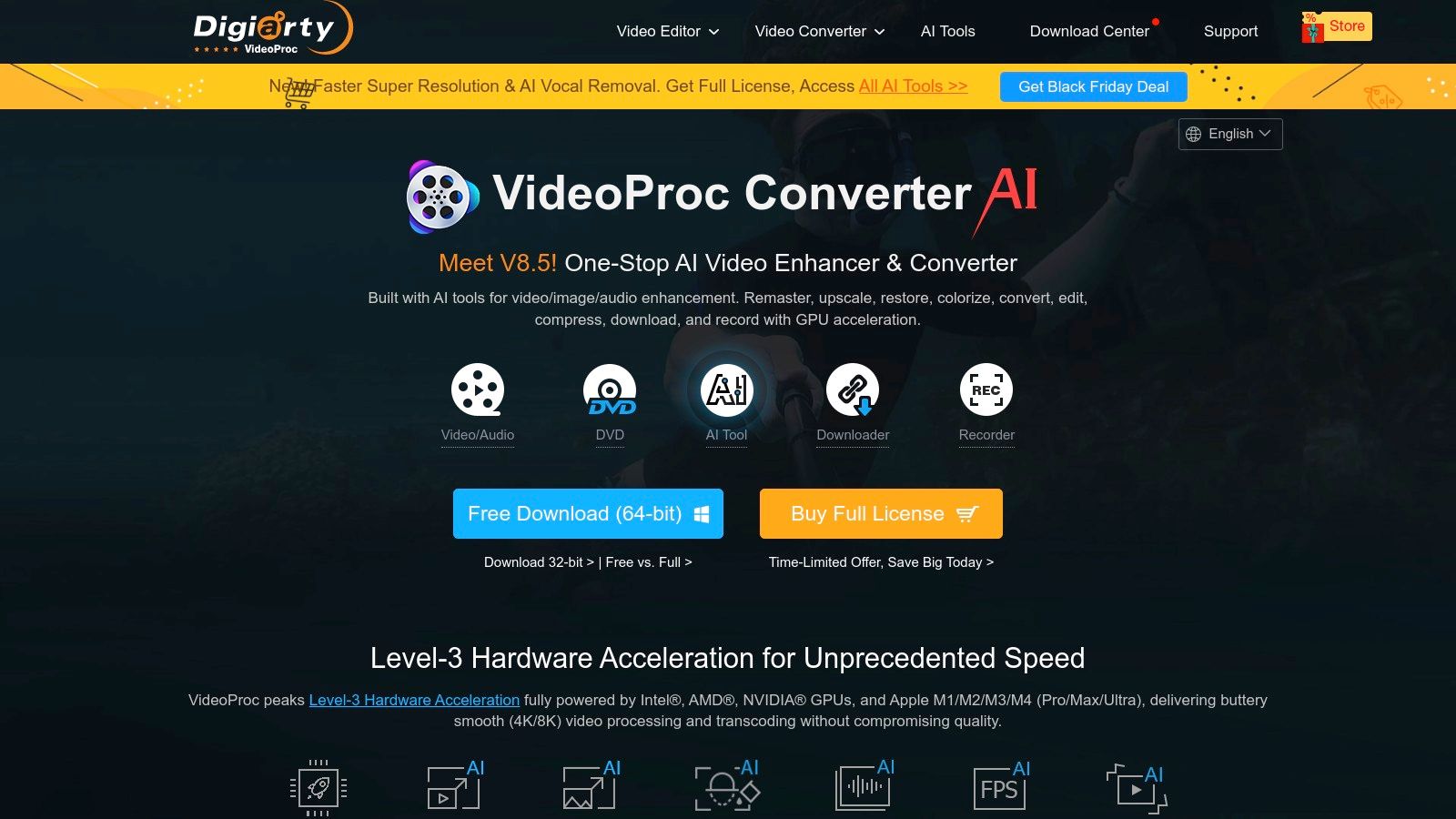
6) VideoProc Converter AI (Digiarty)
Digiarty’s VideoProc Converter AI is a versatile, all-in-one desktop toolkit. It's designed for consumers who need a fast, efficient, and straightforward solution for enhancing everyday footage, offering more than just upscaling.
7) HitPaw – Online Video Upscaler + Desktop Video Enhancer
HitPaw provides an accessible solution for quick and easy video enhancement. It offers both a simple browser-based online upscaler and a more feature-rich desktop application. Website: https://online.hitpaw.com/purchase/buy-hitpaw-online-video-enhancer.html
8) UniFab Video Upscaler AI (formerly DVDFab Enlarger AI)
UniFab Video Upscaler AI, an evolution of DVDFab Enlarger AI, offers a user-friendly solution for straightforward video enhancements.
9) neural.love – Online AI Video Upscaler
For high-quality video enhancement without utilizing local hardware resources, neural.love stands out as one of the best online AI video upscaler solutions available.
10) Kapwing – Online Video Enhancer/Upscaler
Kapwing offers an online platform for video enhancement and upscaling, providing an accessible option for users looking to improve video quality directly in their browser.
11) RetroTINK – RetroTINK-4K (Hardware video upscaler/processor)
RetroTINK-4K is a specialized hardware video upscaler and processor, catering to enthusiasts and professionals who require dedicated hardware for video signal processing and enhancement, particularly for retro gaming or legacy video formats.
12) Video2X (Open-source)
Video2X is an open-source video upscaling tool, offering a flexible and customizable solution for users who prefer community-driven software and have the technical expertise to implement it.
Top 12 Video Upscalers: Feature Comparison
A detailed comparison of these tools would highlight aspects like AI models used, supported resolutions (4K, 8K), processing speed, ease of use, pricing models (subscription, one-time purchase, free), and additional features like noise reduction, deinterlacing, and color correction.
The Final Verdict: Which Video Upscaler Is Right for You?
Choosing the best video upscaler depends on individual needs. Professionals might lean towards desktop powerhouses like Topaz Video or integrated suites like DaVinci Resolve Studio. Users prioritizing convenience and cloud-based solutions might opt for Pixop or neural.love. For those on a budget or seeking open-source flexibility, Video2X could be ideal.
Key Features and Use Cases
Key features to consider include AI-powered enhancement, support for high resolutions (4K/8K), batch processing, intuitive interfaces, and integration with existing workflows. Use cases range from restoring old footage, enhancing cinematic projects, improving content for social media, to upscaling gaming videos.
Conclusion
The landscape of video upscaling tools is rich and varied, offering solutions for every need and budget. By understanding the strengths of each tool, creators can make informed decisions to significantly elevate the quality of their video content.
Next Step
Explore Seeddance workflow templates for optimizing your content creation process: https://seeddance.app/
FAQs
1) Can this workflow work for a solo creator? Yes. Start with a small weekly scope and reuse the same production blocks.
2) How many variants should I test per post? 2 to 4 focused variants are usually enough to identify clear winners.
3) Should I prioritize trends or consistency? Use trends for reach, but keep a consistent format system for long-term brand memory.